
Participating Frequently
March 6, 2023
Question

Scale shape with proportional line size

  • March 6, 2023
  • 3 replies
  • 932 views

I want to change the size of a created shape (line with triangle) in Photoshop, but when scaling the line-size doesn't proportionally scale. Instead the line size stays the same, completely distorting the shape.
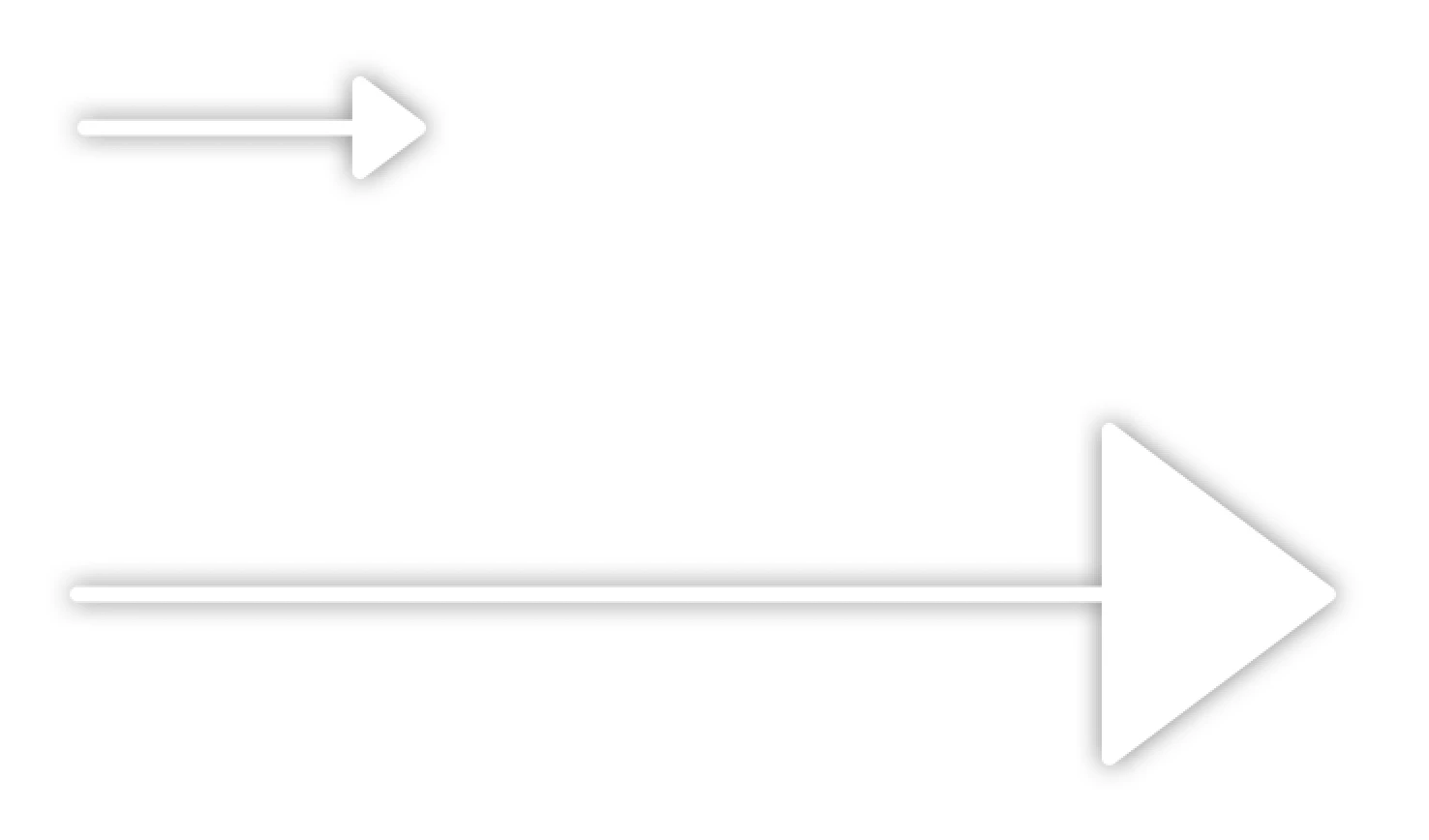

Is it possible to keep the size of everything in proportion, without creating a smart object? I know it's an option in Illustrator, but can't find it in Photoshop.


This topic has been closed for replies.

3 replies

c.pfaffenbichler
Community Expert
Community Expert
March 17, 2024

Could you please post screenshots taken at View > 100% with the pertinent Panels (Toolbar, Layers, Propereties, Paths, Options Bar, …) and the Layer Style dialog visible? 

Boodlums _
Known Participant
March 16, 2024

In fact, ANY shape gives me the scaling blues.

I want to scale a shape 10x, but I want ALL its attributes to scale: stroke width, corner radiuses, etc.

Makes no sense to me that scaling a 100x100 box with 3px corners gives me a 1000x1000 box with 3px corners. I expect those corners to be 30px. I cannot fathom a use case for anything less. I may as well just create a new shape from scratch because it'll take about the same length of wasted time.

c.pfaffenbichler
Community Expert
Community Expert
March 17, 2024

As a work-around you can convert to a Smart Object, then scale the image with Image Size (»Scale Styles« checked). 

Trevor.Dennis
Community Expert
Community Expert
March 17, 2024

That's what I was going to suggest.  Make the shape a Smart Object, and it will almost certainly scale proportionally.

Community Expert
March 6, 2023

I know I always end up rasterizing the object...probably not the smartest move.