
Participant
February 27, 2020
Question

Scaling brushes but keeping resolution

  • February 27, 2020
  • 3 replies
  • 3204 views

Hi, I was wondering if anyone can help. 

I'm using brushes like pencil's and paint brushes, and I'd like to scale them. When you scale them normally, i.e. with the brush size setting it breaks the look. What I want is as though you had scanned a drawing in at a higher resolution, so the brush still looks the same, it's just bigger.

I'm assuming this is just a limitation of the way photoshop makes brushes and brushes only really work at the size they were made? This is a real shame, cause so many brushes seem to made for a lower resolution than I work at.

Here's an example of what I mean:
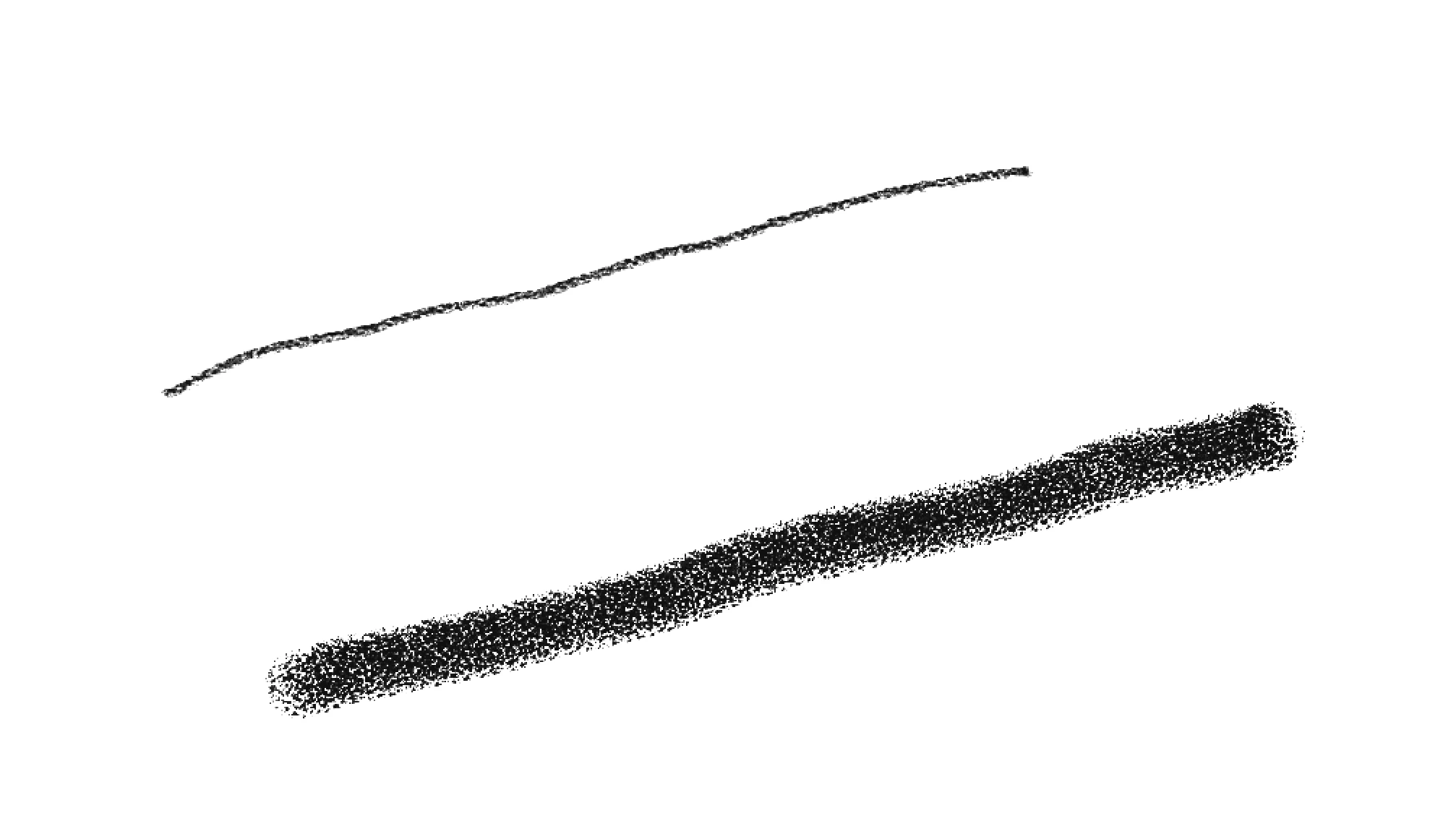
 

Thanks

This topic has been closed for replies.

3 replies

davescm
Community Expert
Community Expert
February 27, 2020

Paint with the brush in black on white then define your own new brush (Edit >Define Brush Preset) using that painting as the basis for your new larger brush


Dave

Leslie Moak Murray
Community Expert
Community Expert
February 27, 2020

You're right, scaling brushes up causes them to lose quality, same as if you tried to blow up a photo. The good news is that you can pretty much always find free brushes that are already the size you need or larger (you can easily scale them down). Try googling "Photoshop pencil brush" or whatever it is you're looking for.

lambiloon
Community Expert
Community Expert
February 27, 2020

Hi yes its true photoshop brushes are pixels base so there size matters when you scale up and down....Regards

Ali Sajjad / Graphic Design Trainer / Freelancer / Adobe Certified Professional