

Scaling down image loss in quality?
Hi everyone,
I am working with drawings that need to be at x scale. I have a scanned drawing and it looks like this inside Photoshop:
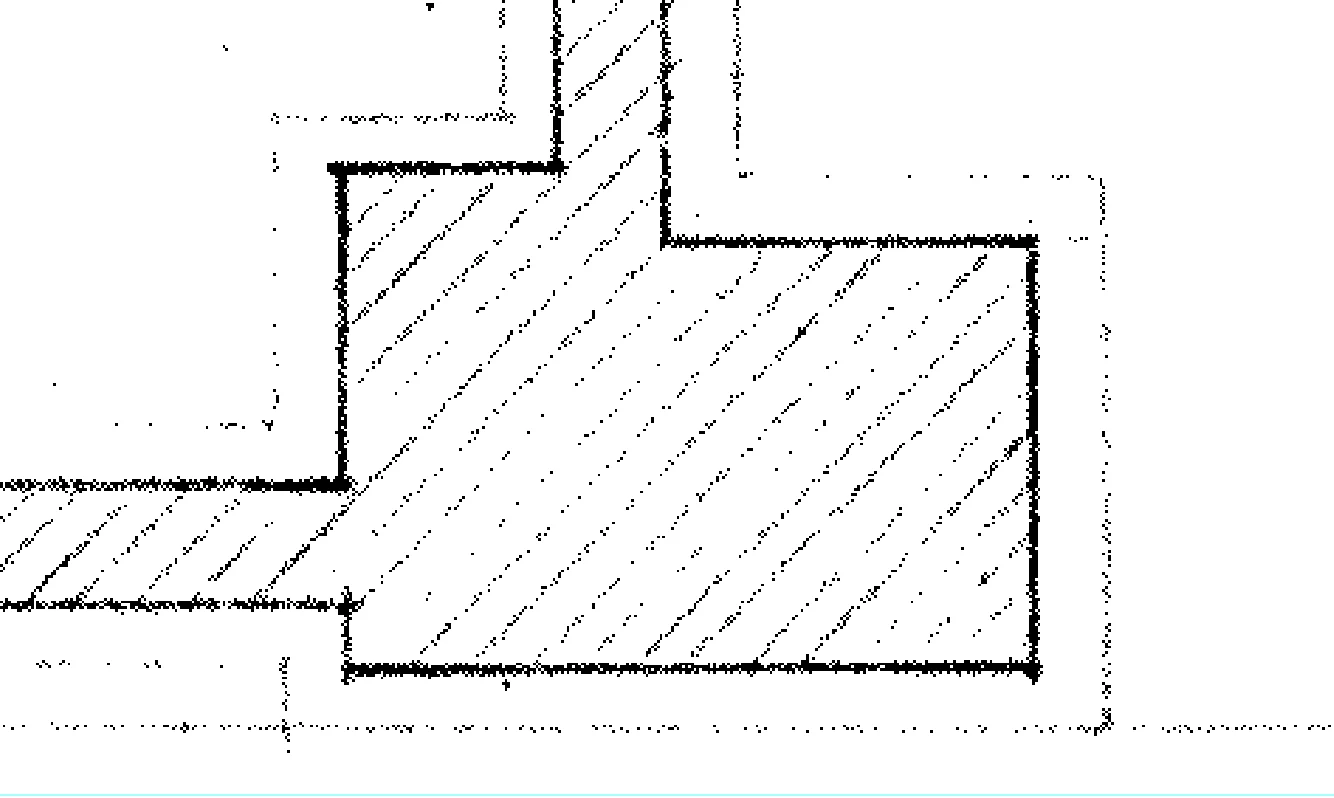
I now scale my image by Edit>Transform>Scale>check mantain aspect ratio>input 24%
So I am scaling down my image from 100% to 24%. The result looks like this:
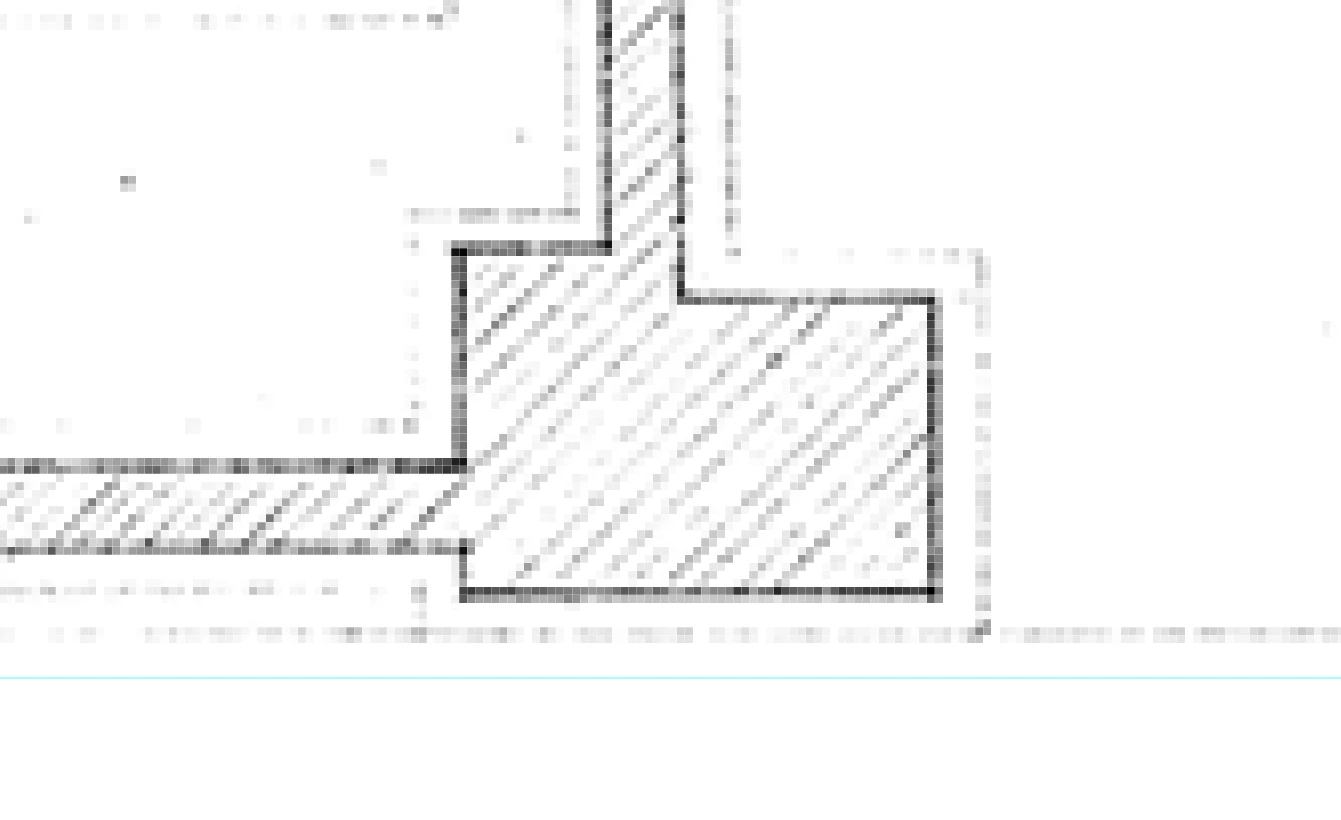
Is this normal with raster software, am I having unreasonable expectations?
What troubles me the most is that the original image is a bitmap with only back and white colors, and when scaled I can see gray tones in the pixels. A simple down scale messed up by whole image! I thought up scaling was the problem as Photoshop has to create new pixels out of the blue. I never thought down scaling would result in a quality loss...
I guess I am looking for clarification whether this is normal and nothing can be done or if I am doing something wrong when scaling (which I doubt), but maybe there is a better method to scale images to x size.
Thank in advance.
 AdChoices