
weronikal13202543
Participant
May 7, 2022
Frage

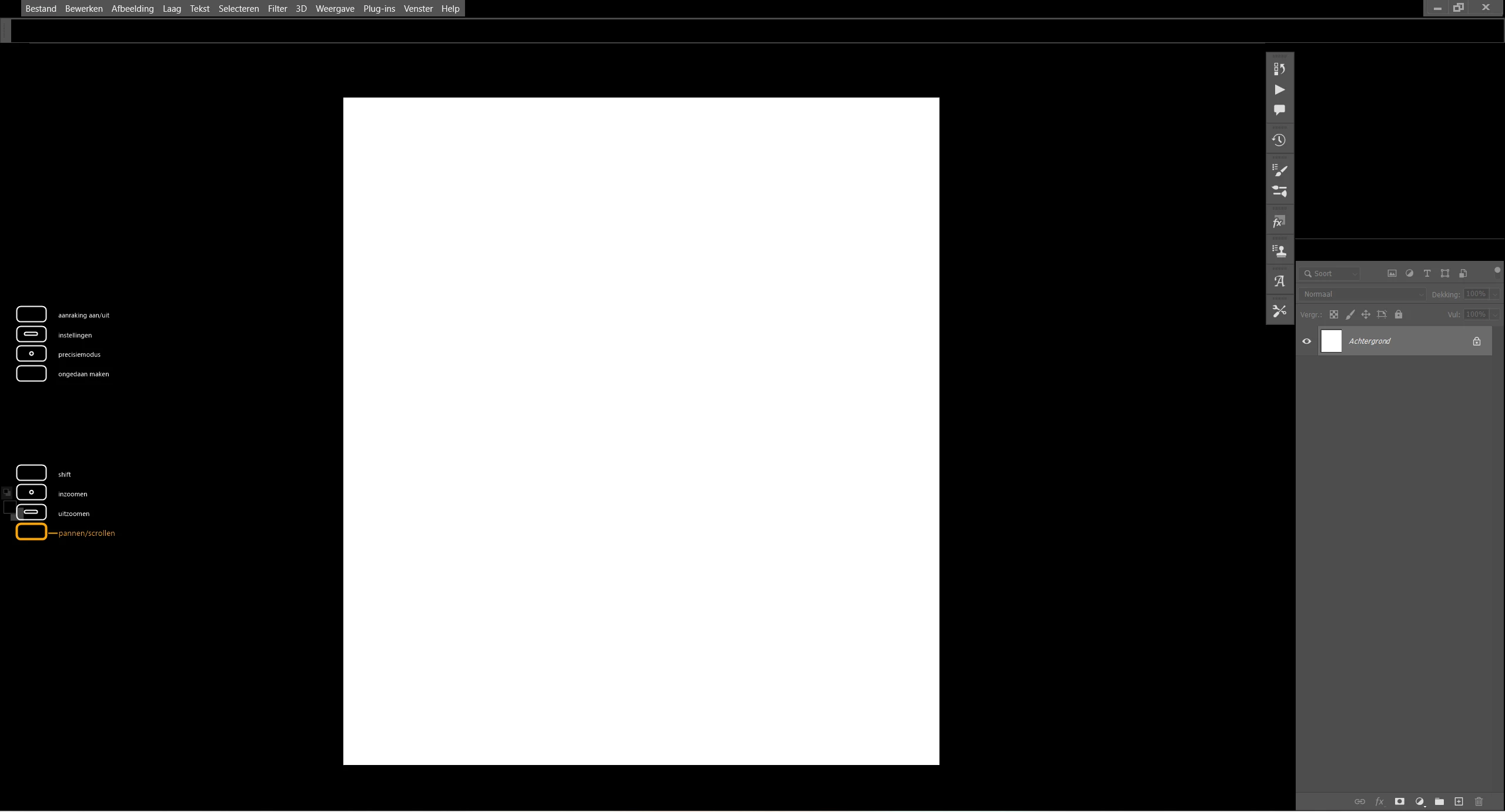
Screen flash black during the work on Photoshop.
  • May 7, 2022
  • 2 Antworten
  • 181 Ansichten

What can be a reason for that kind of behavior? It happens just when I have my Photoshop on, effects also rest of the folder view or pictures which are currently open. Sometimes after a moment view back to normal but many times I am not able to continue my work on Photoshop and as well I cannot save my files. After I will restart my computer, my files are not restored. It looks like it removes all the data that I worked on just before the black flesh happen. 

I use Photoshop version 23.3.1.

Details about my computer:
Windows 11 Home

processor: AMD Ryzen 7 5800X 8-Core Processor 4.00 GHz

RAM: 32,0 GB

64-bits besturingssysteem, x64-processor

Dieses Thema wurde für Antworten geschlossen.

2 Antworten

Participant
May 8, 2022

Hello Jeffrey,

I just re-install PS 23.3.1 after CG upgrade driver Studio (RTX3060TI) and every things run well at this time,  w/o  apply your advice (that i left if  the problem re-appear).

Il expect a bad primo-install. Wail and see ... This ticket can be closed.

Thanks a lot for your help.

Daniel.

Legend
May 7, 2022

Please try the following:

  1. Go to Preferences > Technology Previews... and check "Disable Native Canvas" - then restart Photoshop. Does the problem still occur?
  2. Go to Preferences > Performance... and uncheck Use Graphics Processor. Restart Photoshop. Does the problem persist?