
Exit
  • Global community
    • Language:
      • Deutsch
      • English
      • Español
      • Français
      • Português
  • 日本語コミュニティ
  • 한국 커뮤니티
0

Screenshots from InDesign & Acrobat creating artifacts

Advocate ,
Jan 03, 2020 Jan 03, 2020

I just found that if I take a screenshot from InDesign (in Preview mode) or Acrobat, then paste into Photoshop, it's creating artifacts along edges. In this case, it's creating gray lines/edges along straight lines. 

Here are screenshots from ID and Acrobat (ID on the left). Any idea what's going on?
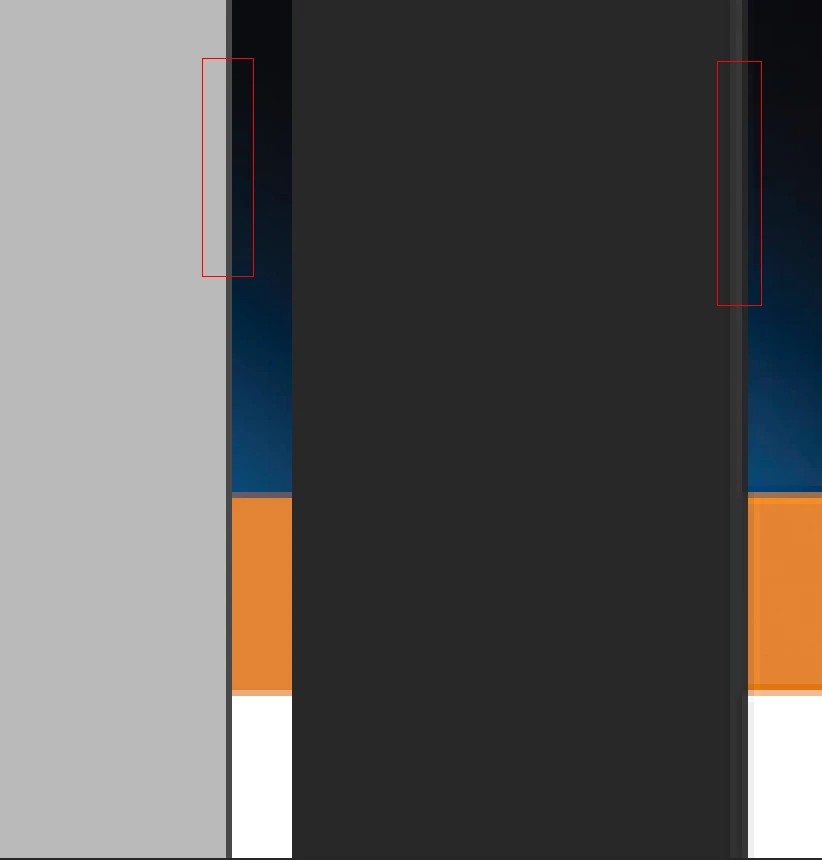
 

edges.jpg

449
Translate
Report
Community guidelines
Be kind and respectful, give credit to the original source of content, and search for duplicates before posting. Learn more
community guidelines
Adobe
Mentor ,
Jan 03, 2020 Jan 03, 2020
LATEST

not sure this is is an adobe issue since the screenshot is takign by the OS? The OS is seen /adding it?

does it print that way? when you make a .jpg or png from acrobat or indesign, do you see the same thing?

Translate
Report
Community guidelines
Be kind and respectful, give credit to the original source of content, and search for duplicates before posting. Learn more
community guidelines