Ok I’ll go back and check. I’ll also install an earlier version of PS and see if it works for now until I can figure out what’s going on. I appreciate your help 😊
I created a file with 3 artboards, all containing content. When I ran the command, File > Export > Artboards to Files, it worked no worries.
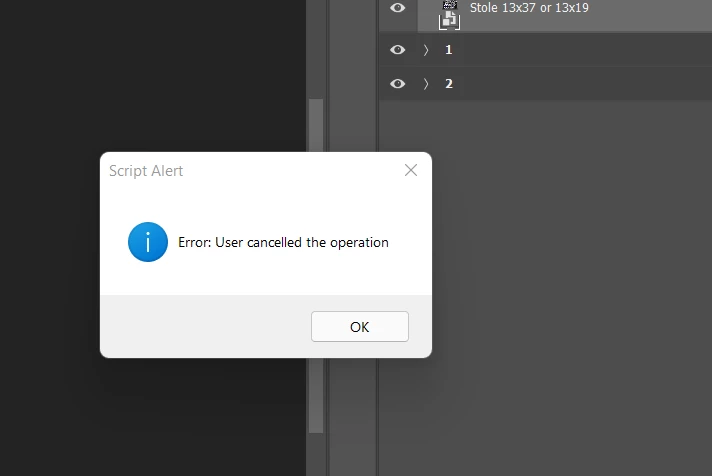
I then deleted the content from one of the artboards, ran the same export command and got an error. Not the same error as you, but an error none the less.
In case you don't know, the Creative Cloud App allows for multiple versions of Photoshop to be simultaneously installed. Perhaps install and use an earlier version while you sort out this current problem.
I'm confused by your screen captures. Based on your Layers panel, it looks like the Artboards labelled 1 and 2 are completely empty which explains the pure white images in the Export As dialog box. Am I missing something?
When I use that path, the artboard are empty and save that way as well. I have many files setup this way and they use to save from Artboards to file with no problem, After I updated my photoshop it won't do it, I'm not sure which version I was using when the feature worked.
Yes. This only happens when I’m trying to export my art boards to files. It doesn’t matter what my settings are if I try to export my art boards this error message pops up. I’ve uninstalled and reinstalled photoshop and still get the same result

 AdChoices