var doc = app.activeDocument;
for(var i = 0; i < doc.channels.length; i++){
var idslct = charIDToTypeID('slct');
var desc1 = new ActionDescriptor();
var idnull = charIDToTypeID('null');
var ref1 = new ActionReference();
var idChnl = charIDToTypeID('Chnl');
ref1.putIndex(idChnl, i + 1);
desc1.putReference(idnull, ref1);
executeAction(idslct, desc1, DialogModes.NO);
var desc = new ActionDescriptor();
var ref = new ActionReference();
ref.putProperty(charIDToTypeID('Chnl'), charIDToTypeID('fsel'));
desc.putReference(charIDToTypeID('null'), ref);
var chnlDesc = new ActionReference();
chnlDesc.putIndex(charIDToTypeID('Chnl'), i + 1);
desc.putReference(charIDToTypeID('T '), chnlDesc);
executeAction(charIDToTypeID('setd'), desc, DialogModes.NO);
doc.selection.deselect();
}
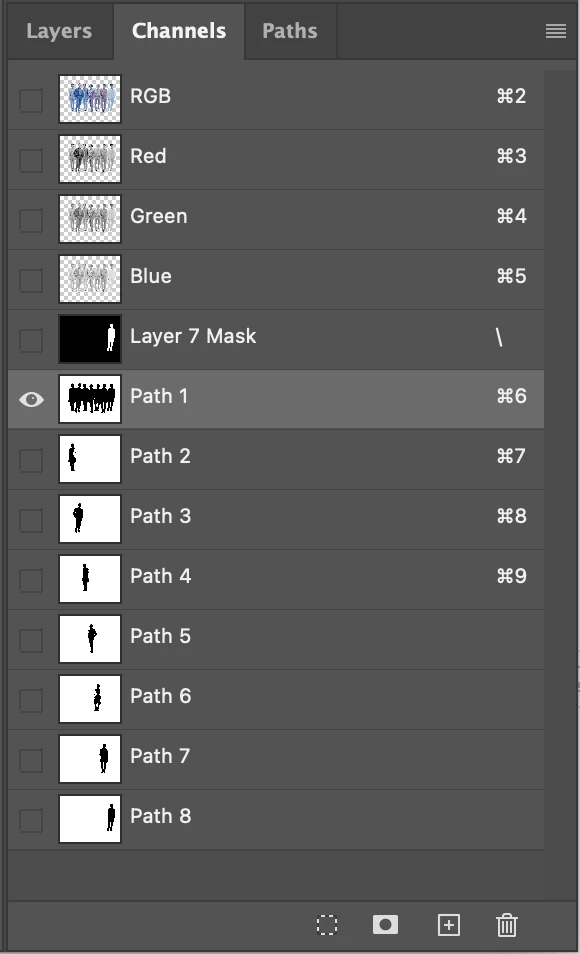
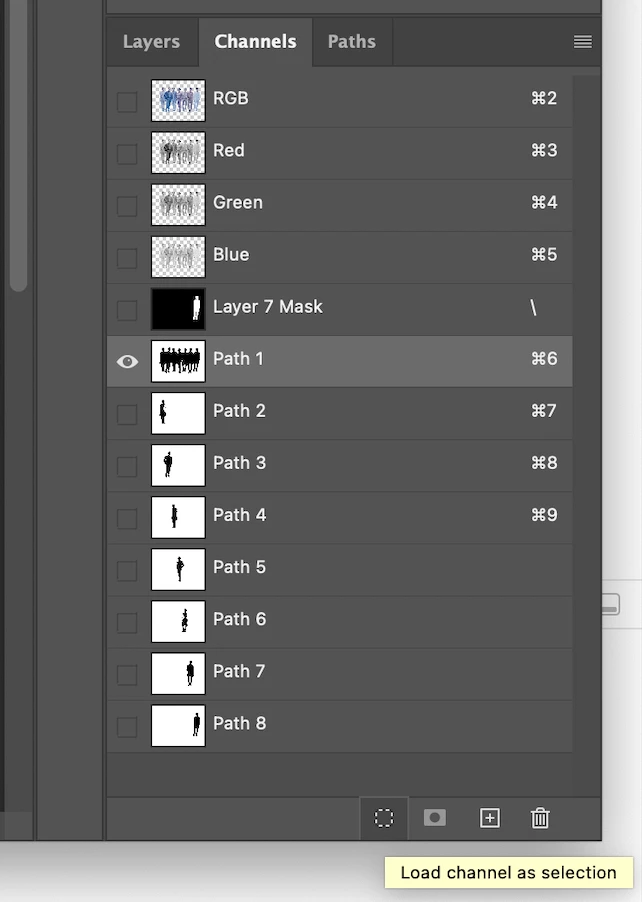
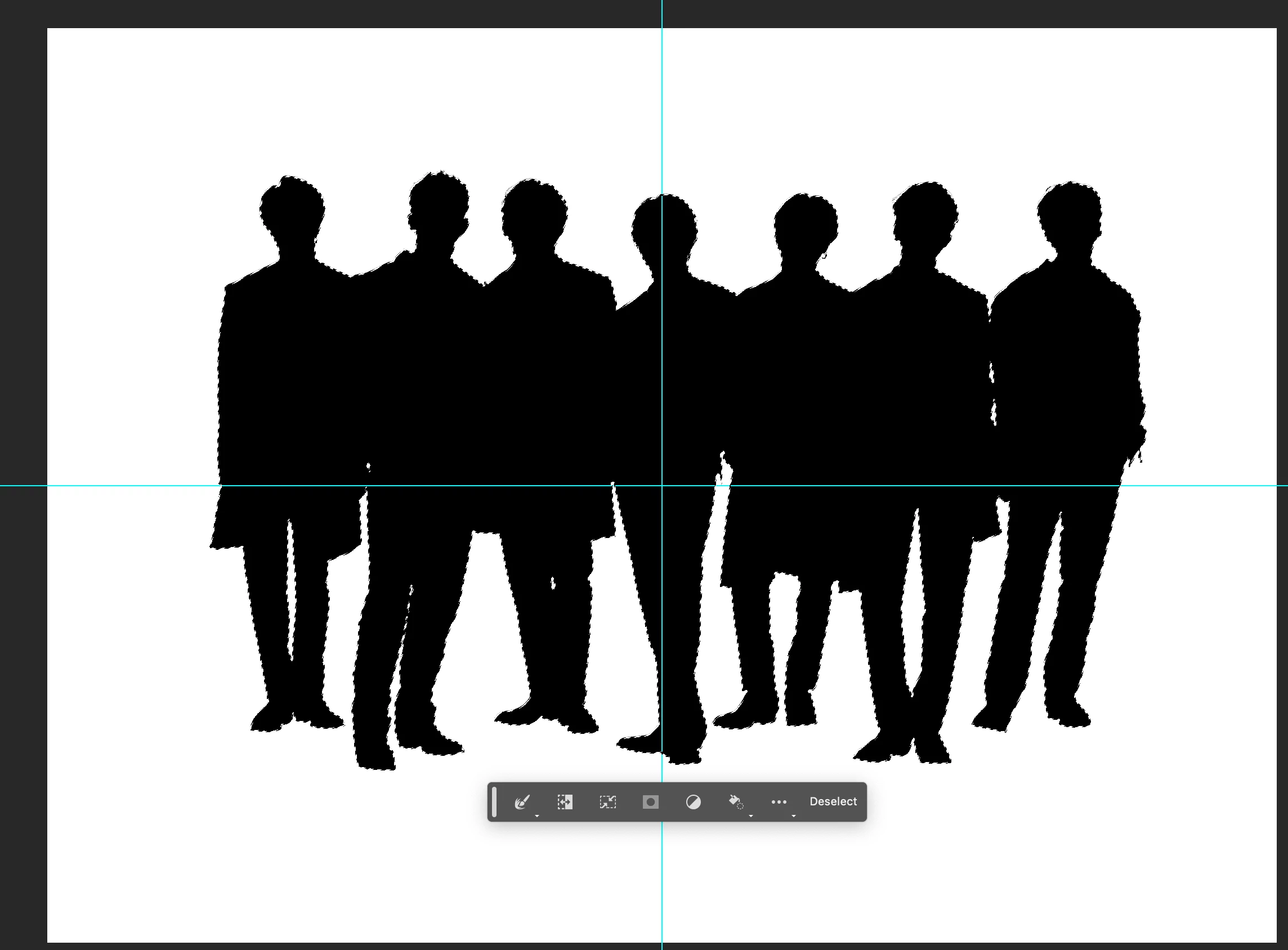
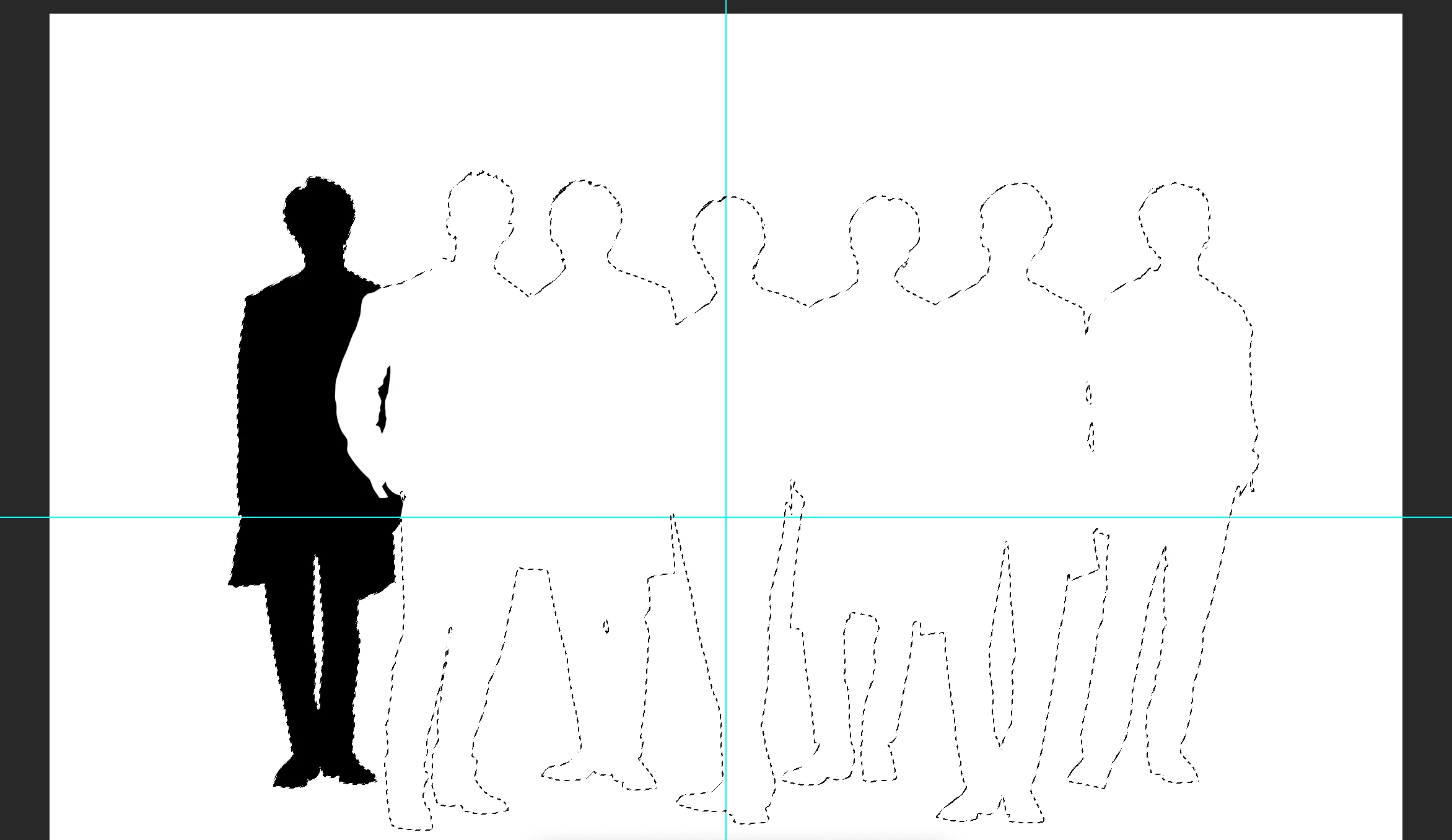
i have this code it will loop each channel and select and after selection it will deselect current channel and after that it will select next channel..
can u provide that create vector path for selected channel/path
@Mahesh12
This code will loop over each alpha channel (ignoring colour channels or spot channels), and create a path from the channel selection (you can adjust the tolerance from 2.0), named after the alpha channel. It doesn't remove existing paths of the same name and it obviously doesn't compare the path name to the channel name or do the other things that you mentioned.
/*
Make Path For Each Alpha Channel.jsx
https://community.adobe.com/t5/photoshop-ecosystem-discussions/script-get-pathpoint-from-channel-selection/m-p/13968783
v1.1 - 29th July 2023, Stephen Marsh
*/

for (var i = 0; i < activeDocument.channels.length; i++) {
    if (activeDocument.channels[i].kind === ChannelType.SELECTEDAREA || activeDocument.channels[i].kind === ChannelType.MASKEDAREA && activeDocument.channels[i].kind !== ChannelType.SPOTCOLOR) {
        var alphaName = activeDocument.channels[i].name;
        var theAlpha = activeDocument.channels[i];
        activeDocument.selection.load(theAlpha, SelectionType.REPLACE, false);
        makeWorkPath(2);
		makePathFromWorkPath(alphaName);
		deselectPath();
    }
}

function makeWorkPath(tolerance) {
	function s2t(s) {
        return app.stringIDToTypeID(s);
    }
	var descriptor = new ActionDescriptor();
	var reference = new ActionReference();
	var reference2 = new ActionReference();
	reference.putClass( s2t( "path" ));
	descriptor.putReference( s2t( "null" ), reference );
	reference2.putProperty( s2t( "selectionClass" ), s2t( "selection" ));
	descriptor.putReference( s2t( "from" ), reference2 );
	descriptor.putUnitDouble( s2t( "tolerance" ), s2t( "pixelsUnit" ), tolerance );
	executeAction( s2t( "make" ), descriptor, DialogModes.NO );
}

function makePathFromWorkPath(pathName) {
	function s2t(s) {
        return app.stringIDToTypeID(s);
    }
	var descriptor = new ActionDescriptor();
	var reference = new ActionReference();
	var reference2 = new ActionReference();
	reference.putClass( s2t( "path" ));
	descriptor.putReference( s2t( "null" ), reference );
	reference2.putProperty( s2t( "path" ), s2t( "workPath" ));
	descriptor.putReference( s2t( "from" ), reference2 );
	descriptor.putString( s2t( "name" ), pathName );
	executeAction( s2t( "make" ), descriptor, DialogModes.NO );
}

function deselectPath() {
	function s2t(s) {
        return app.stringIDToTypeID(s);
    }
	var descriptor = new ActionDescriptor();
	var reference = new ActionReference();
	reference.putEnumerated( s2t( "path" ), s2t( "ordinal" ), s2t( "targetEnum" ));
	descriptor.putReference( s2t( "null" ), reference );
	executeAction( s2t( "deselect" ), descriptor, DialogModes.NO );
}



 AdChoices