@Ryan251528664gwx
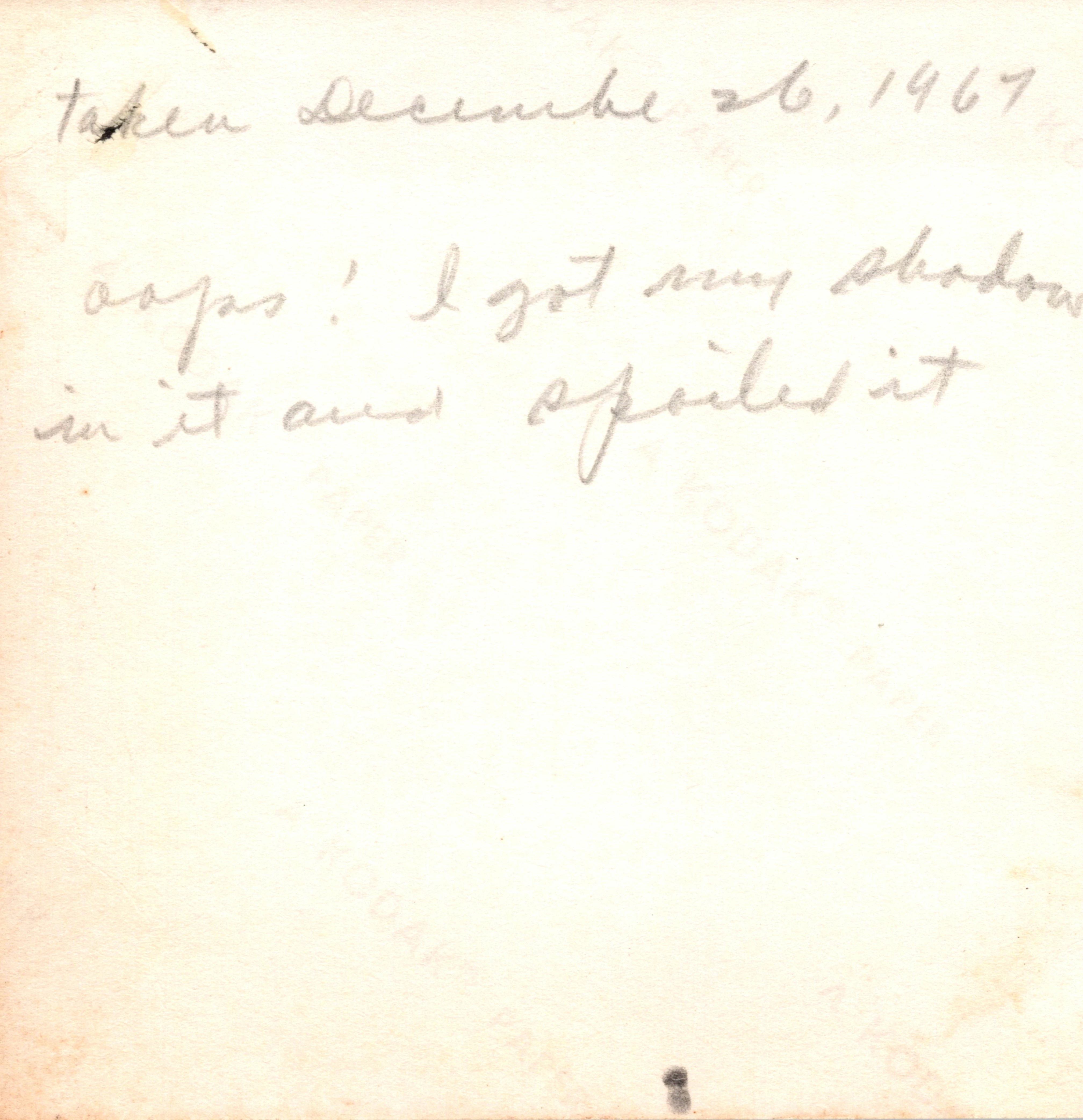
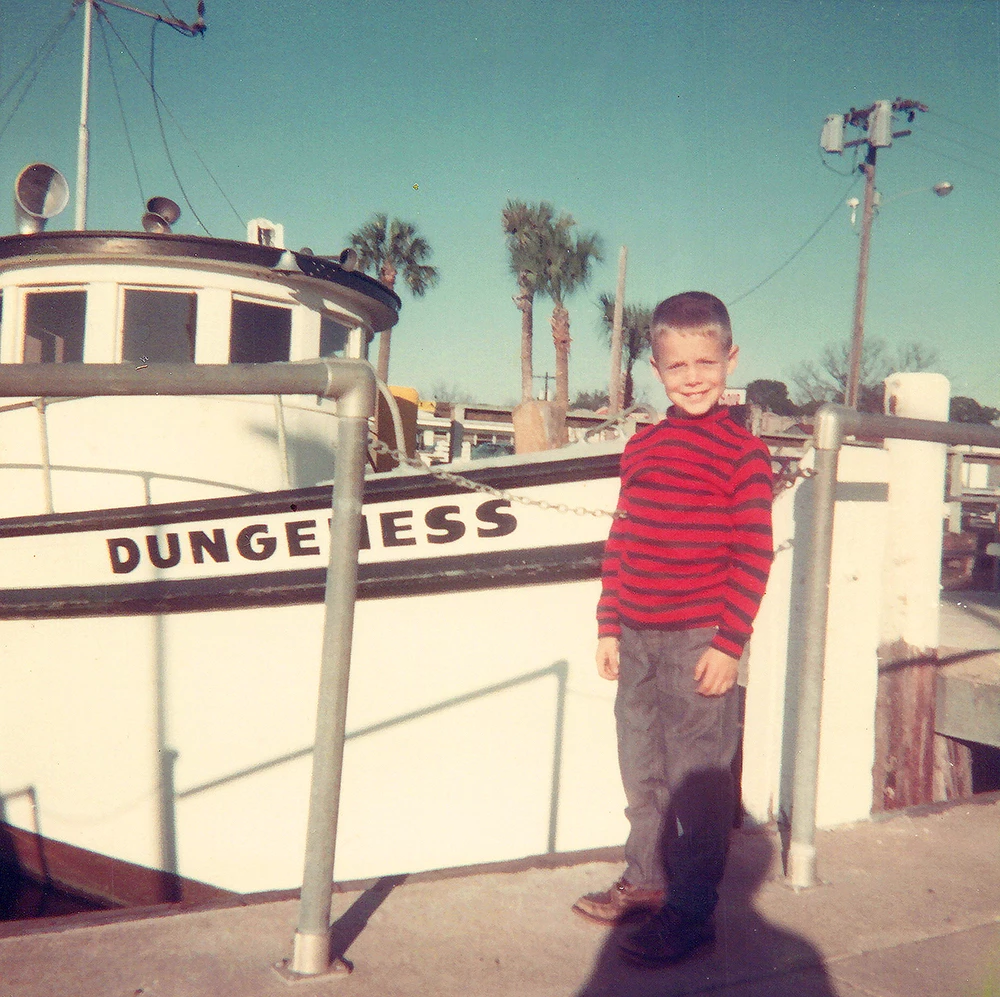
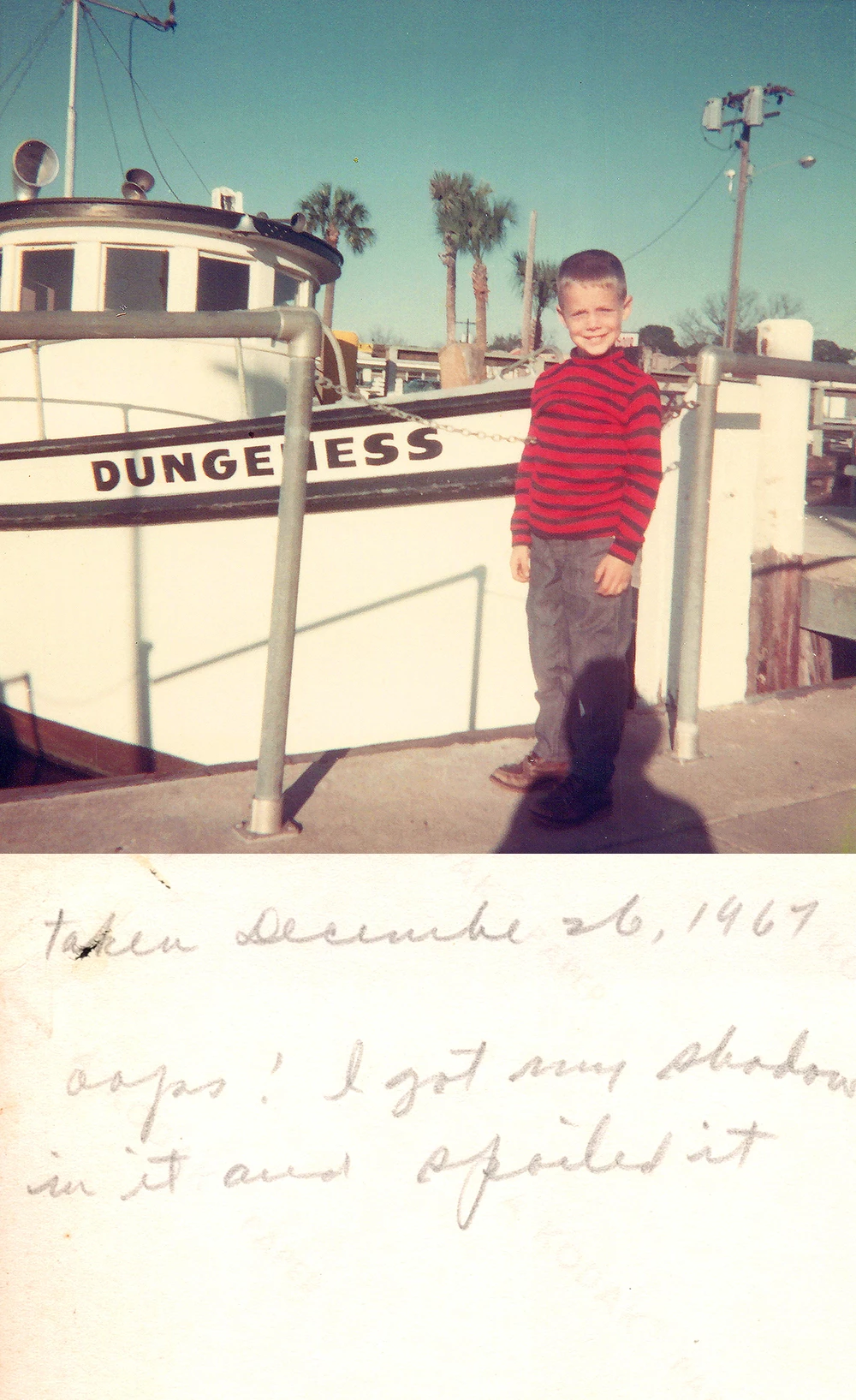
Give this script a try, it works OK with the two samples, however, that will be part of the challenge, it is only based on a single pair of images and may not work as expected with other images that vary (please refer to my previous post).
The script is saving as layered PSD so that you can fine-tune the result. It is of course possible to use a Batch Action or Image Processor to bulk convert the edited PSD output to JPEG after you make any required refinements. There is JPEG placeholder code in there if the result was "close enough" on every image so that the save would be direct to JPEG rather than PSD.
Anyway, this is more of a proof of concept than anything else as there are a lot of unknowns and I am having to make some assumptions.
/*
2up Front & Back Photo Scan Vertical Stacker.jsx
https://community.adobe.com/t5/photoshop-ecosystem-discussions/script-or-automate-two-photos-into-one-collage/m-p/13054361#M656157
Stephen Marsh, v1.0 - 7th July 2022
*/

#target photoshop

(function () {

    if (app.documents.length === 0) {

        try {

            // Input folder 1
            var folder1 = Folder.selectDialog("Select the first input folder (photo front scan):");
            if (folder1 === null) {
                //alert('Script cancelled!');
                return;
            }

            // Input folder 2
            var folder2 = Folder.selectDialog("Select the second input folder (photo back scan)):");
            if (folder2 === null) {
                //alert('Script cancelled!');
                return;
            }

            // Validate input folder selection
            var validateInputDir = (folder1.fsName === folder2.fsName);
            if (validateInputDir === true) {
                alert("Script cancelled as both the input folders are the same!");
                return;
            }

            // Limit the file input to jpg/jpeg
            var list1 = folder1.getFiles(/\.(jpg|jpeg)$/i);
            var list2 = folder2.getFiles(/\.(jpg|jpeg)$/i);

            // Alpha-numeric sort
            list1.sort();
            list2.sort();

            // Validate that folder 1 & 2 lists are not empty
            var validateEmptyList = (list1.length > 0 && list2.length > 0);
            if (validateEmptyList === false) {
                alert("Script cancelled as one of the input folders is empty!");
                return;
            }

            // Validate that the item count in folder 1 & 2 matches
            var validateListLength = (list1.length === list2.length);
            if (validateListLength === false) {
                alert("Script cancelled as the input folders don't have equal quantities of images!");
                return;
            }

            // Output folder
            var saveFolder = Folder.selectDialog("Please select the output folder to save to...");

            // Save and set the dialog display settings
            var savedDisplayDialogs = app.displayDialogs;
            app.displayDialogs = DialogModes.NO;

            /*
            // JPEG save options
            var jpgOptions = new JPEGSaveOptions();
            jpgOptions.formatOptions = FormatOptions.STANDARDBASELINE;
            jpgOptions.embedColorProfile = true;
            jpgOptions.matte = MatteType.NONE;
            jpgOptions.quality = 12;
            */

            var psdOptions = new PhotoshopSaveOptions();
            psdOptions.embedColorProfile = true;
            psdOptions.alphaChannels = true;
            psdOptions.layers = true;
            psdOptions.spotColors = true;

            var counter = 0;

            // Perform the stacking and saving
            for (var i = 0; i < list1.length; i++) {
                var doc = open(list1[i]);
                var docName = doc.name.replace(/\.[^\.]+$/, '');
                doc.activeLayer.isBackgroundLayer = false;
                doc.activeLayer.name = docName;
                placeFile(list2[i], 100);
                moveLayerRelativeStack("back");
                relativeCanvasSize(true, 100);
                align2SelectAll('AdBt');
                resizeToDocWidth();
                doc.saveAs(new File(saveFolder + '/' + docName + '_2up' + '.psd'), psdOptions);
                doc.close(SaveOptions.DONOTSAVECHANGES);
                counter++;
            }

            // End of script
            app.displayDialogs = savedDisplayDialogs;
            app.beep();
            alert('Script completed!' + '\r' + counter + ' layered PSD files saved to:' + '\r' + saveFolder.fsName);

        } catch (err) {
            while (app.documents.length > 0) {
                app.activeDocument.close(SaveOptions.DONOTSAVECHANGES);
            }
            alert("An unexpected error has occurred!");
        }

    } else {
        alert('Please close all open documents before running this script!');
    }

    // Functions

    function moveLayerRelativeStack(relPos) {
        // "previous" or "next" or "front" or "back"
        var c2t = function (s) {
            return app.charIDToTypeID(s);
        };
        var s2t = function (s) {
            return app.stringIDToTypeID(s);
        };
        var descriptor = new ActionDescriptor();
        var reference = new ActionReference();
        var reference2 = new ActionReference();
        reference.putEnumerated(s2t("layer"), s2t("ordinal"), s2t("targetEnum"));
        descriptor.putReference(c2t("null"), reference);
        reference2.putEnumerated(s2t("layer"), s2t("ordinal"), s2t(relPos));
        descriptor.putReference(s2t("to"), reference2);
        executeAction(s2t("move"), descriptor, DialogModes.NO);
    }

    function resizeToDocWidth() {
        /*
        https://community.adobe.com/t5/photoshop-ecosystem-discussions/trying-to-do-text-to-fit-the-width-of-the-canvas-dimensions/m-p/11589399
        */
        if (!documents.length) return;
        var startRulerUnits = app.preferences.rulerUnits;
        app.preferences.rulerUnits = Units.PIXELS;
        var doc = app.activeDocument;
        // var res = doc.resolution;
        var dWidth = doc.width;
        var LB = activeDocument.activeLayer.bounds;
        var Width = LB[2].value - LB[0].value;
        var onePix = 100 / Width;
        var newSize = onePix * dWidth;
        doc.activeLayer.resize(newSize, newSize, AnchorPosition.MIDDLECENTER);
        app.preferences.rulerUnits = startRulerUnits;
    }

    function relativeCanvasSize(relative, height) {
        var s2t = function (s) {
            return app.stringIDToTypeID(s);
        };
        var descriptor = new ActionDescriptor();
        descriptor.putBoolean(s2t("relative"), relative);
        descriptor.putUnitDouble(s2t("height"), s2t("percentUnit"), height);
        descriptor.putEnumerated(s2t("vertical"), s2t("verticalLocation"), s2t("top"));
        executeAction(s2t("canvasSize"), descriptor, DialogModes.NO);
    }

    function align2SelectAll(method) {
        /* https://gist.github.com/MarshySwamp/df372e342ac87854ffe08e79cbdbcbb5 */

        //www.ps-scripts.com/viewtopic.php?f=66&t=7036&p=35273&hilit=align+layer#p35273
        /*
        //macscripter.net/viewtopic.php?id=38890
        AdLf = Align Left
        AdRg = Align Right
        AdCH = Align Centre Horizontal
        AdTp = Align Top
        AdBt = Align Bottom
        AdCV = Align Centre Vertical
        */

        app.activeDocument.selection.selectAll();

        var desc = new ActionDescriptor();
        var ref = new ActionReference();
        ref.putEnumerated(charIDToTypeID("Lyr "), charIDToTypeID("Ordn"), charIDToTypeID("Trgt"));
        desc.putReference(charIDToTypeID("null"), ref);
        desc.putEnumerated(charIDToTypeID("Usng"), charIDToTypeID("ADSt"), charIDToTypeID(method));
        try {
            executeAction(charIDToTypeID("Algn"), desc, DialogModes.NO);
        } catch (e) {}

        app.activeDocument.selection.deselect();

    }

    function placeFile(file, scale) {
        try {
            var idPlc = charIDToTypeID("Plc ");
            var desc2 = new ActionDescriptor();
            var idnull = charIDToTypeID("null");
            desc2.putPath(idnull, new File(file));
            var idFTcs = charIDToTypeID("FTcs");
            var idQCSt = charIDToTypeID("QCSt");
            var idQcsa = charIDToTypeID("Qcsa");
            desc2.putEnumerated(idFTcs, idQCSt, idQcsa);
            var idOfst = charIDToTypeID("Ofst");
            var desc3 = new ActionDescriptor();
            var idHrzn = charIDToTypeID("Hrzn");
            var idPxl = charIDToTypeID("#Pxl");
            desc3.putUnitDouble(idHrzn, idPxl, 0.000000);
            var idVrtc = charIDToTypeID("Vrtc");
            var idPxl = charIDToTypeID("#Pxl");
            desc3.putUnitDouble(idVrtc, idPxl, 0.000000);
            var idOfst = charIDToTypeID("Ofst");
            desc2.putObject(idOfst, idOfst, desc3);
            var idWdth = charIDToTypeID("Wdth");
            var idPrc = charIDToTypeID("#Prc");
            desc2.putUnitDouble(idWdth, idPrc, scale);
            var idHght = charIDToTypeID("Hght");
            var idPrc = charIDToTypeID("#Prc");
            desc2.putUnitDouble(idHght, idPrc, scale);
            var idAntA = charIDToTypeID("AntA");
            desc2.putBoolean(idAntA, true);
            executeAction(idPlc, desc2, DialogModes.NO);
        } catch (e) {}
    }

}());
- Copy the code text to the clipboard
- Open a new blank file in a plain-text editor (not in a word processor)
- Paste the code in
- Save the text file as .txt
- Rename the file extension from .txt to .jsx
- Install or browse to the .jsx file to run:
https://prepression.blogspot.com/2017/11/downloading-and-installing-adobe-scripts.html#Photoshop






 AdChoices