Resuelto
Script to change name of document to its size tag and save overwrite
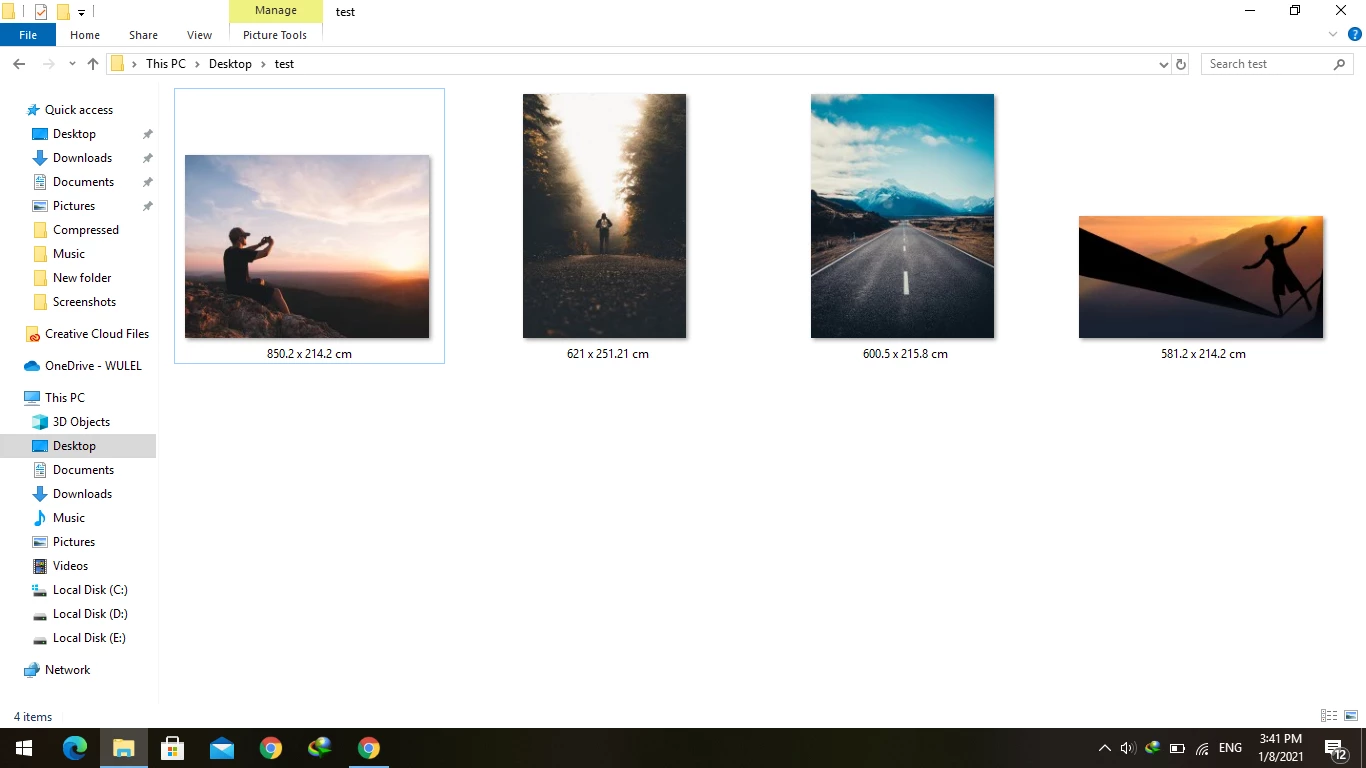
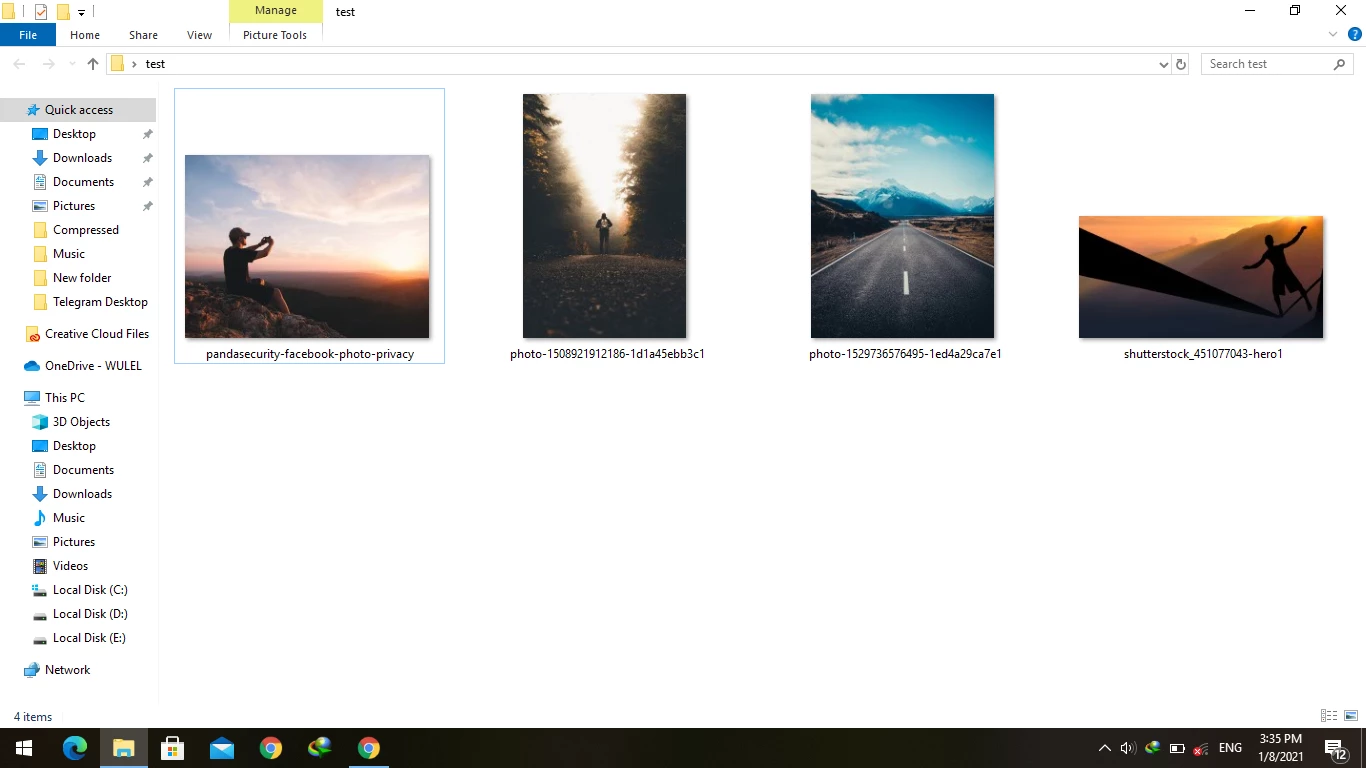 Hello everyone,
i need a script can change name of document to its size in cm then save over original file (not save as).

Hello everyone,
i need a script can change name of document to its size in cm then save over original file (not save as).
OK, that is easy enough to separate the width and height into separate columns...
And. Yes but I need time that's better to separate it.
* Is it enough to have the value such as 10 or should it be expressed as 10 cm for example?
Ans. 10 cm it's better not 10 only
* Are you happy with the full path including filename? Or would you prefer only the filename?
Ans. I think the only file name its enough not path link as you put in.
* Do you need the resolution value?
Ans. Yes resolution its good to have in.
* Any other file property?
Thanks in advance
Try this v2 code:
/*
Folder to CSV list of files and print sizes in CM.jsx
Version 2.1

Script to change name of document to its size tag and save overwrite
https://community.adobe.com/t5/photoshop/script-to-change-name-of-document-to-its-size-tag-and-save-overwrite/td-p/11736503

Based on code from - https://forums.adobe.com/message/9697558#9697558
*/

#target photoshop;
app.bringToFront();

// Save the current ruler units dialog display settings
var savedRuler = app.preferences.rulerUnits;
var savedDialogs = app.displayDialogs;

main();

function main() {
    var inputFolder = Folder.selectDialog("Please select folder to process");
    if (inputFolder === null) return;
    // Filter and limit the file type input
    var inputList = inputFolder.getFiles(/\.(jpg|jpeg|tif|tiff|psd|psb|tga|png)$/i);

    app.displayDialogs = DialogModes.NO;

    var outputFile = File(Folder.desktop + "/" + decodeURI(inputFolder.name) + " - print sizes.csv");
    outputFile.open('w');
    // Write the column headers
    outputFile.writeln("Filename,Width (CM),Height (CM),Resolution (PPI)");
    for (var a in inputList) {
        open(inputList[a]);
        var aDoc = app.activeDocument;
        app.preferences.rulerUnits = Units.CM;
        // Round to 2 decimal places, regex tidy integers
        var printWidth = aDoc.width.value.toFixed(2).replace(/\.00$/, '');
        var printHeight = aDoc.height.value.toFixed(2).replace(/\.00$/, '');

        // Write the column values
        // Change to app.activeDocument.fullName to include the file path
        outputFile.writeln(decodeURI(app.activeDocument.name) + "," + printWidth + " cm" + "," + printHeight + " cm" + "," + aDoc.resolution.toFixed(3).replace(/\.000$/, '') + " ppi");
        app.activeDocument.close(SaveOptions.DONOTSAVECHANGES);
    }

    outputFile.close(SaveOptions.DONOTSAVECHANGES);
    alert(inputList.length + " images processed!\nCSV created:\n" + decodeURI(outputFile));

    // Restore the current ruler units dialog display settings
    app.preferences.rulerUnits = savedRuler;
    app.displayDialogs = savedDialogs;
}
Enter your E-mail address. We'll send you an e-mail with instructions to reset your password.
 AdChoices