This topic has been closed for replies.
Correct answer c.pfaffenbichler

To check and fix seams use the Offset Filter and touch them up before defining the new Pattern.

3 replies

Known Participant
March 17, 2017

The problem is that inside the brush is an effect

c.pfaffenbichler
Community Expert
c.pfaffenbichlerCommunity ExpertCorrect answer
Community Expert
March 19, 2017

To check and fix seams use the Offset Filter and touch them up before defining the new Pattern.

Known Participant
March 17, 2017

In fact the problem is not the size. I need to use that size cause is for fabric printing.

The real  problem is not even to create an obliqe line pattern.

The real problem is create a SEAMLESS pattern starting from a brush line.

is this possible?

I know that i'm not  too mutch skilled so please be patient 

c.pfaffenbichler
Community Expert
Community Expert
March 17, 2017

Use the Offset Filter to get the »seams« to the center of the page’s height and width, then touch them up.

The resulting image should work as the basis of a Pattern (Edit > Define Pattern).

Known Participant
March 17, 2017

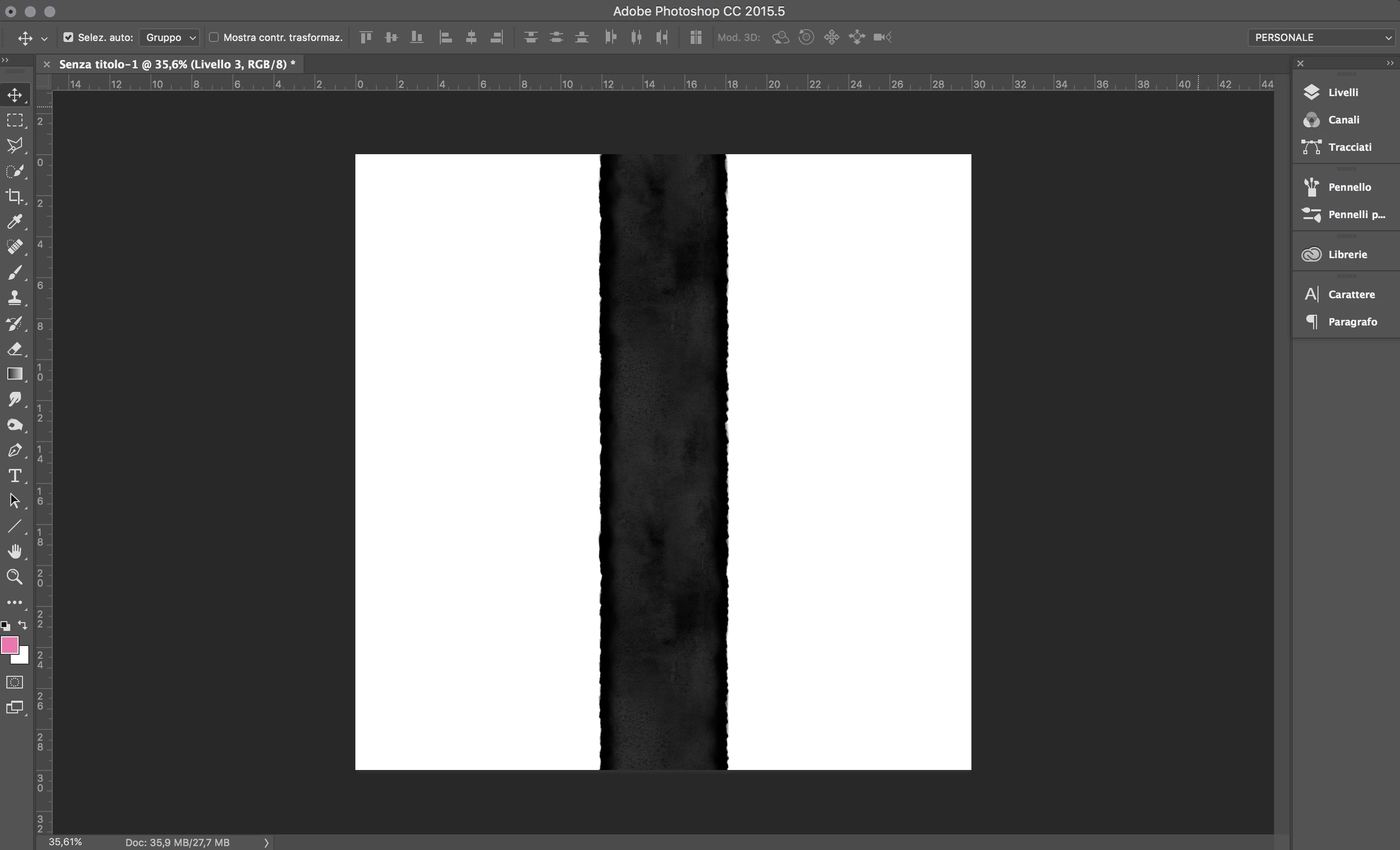
Sorry but i think i do not understand. This is what happen if i use the offset filter

Lines are not connected

c.pfaffenbichler
Community Expert
Community Expert
March 17, 2017

Your original screenshot showed a vertical line …

Basically you can still

• start with a »vertical«, square Pattern

• create a Pattern Fill Layer that is at least twice the size of the Pattern tile

• convert it to a Smart Object

• rotate it 45˚

• select a square area of 141.4% the size of the original tile and define a new Pattern