

Morazan
Known Participant
March 16, 2024
Question

Seamless Pattern Issues (Cross Hatching)

  • March 16, 2024
  • 2 replies
  • 1248 views

I'm trying to create a hand-drawn cross-hatch pattern for the background of a 24" x 36" (61cm x 91cm) graphic. I know how to create seamless patterns; my problem however is that there's too much repetition and you can see where each square is. Is there a way to adjust the pattern to where it will seem natural as opposed to repeating tiles? Thanks in advance for your help.


Here's a portion of the pattern for reference:
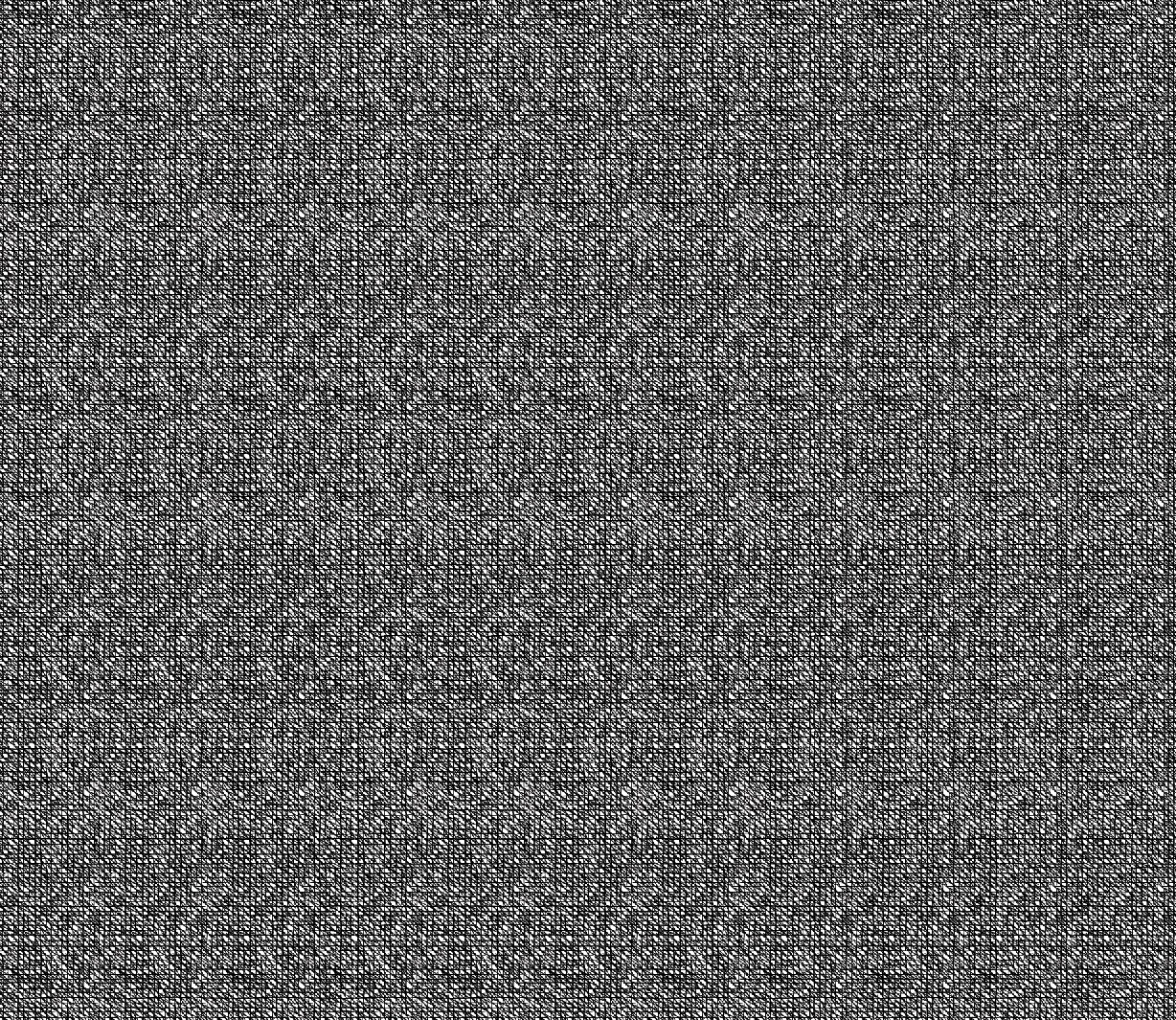


PS: Adobe, your list of topics, which I'm required to select, have absolutely NO relevance whatsoever to my question. Please fix your mess.


This topic has been closed for replies.

2 replies

D Fosse
Community Expert
Community Expert
March 17, 2024

How does it look at View > 100% ?


This could be an on-screen resampling artifact.

Morazan
MorazanAuthor
Known Participant
March 17, 2024

In the case of the tile square it repeats regardless of the magnification.

D Fosse
Community Expert
Community Expert
March 18, 2024

I didn't mean any magnification. I meant 100% specifically.


100% in Photoshop has nothing to do with size as such. It means one image pixel is represented by exactly one physical screen pixel. That's the only way to see the pixel structure correctly. At any other zoom ratio, the pixels sent to screen are resampled, and with fine pixel structure that usually introduces some artifacts.

Semaphoric
Community Expert
Community Expert
March 16, 2024

Maybe judicious use of the Clone Stamp tool? One thing I've found is, the smaller the pattern, the more obvious the tiling.

Morazan
MorazanAuthor
Known Participant
March 16, 2024

Thanks for your reply @Semaphoric . Yeah, that's the thing, the pattern has to be that small because it's the backgroundk and the source/inspo image has it that way (it's an 18th-century illustration). I think what I might end up doing is to create a line pattern to fit the print area using the blend tool, using a hand-illustrated brush to make the lines look hand-drawn. Still, there has to be another way, I'm thinking. No way I'm the first person to deal with this issue.

Semaphoric
Community Expert
Community Expert
March 16, 2024
quote

Thanks for your reply @Semaphoric . Yeah, that's the thing, the pattern has to be that small because it's the backgroundk and the source/inspo image has it that way (it's an 18th-century illustration). I think what I might end up doing is to create a line pattern to fit the print area using the blend tool, using a hand-illustrated brush to make the lines look hand-drawn. Still, there has to be another way, I'm thinking. No way I'm the first person to deal with this issue.


By @Morazan


Believe me, you aren't the first 🙂 I usually look for the most apparent flaw in my pattern tiling, correct it, and repeat as necessary. Often, it's back to square one.