
Answered
Select And Mask not working
When I have a selection (created on basis of Select -> Color Range)
And I then do Select -> Select and Mask...
I get a preview of my image without any selection and I can't do ANYTHING with it apart from <ESCAPE> to close the window.
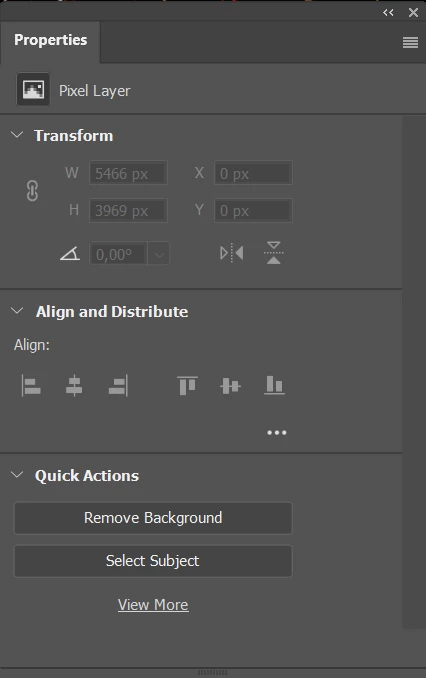
The properties panel does not show the items I expect. Almost everything is greyed out and unresponsive.
I was expecting a properties window something like the one below (copied from youtube):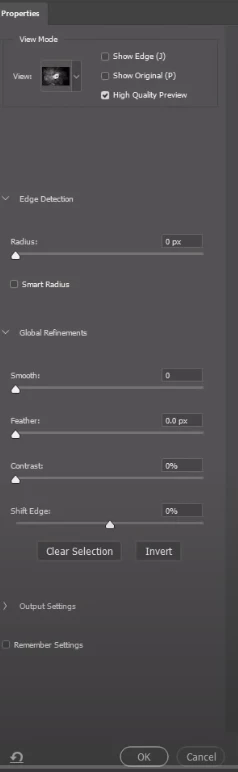
I'm working with Photoshop 2021 (v22.0.0) on Windows 10
Thanks,
Paul
 AdChoices