
Question
Select difference between Exact same layers in Photoshop CC 2019
This two image is exact same in size and color as you see without the design in it.I know how to make the difference between this.I can do it by the "Difference blend mode" option .
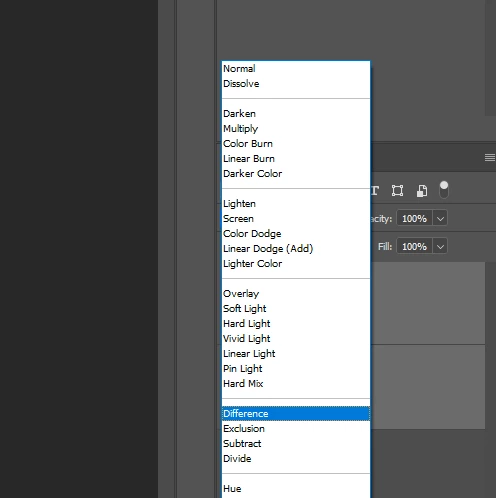
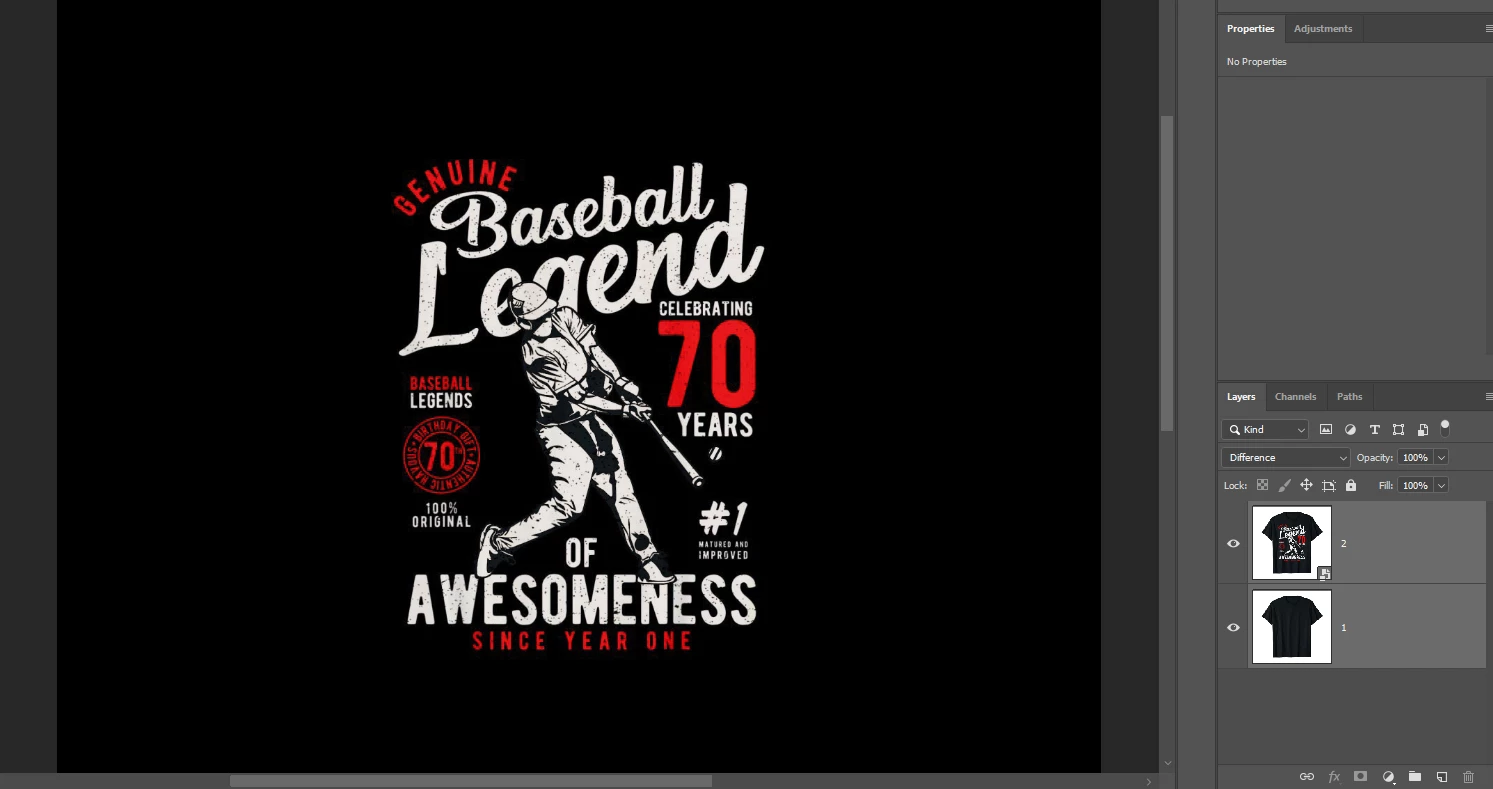
But problem comes when i want to select the design without black areas.it dont perfect.I want the design png.
Is there any way to make the "Difference blend mode" same area color "black" to transparent? That would make me able to save perfect png..
I dont want like this
I want to make like this
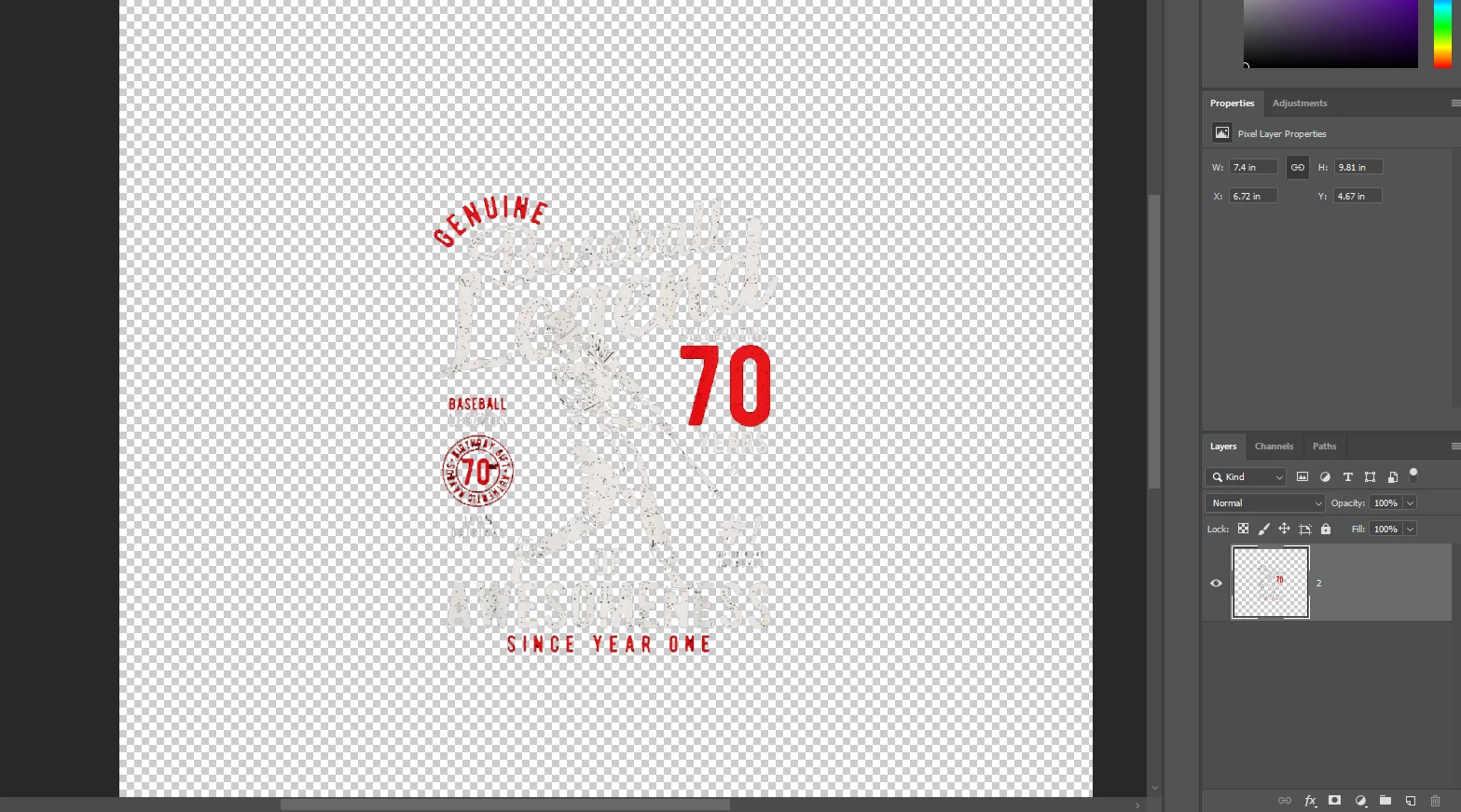
The only reason i wanted this is to save the design png perfectly.
i hope anyone would help me
 AdChoices