AG_Ps_100
Inspiring
December 31, 2018
Beantwortet

Selecting the main subject (Biggest)

  • December 31, 2018
  • 2 Antworten
  • 2231 Ansichten

Hello everyone,

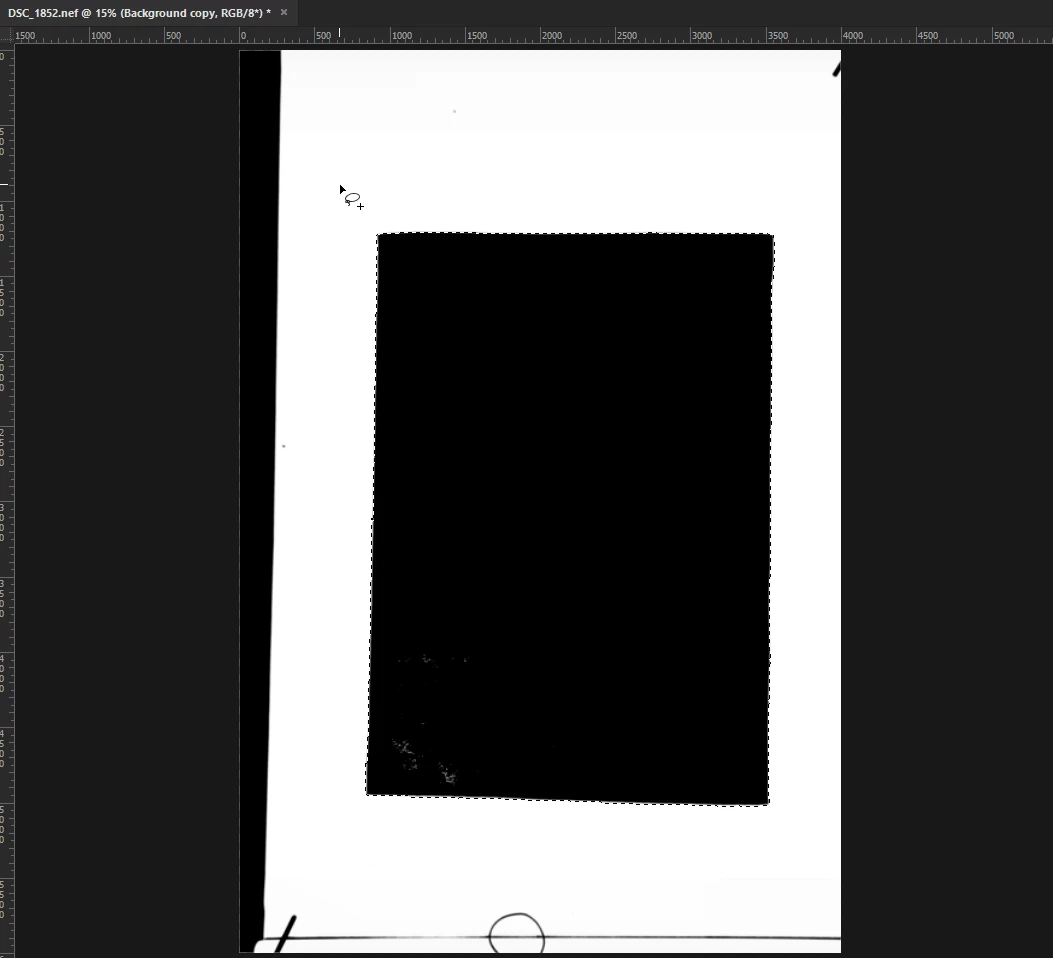
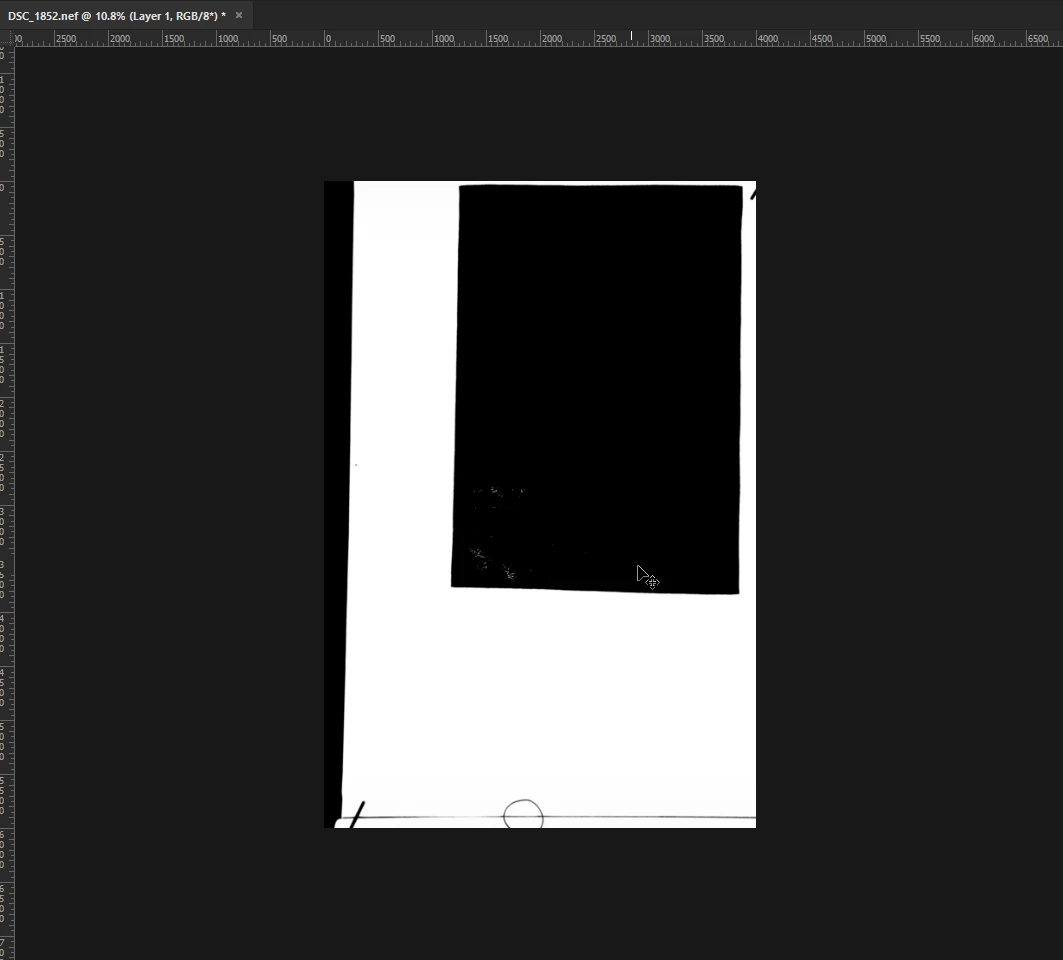
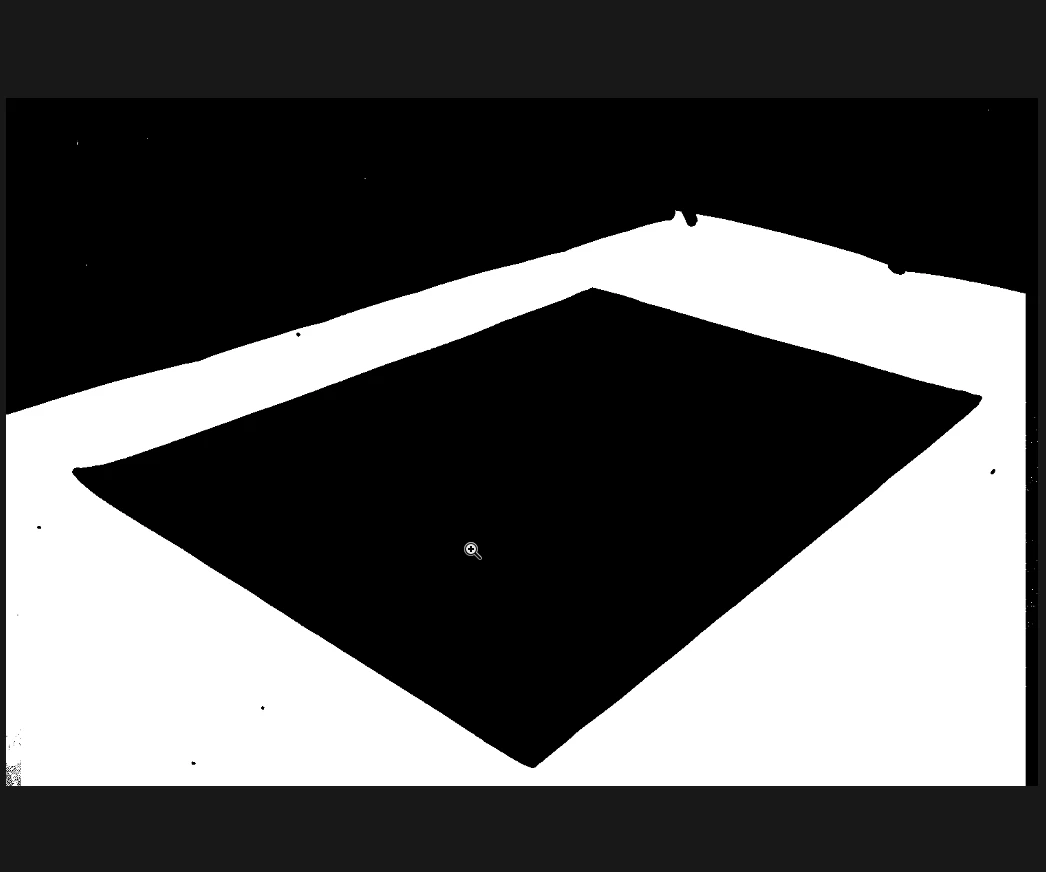
I attached some picture of what I want to do, I already put a threshold adjustment layer, now i want to select the biggest black object in the picture.

It is a one piece, and usually in different places so recording magic wand for example in the same location every time won't help, also Photoshop "Select Subject" isn't a good solution.

here are the pictures, let me know what you think

Dieses Thema wurde für Antworten geschlossen.
Beste Antwort von Kukurykus

I switched the two lines, value is 1, here is the immediate result:
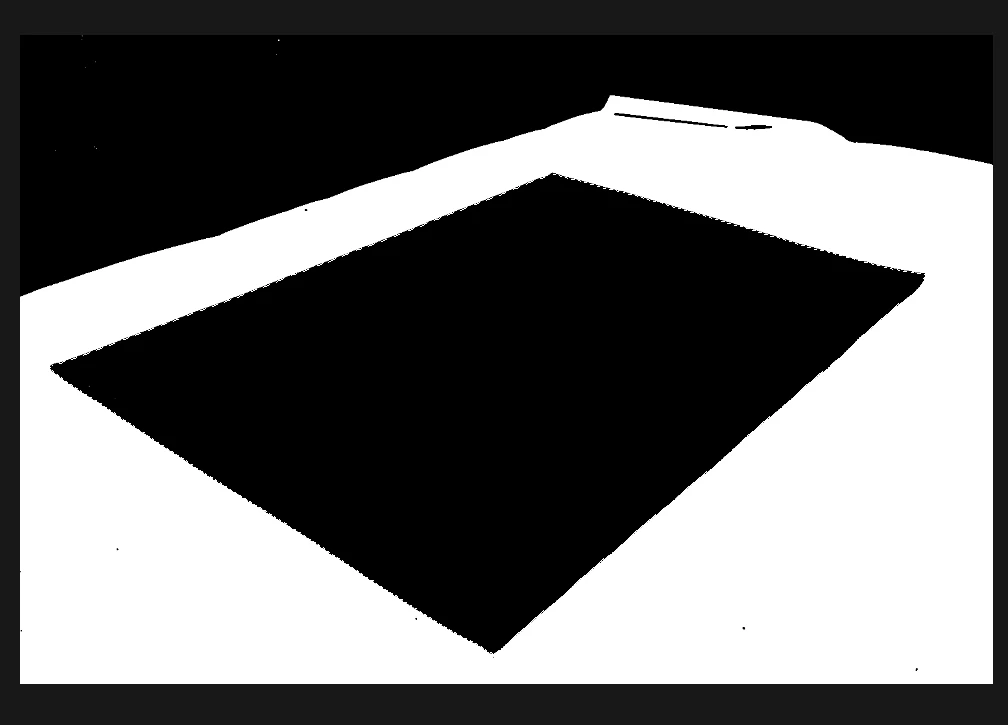
edges are a bit not precise since it relies on work path:
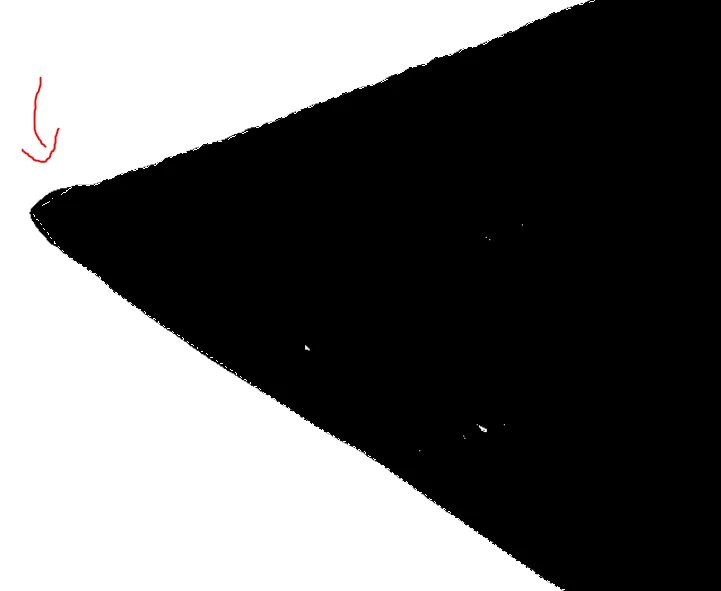
So I used Select > Grow Like you told me on your first reply + Expand 4px,

It's not perfect because it's via paths but it's good enough, i will try on many more pictures and share them

Thank you


The value you switched to is too low as process will take too long time. Use at least value 2 or higher like I suggested so it's going to work very fast. I was aware of edges they will be rounded, and adviced to add part of code that fix that (however I guess you could do it manually).

You must specify the value of Magic Wand if you use 'Select / Grow'. I'm not sure why you then use Expand +4, but if you added additional step that selecting black pixels again you had perfect selection of your carpet. Anyway here is complete code for that:

sTT = stringIDToTypeID, dsc = new ActionDescriptor()

function cR() {

     dsc.putEnumerated(c = sTT('colors'), c, sTT('shadows')), executeAction(sTT('colorRange'), dsc)

}

cR(), dsc.putInteger(sTT('shadowsUpperLimit'), 0), dsc.putBoolean(sTT('invert'), false)

ref1 = new ActionReference(), ref2 = new ActionReference(), ref1.putClass(sTT('path'))

dsc.putReference(sTT('null'), ref1), ref2.putProperty(sTT('selectionClass'), sTT('selection'))

dsc.putReference(sTT('from'), ref2), dsc.putUnitDouble(sTT('tolerance'), sTT('pixelsUnit'), 2)

executeAction(sTT('make'), dsc)

len = (sPI = (pI0 = (aD = activeDocument).pathItems[0]).subPathItems).length

for(arr = [], i = 0; i < len; i++) {

     for(pts = [], j = 0; j < (pP = sPI.pathPoints).length;) pts.push(pP[j++].anchor);

     (sel = aD.selection).select(pts), hst = aD.histogram[0]

     $.level = 0; try{

          sel.bounds; if (!arr.length || hst > arr[0][0]) arr[0] = [hst, pts, i]

     }

     catch(err){}

}

pI0.remove(), sel.select(arr[0][1]), sel.grow(255, true), sel.expand(5), cR()

In the last line instead of sel.grow(255, true), sel.expand(5), cR() you can use sel.contract(5), sel.grow(255, true)​ so it's going to select all little white pixels inside of main subject also to avoid selection of little dark pixels outside of carpet.

And yes share more pictures, I wonder how that will work on rest of them

Ah, and the procedure is accordingly to that you provided:

- there still must be 3 layers (Threshold set to 255, middle main layer and Color Fill - white - layer)

- you make active middle layer, use Magic Wand on White area (with tolerance of 10)

- after you remove and deselect selected white area you run script (value 2)

2 Antworten

Legend
January 3, 2019

For your file.

Select white background with a magic wand.

Run the script.

You will get selected carpet.

select_max_selection();

alert("Done!");

function select_max_selection()

    {

    try {

        // selection to workpath

        var d = new ActionDescriptor();

        var r = new ActionReference();

        r.putClass(stringIDToTypeID("path"));

        d.putReference(stringIDToTypeID("null"), r);

        var r1 = new ActionReference();

        r1.putProperty(stringIDToTypeID("selectionClass"), stringIDToTypeID("selection"));

        d.putReference(stringIDToTypeID("from"), r1);

        d.putUnitDouble(stringIDToTypeID("tolerance"), stringIDToTypeID("pixelsUnit"), 0.5);

        executeAction(stringIDToTypeID("make"), d, DialogModes.NO);

        // leave only one subpath with maximum points;

        var d = new ActionDescriptor();

        var r = new ActionReference();

        r.putEnumerated(stringIDToTypeID("path"), charIDToTypeID("Ordn"), charIDToTypeID("Trgt") );

        var pth = executeActionGet(r).getObjectValue(stringIDToTypeID("pathContents"));          

        var lst = pth.getList(stringIDToTypeID("pathComponents"));          

        var list = new ActionList();             

        var len = lst.count;

        var max;

        var max_obj;

        for (var i = 0; i < len; i++)

            {

            var obj = lst.getObjectValue(i);

            var count = obj.getList(stringIDToTypeID("subpathListKey")).getObjectValue(0).getList(stringIDToTypeID("points")).count;

            if (!max || max < count)

                {

                max = count;

                max_obj  = obj;

                }

            }

        max_obj.putEnumerated(stringIDToTypeID("shapeOperation"), stringIDToTypeID("shapeOperation"), stringIDToTypeID("add") );

        list.putObject(stringIDToTypeID("pathComponent"), max_obj);          

        var r = new ActionReference();

        r.putProperty( charIDToTypeID( "Path" ), charIDToTypeID( "WrPt" ) );

        d.putReference( stringIDToTypeID( "null" ), r );

        d.putList(charIDToTypeID("T   "), list);

        executeAction(charIDToTypeID("setd"), d, DialogModes.NO);

        // workpath to selection

        var d = new ActionDescriptor(); 

        var r = new ActionReference(); 

        r.putProperty(stringIDToTypeID("channel"), stringIDToTypeID("selection")); 

        d.putReference(stringIDToTypeID("null"), r); 

        var r1 = new ActionReference(); 

        r1.putProperty(stringIDToTypeID("path"), stringIDToTypeID("workPath")); 

        d.putReference(stringIDToTypeID("to"), r1); 


        d.putBoolean(stringIDToTypeID("antiAlias"), true); 

        d.putUnitDouble(stringIDToTypeID("feather"), stringIDToTypeID("pixelsUnit"), 0); 


        executeAction(stringIDToTypeID("set"), d, DialogModes.NO); 

        // delete workpath

        var doc = app.activeDocument;

        for (var i = 0; i < doc.pathItems.length; i++)

            {

            if (doc.pathItems.kind == PathKind.WORKPATH)

                {

                doc.pathItems.remove();

                break;

                }

            }

        }

    catch(e) { alert(e); }

    }

AG_Ps_100
Inspiring
February 8, 2019

"Select white background with a magic wand."

is there a way to automate it?

in the following picture I've added a relative 300px enlargement in canvas size, so the 300px "frame" is always white (maybe it can help),

maybe automate choosing top left pixel with magic wand? (resolution might change from picture to picture)

UP1: used Color Range, worked like a charm

Kukurykus
Legend
December 31, 2018

You may change .5 to bigger value so the process will be faster but less precious, and error may occur on too small paths:

sTT = stringIDToTypeID, dsc = new ActionDescriptor()

dsc.putEnumerated(sTT('colors'), sTT('colors'), sTT('shadows'))

dsc.putInteger(sTT('shadowsUpperLimit'), 0), dsc.putBoolean(sTT('invert'), false)

ref1 = new ActionReference(), ref2 = new ActionReference(), ref1.putClass(sTT('path'))

dsc.putReference(sTT('null'), ref1), ref2.putProperty(sTT('selectionClass'), sTT('selection'))

dsc.putReference(sTT('from'), ref2), dsc.putUnitDouble(sTT('tolerance'), sTT('pixelsUnit'), .5)

executeAction(sTT('colorRange'), dsc), executeAction(sTT('make'), dsc)

len = (sPI = (pI0 = (aD = activeDocument).pathItems[0]).subPathItems).length

for(arr = [], i = 0; i < len; i++) {

     for(pts = [], j = 0; j < (pP = sPI.pathPoints).length;) pts.push(pP[j++].anchor);

     (sel = aD.selection).select(pts), hst = aD.histogram[0]

     if (!arr.length || hst > arr[0][0]) arr[0] = [hst, pts]

}

pI0.remove(), sel.select(arr[0][1])

AG_Ps_100
Inspiring
December 31, 2018

tried that with .5 and it took like 10 minutes and returned an error, is there a way to do it without paths? (i think it takes too long)

AG_Ps_100
Inspiring
January 2, 2019

I created above layers. Bottom with White fill, middle with gray fill of objects & transparency, top with thereshold set to 255.

With all visible layers I activated the middle one, then I ran script and it worked (with 10 value) - selected the biggest object.

If you can't get expected result then like I said - upload one or more documents you're having error with so I'll see it myself.

By the error I meant Photoshop crashes what I found why happens. If you want above code worked change first 7 lines to:

sTT = stringIDToTypeID, dsc = new ActionDescriptor()

dsc.putEnumerated(c = sTT('colors'), c, sTT('shadows'))

executeAction(sTT('colorRange'), dsc)

dsc.putInteger(sTT('shadowsUpperLimit'), 0), dsc.putBoolean(sTT('invert'), false)

ref1 = new ActionReference(), ref2 = new ActionReference(), ref1.putClass(sTT('path'))

dsc.putReference(sTT('null'), ref1), ref2.putProperty(sTT('selectionClass'), sTT('selection'))

dsc.putReference(sTT('from'), ref2), dsc.putUnitDouble(sTT('tolerance'), sTT('pixelsUnit'), 1)

executeAction(sTT('make'), dsc)

You may also change 1 (prev. 0.5) value to higher one, or better add to script 'Select / Grow' so it'll select all found black px.


the first script:

sTT = stringIDToTypeID, dsc = new ActionDescriptor() 

dsc.putEnumerated(sTT('colors'), sTT('colors'), sTT('shadows')) 

dsc.putInteger(sTT('shadowsUpperLimit'), 0), dsc.putBoolean(sTT('invert'), false

ref1 = new ActionReference(), ref2 = new ActionReference(), ref1.putClass(sTT('path')) 

dsc.putReference(sTT('null'), ref1), ref2.putProperty(sTT('selectionClass'), sTT('selection')) 

dsc.putReference(sTT('from'), ref2), dsc.putUnitDouble(sTT('tolerance'), sTT('pixelsUnit'), .5

executeAction(sTT('colorRange'), dsc), executeAction(sTT('make'), dsc) 

len = (sPI = (pI0 = (aD = activeDocument).pathItems[0]).subPathItems).length 

for(arr = [], i = 0; i < len; i++) { 

for(pts = [], j = 0; j < (pP = sPI.pathPoints).length;) pts.push(pP[j++].anchor); 

    (sel = aD.selection).select(pts), hst = aD.histogram[0] 

if (!arr.length || hst > arr[0][0]) arr[0] = [hst, pts] 

pI0.remove(), sel.select(arr[0][1])

returned:

^ it also took a lot of time

this script

sTT = stringIDToTypeID, dsc = new ActionDescriptor() 

dsc.putEnumerated(sTT('colors'), sTT('colors'), sTT('shadows')) 

dsc.putInteger(sTT('shadowsUpperLimit'), 0), dsc.putBoolean(sTT('invert'), false) 

ref1 = new ActionReference(), ref2 = new ActionReference(), ref1.putClass(sTT('path')) 

dsc.putReference(sTT('null'), ref1), ref2.putProperty(sTT('selectionClass'), sTT('selection')) 

dsc.putReference(sTT('from'), ref2), dsc.putUnitDouble(sTT('tolerance'), sTT('pixelsUnit'), 1) 

executeAction(sTT('colorRange'), dsc), executeAction(sTT('make'), dsc) 

len = (sPI = (pI0 = (aD = activeDocument).pathItems[0]).subPathItems).length 

for(arr = [], i = 0; i < len; i++) { 

for(pts = [], j = 0; j < (pP = sPI.pathPoints).length;) pts.push(pP[j++].anchor); 

    (sel = aD.selection).select(pts), hst = aD.histogram[0] 

if (!arr.length || hst > arr[0][0]) arr[0] = [hst, pts] 

pI0.remove(), sel.select(arr[0][1])

returned:

this script:

sTT = stringIDToTypeID, dsc = new ActionDescriptor() 

dsc.putEnumerated(c = sTT('colors'), c, sTT('shadows')) 

executeAction(sTT('colorRange'), dsc) 


dsc.putInteger(sTT('shadowsUpperLimit'), 0), dsc.putBoolean(sTT('invert'), false

ref1 = new ActionReference(), ref2 = new ActionReference(), ref1.putClass(sTT('path')) 

dsc.putReference(sTT('null'), ref1), ref2.putProperty(sTT('selectionClass'), sTT('selection')) 

dsc.putReference(sTT('from'), ref2), dsc.putUnitDouble(sTT('tolerance'), sTT('pixelsUnit'), 1

executeAction(sTT('make'), dsc) 

returned:

so every one of them still haven't selected the main subject