Inspiring
January 23, 2017
Question

Set background image to black

  • January 23, 2017
  • 2 replies
  • 783 views

I need a tutorial on how to set the background from this image:
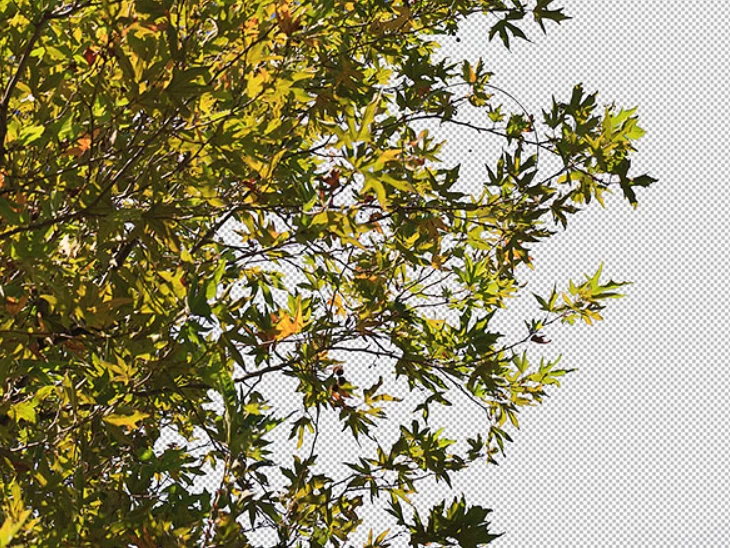
to this:
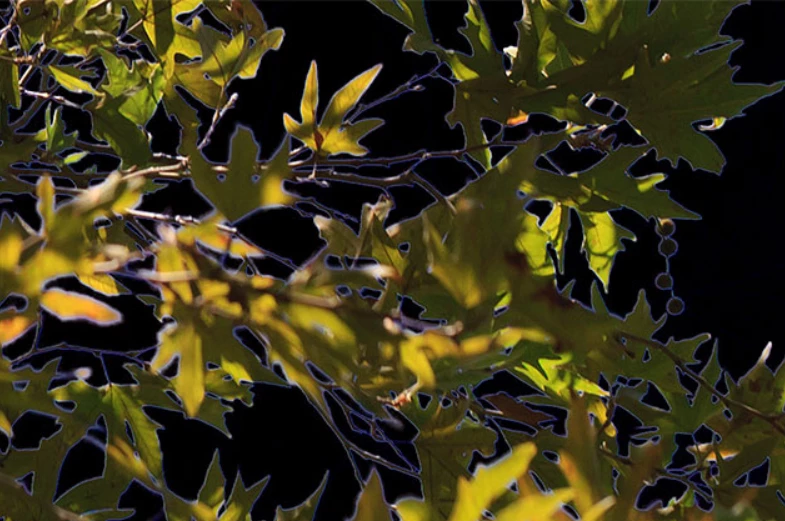
Thanks for looking, Lucie.

This topic has been closed for replies.

2 replies

Inspiring
January 30, 2017

I guess masking is needed for this task. You just need to select the image well and then need to change the background.

davescm
Community Expert
Community Expert
January 23, 2017

Lucie

You have not shown your layers panel but it looks as if you already have the layer with transparency (or with a mask) so we can see the transparency chequered grid.

That being the case, all you need to is go to Layer - New Fill Layer - Solid Colour - then choose black.

If you drag it in the layers panel so that it is underneath your image with transparency - you will get what you want.

Note if the layer with transparency has a lock symbol on it, you will not be able to change its position in the panel. Just click on the lock to remove it.

Dave

Inspiring
January 25, 2017

Inspiring
January 28, 2017

I am able to set the background from blue sky to white, but when I play the action back I get the error message above. I tried opening different Layers, moving (then I get unable to Move) or (current Layer not Available).