
Shallow Knockout masking not functioning in PS2023
Hi
I am trying to knockout a shape inside a shape on the layer below. using blending option shallow knockout technique.
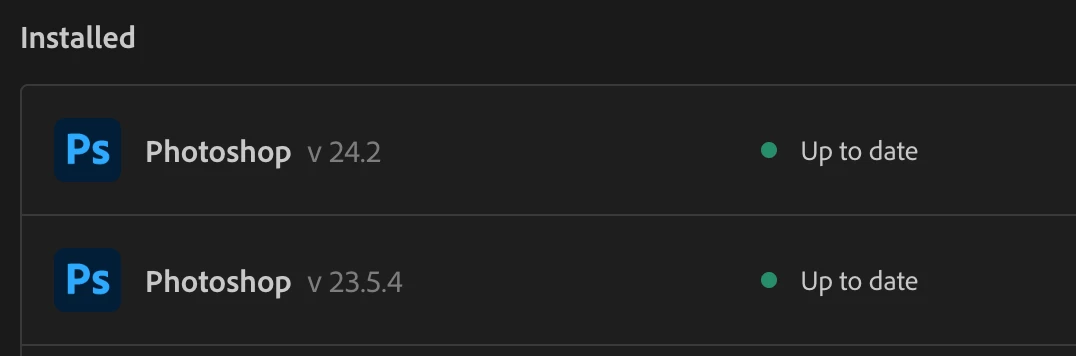
The "shallow/deep" function on the blending options does not work properly it will only deep knockout ( all layers) using PS2023 and now on PS2022 it doesn't work either. Putting the shape in a group solved the issue in PS2022 last week on a differnt project but now on my new peoject it won't work on either versions, I have updated to current versions for both to be spec seen below..... Scratching my head as what to try next ???
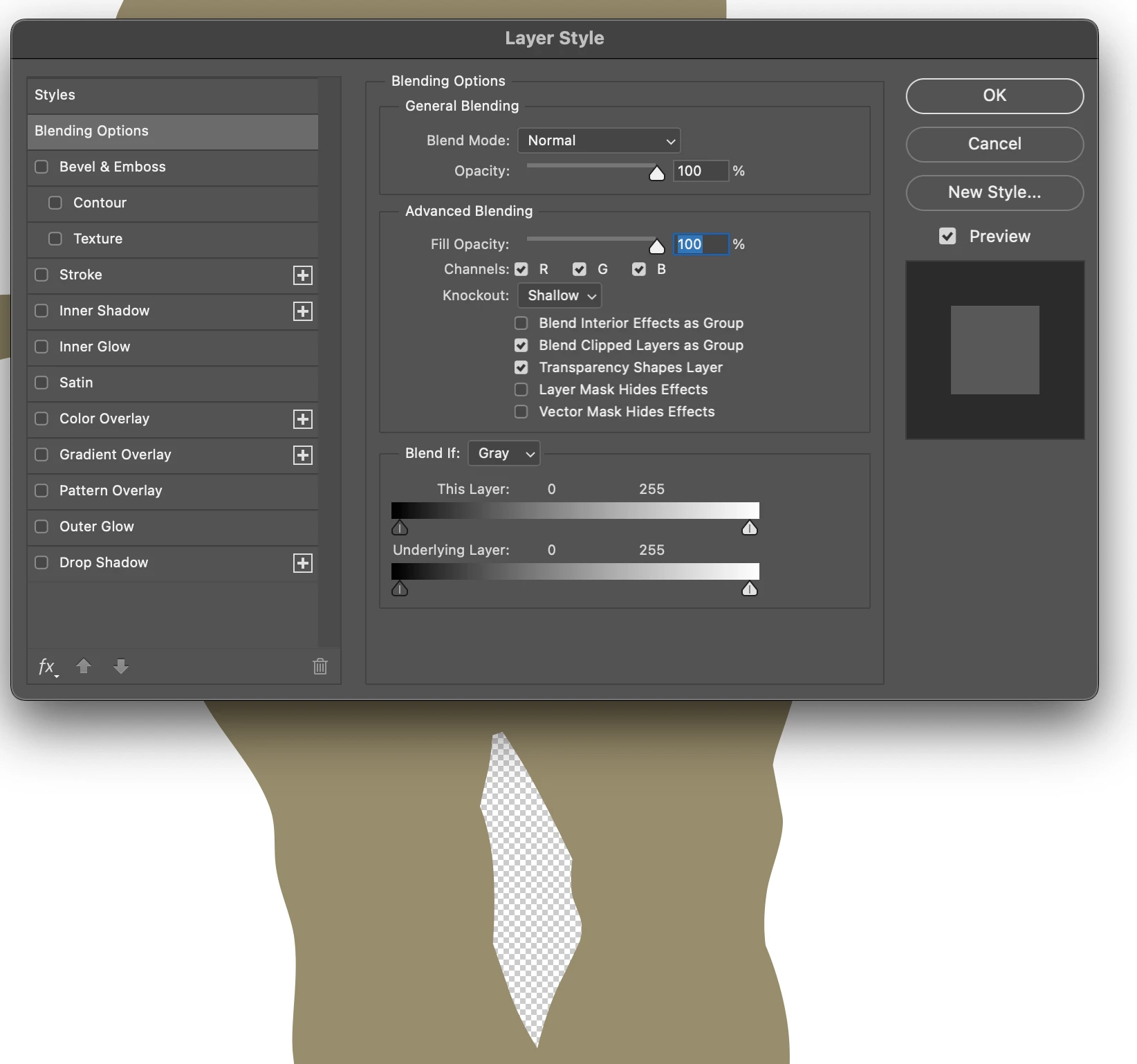
Shallow should just knockout shape to reveal layer below but cuts to transparencey layer
Deep both cut through to the trasparency layer
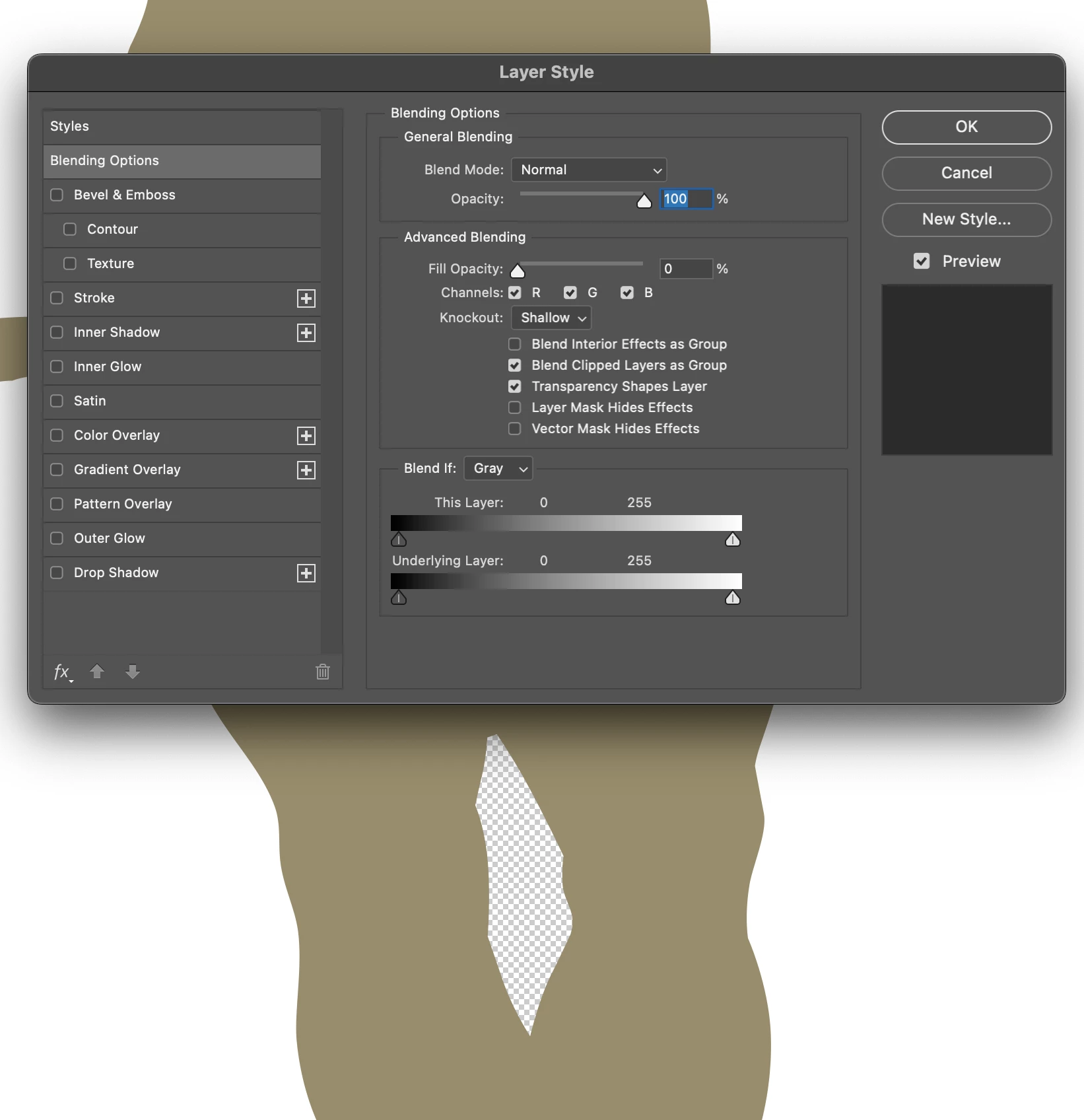
How do I fix this ?
I'm on a mac book pro M1 14"
Thanks in advance for anyone able to help.
 AdChoices