May 8, 2017
Answered

shapes along a path

  • May 8, 2017
  • 1 reply
  • 11256 views

Hello!

There's a collage to modify. There should be a line consisting of little arrows that indicate data flow between various sites.

I've created a custom shape and now tediously adding arrows one by one. Believe that should be an easy way to do so.

Feel like paths could be helpful, but can't really figure out how to use them into advantage.
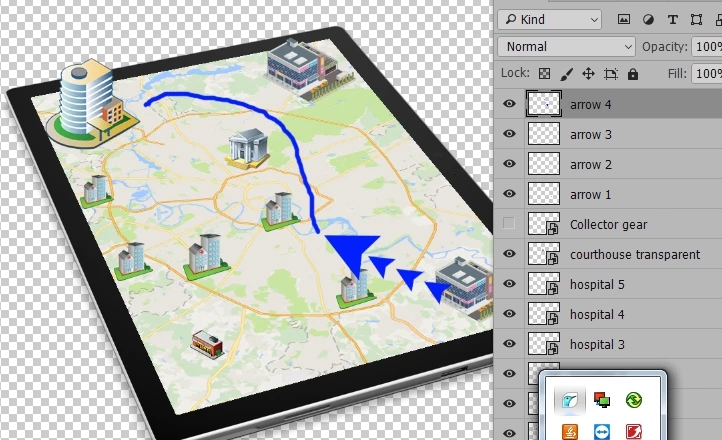
Any ideas?
This topic has been closed for replies.
Correct answer davescm

One way

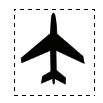
get your shape - make a marquee round it

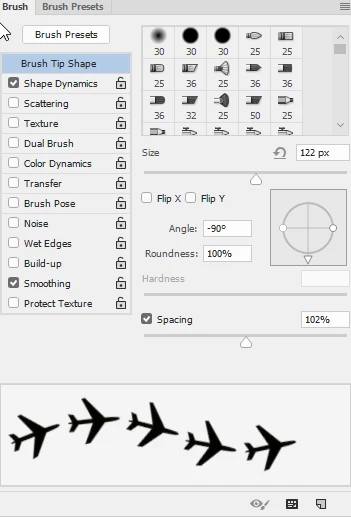
Then Edit - Define Brush Preset

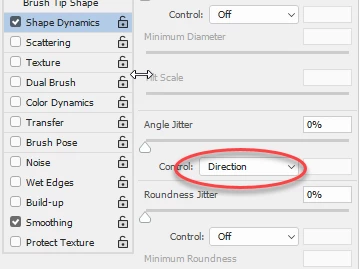
Then set the brush angle to be controlled by Direction

Adjust the spacing

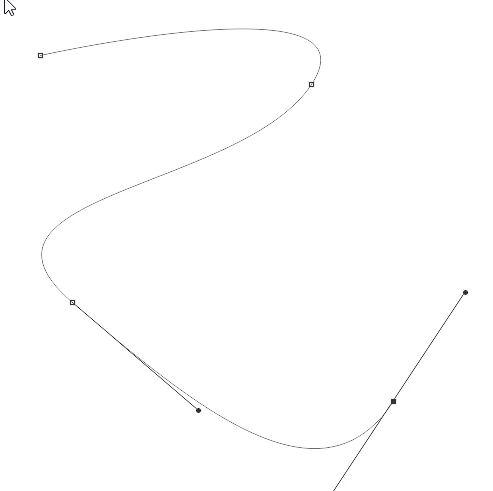
Draw your path

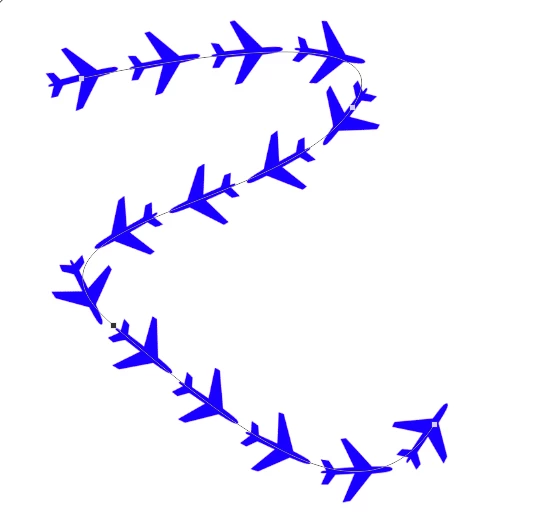
Stroke the path with your brush

I hope that helps

Dave

1 reply

davescm
Community Expert
davescmCommunity ExpertCorrect answer
Community Expert
May 8, 2017

One way

get your shape - make a marquee round it

Then Edit - Define Brush Preset

Then set the brush angle to be controlled by Direction

Adjust the spacing

Draw your path

Stroke the path with your brush

I hope that helps

Dave

May 8, 2017

Worked like a charm! Thank you!!

May 21, 2017

Yes "macros" exist. They are called actions and you can record them, play them back and assign keys to them. Not everything is recordable though.

Create actions in Adobe Photoshop

Dave


Thank you very much, Dave!

I've finally tried Actions.

Had to implement it in 3 steps.

1. Create a new layer Action.

2. Stroke the path Action.

3. Apply effects Action.

With the latest I kind of stuck. When recording I just click, drag and drop effects into a new layer.

When playing, though, I get the following message

Not a big deal (the most time consuming process is layer creation and path stroke) but still not perfect