

Answered
Shift+Brush Tool Not Creating Straight Lines [Mojave & Wacom]
Yesterday I updated my computer's os to Mojave v. 10.14.5 and had some issues with my tablet connecting. This has since been resolved, but now I'm having some issues in photoshop vis-a-vis drawing straight lines.
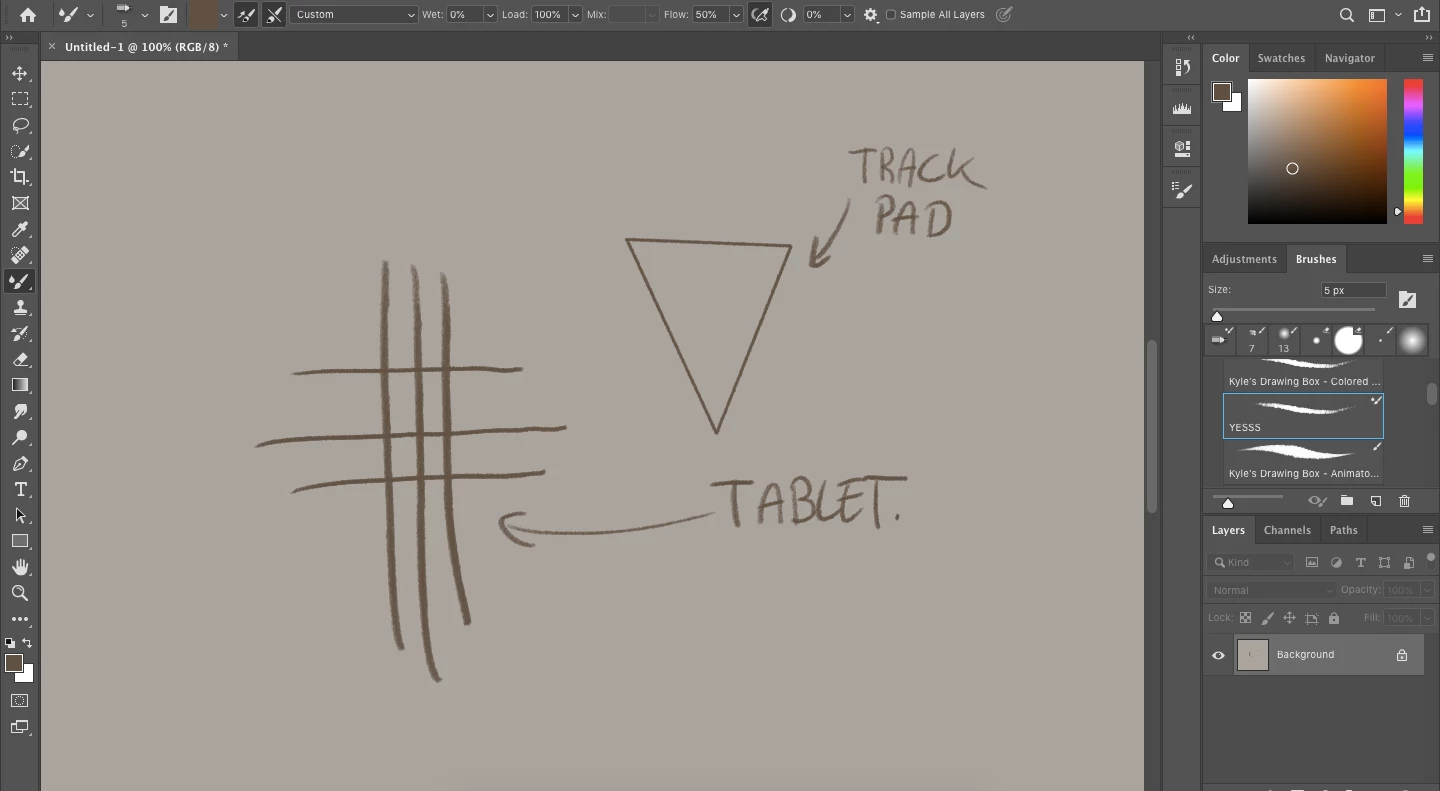
I can hold down shift and create straight lines using my laptop's trackpad, but I cannot do the same with my tablet. This includes drawing a line between two points while holding shift in addition to holding down shift to draw a straight line at a 90-degree angle.
I've already reset the tool preferences of my brush, reset all tool preferences, and reset all preferences in photoshop as a whole. None of these have corrected the problem.
Thank you for your help!
Additional information; I use...
- A MacBook Air running macOS Mojave v. 10.14.5
- A Wacom Intuos Pro PTH-660
- Photoshop CC 20.0.4 release
 AdChoices