
Answered
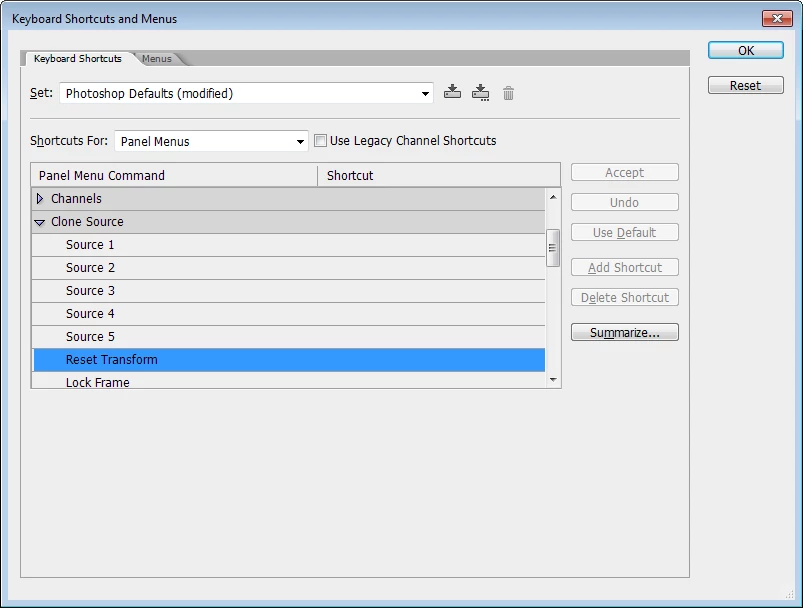
Shortcut, action or script to reset clone source angle.
I currently use a control dial on a Loupedeck to rotate the Clone Source while using the Heal and Clone brushes. Very useful while retouching.
The dial also offers a press function that I would like to assign to resetting the clone source angle to zero.
So far I have not been able to find a shortcut or create an action that will do that. The only way I can find to do it is the button on the clone source palette.
i know nothing at all about scripting. Is there a way of doing it that way?
 AdChoices