
SIMPLE Help--How can i make a background transparent?
I'm a photoshop newbie and i have searched, watched over 15 youtube videos as well as another 7 CC videos on what I think is a very simple task.
I'm trying to to cut out a prodcut image and do 2 things--
1.) Have a Transparent Background
2.) Add a white background
with #1 being the most important.
I've been using the Quick Selection Tool and can select the "product" image that i'm using but for the life of me I can not delete the background to make it transparent--
- I have tried-
- Deleting--just the delet button nothing happens
- Backspace -- just the backspace button also nothing happens
- Select --> Select and Mask--
- This takes me to the Refine Edge Tool
- I then try to refine the edge and hit Delete and/or backspace and get zero result
- This takes me to the Refine Edge Tool
I now this is a very simple task and am highly frustrated that I can't figure it out---anyone want to rescue me?
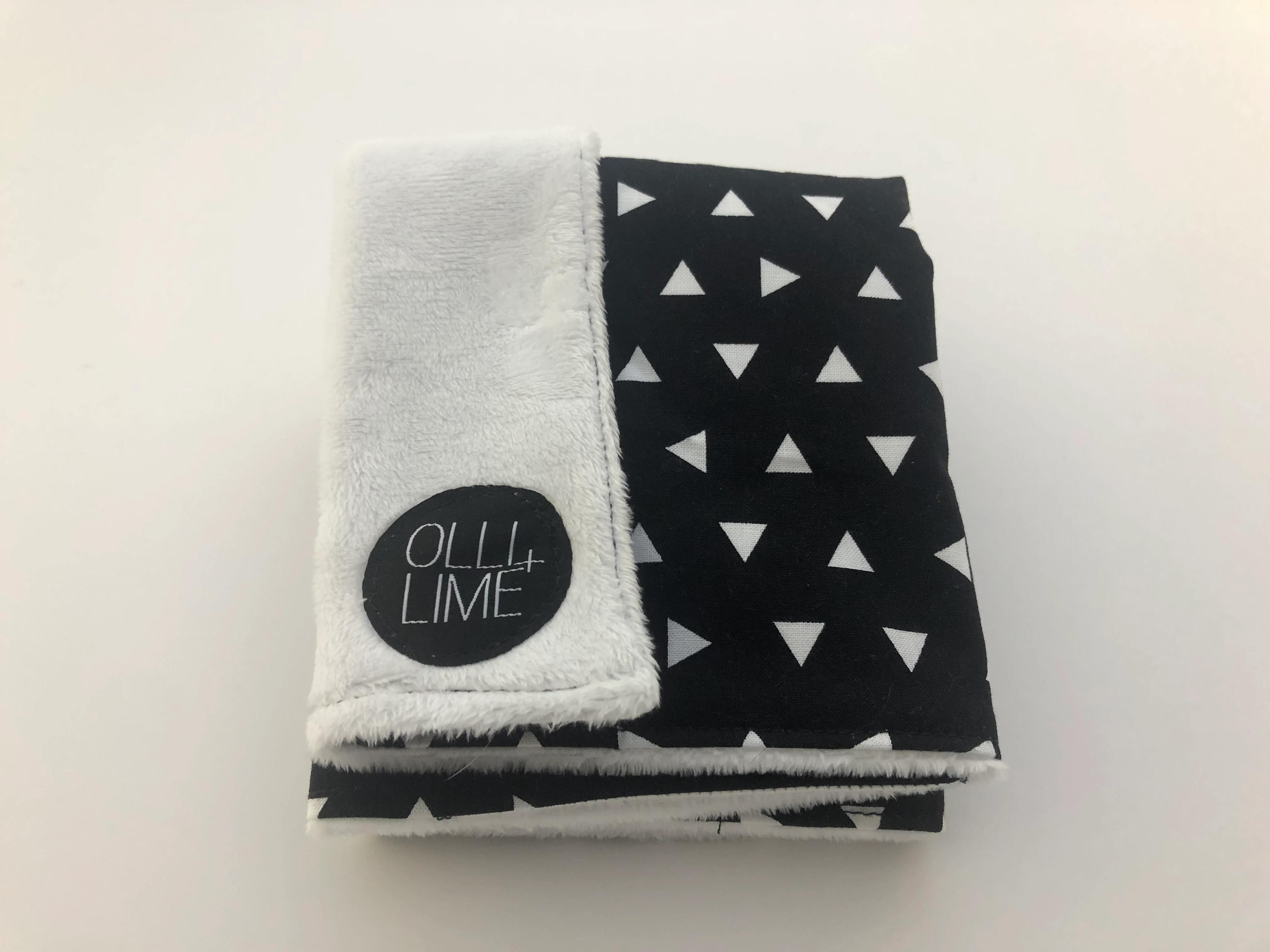
Photo i'm trying to work with attached here for frame of reference...and i have quite a few that I want to do this same action with....
(this is a baby "Lovie" that we will be selling on our ecom business
 AdChoices