
Question
Skin texture
Hi Guys,
I have created this vector file in Illustrator and would like to provide all surfaces with a skin structure. The colors should stay that way and only the smooth structure should change.
Thank you for your help!
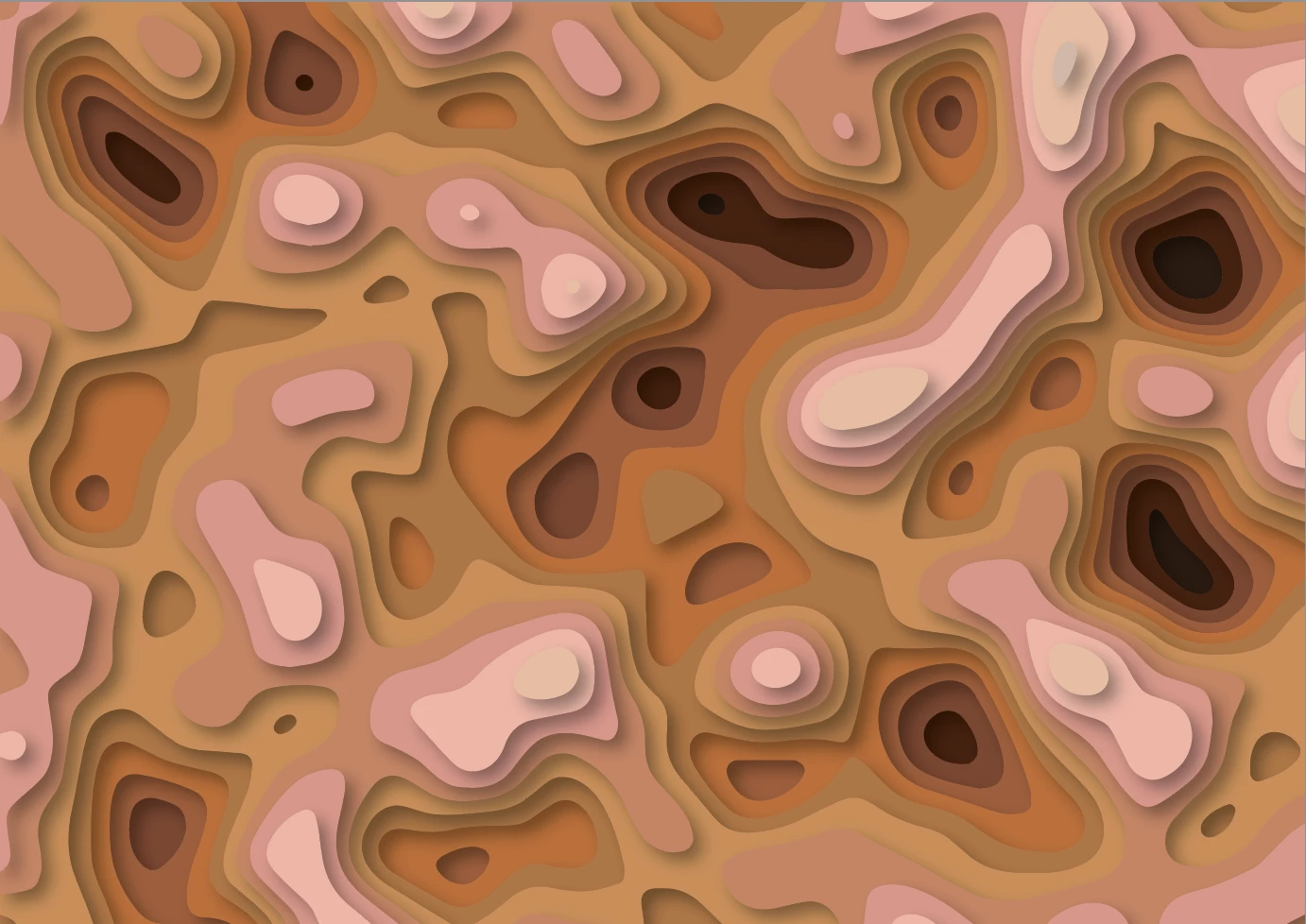

Hi Guys,
I have created this vector file in Illustrator and would like to provide all surfaces with a skin structure. The colors should stay that way and only the smooth structure should change.
Thank you for your help!
Already have an account? Login
Enter your E-mail address. We'll send you an e-mail with instructions to reset your password.
 AdChoices