Answered
This topic has been closed for replies.
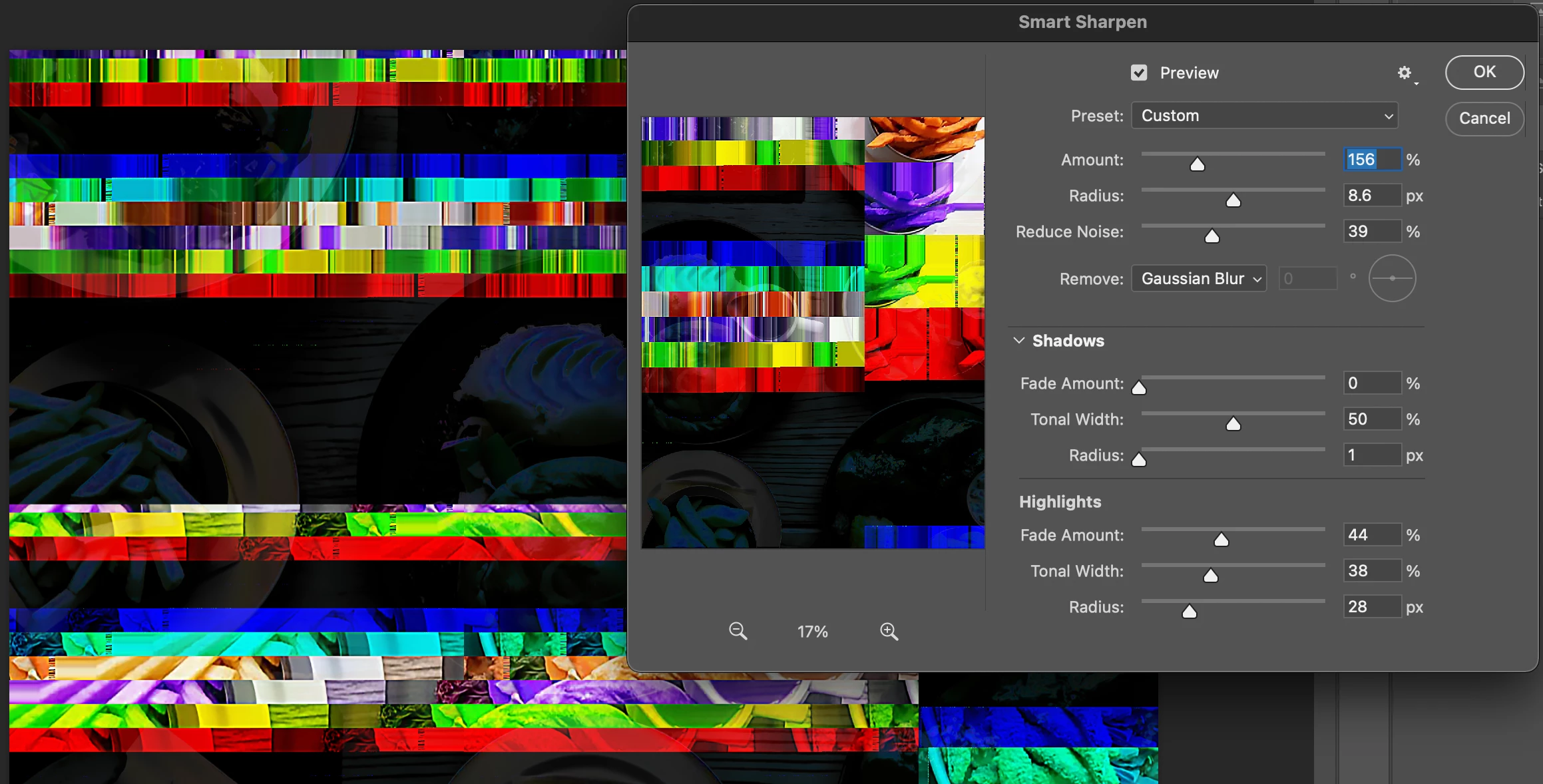
Hi @YenebaSG sorry to hear this. Go to Preferences > Technology Previews... and check "Disable Native Canvas" - then restart Photoshop. Does the problem still occur?
You could also try:
Go to Preferences > Performance... and uncheck Multithreaded Compositing - and restart Photoshop. Does the problem persist?
Go to Preferences > Performance... click Advanced Settings... and uncheck "GPU Compositing" - then restart Photoshop. Does the problem still occur?
Thank you,
Sign up
Already have an account? Login
To post, reply, or follow discussions, please sign in with your Adobe ID.
Sign inSign in to Adobe Community
To post, reply, or follow discussions, please sign in with your Adobe ID.
Sign inEnter your E-mail address. We'll send you an e-mail with instructions to reset your password.