
Participant
October 5, 2023
Question

Smudge Glitch

  • October 5, 2023
  • 1 reply
  • 196 views

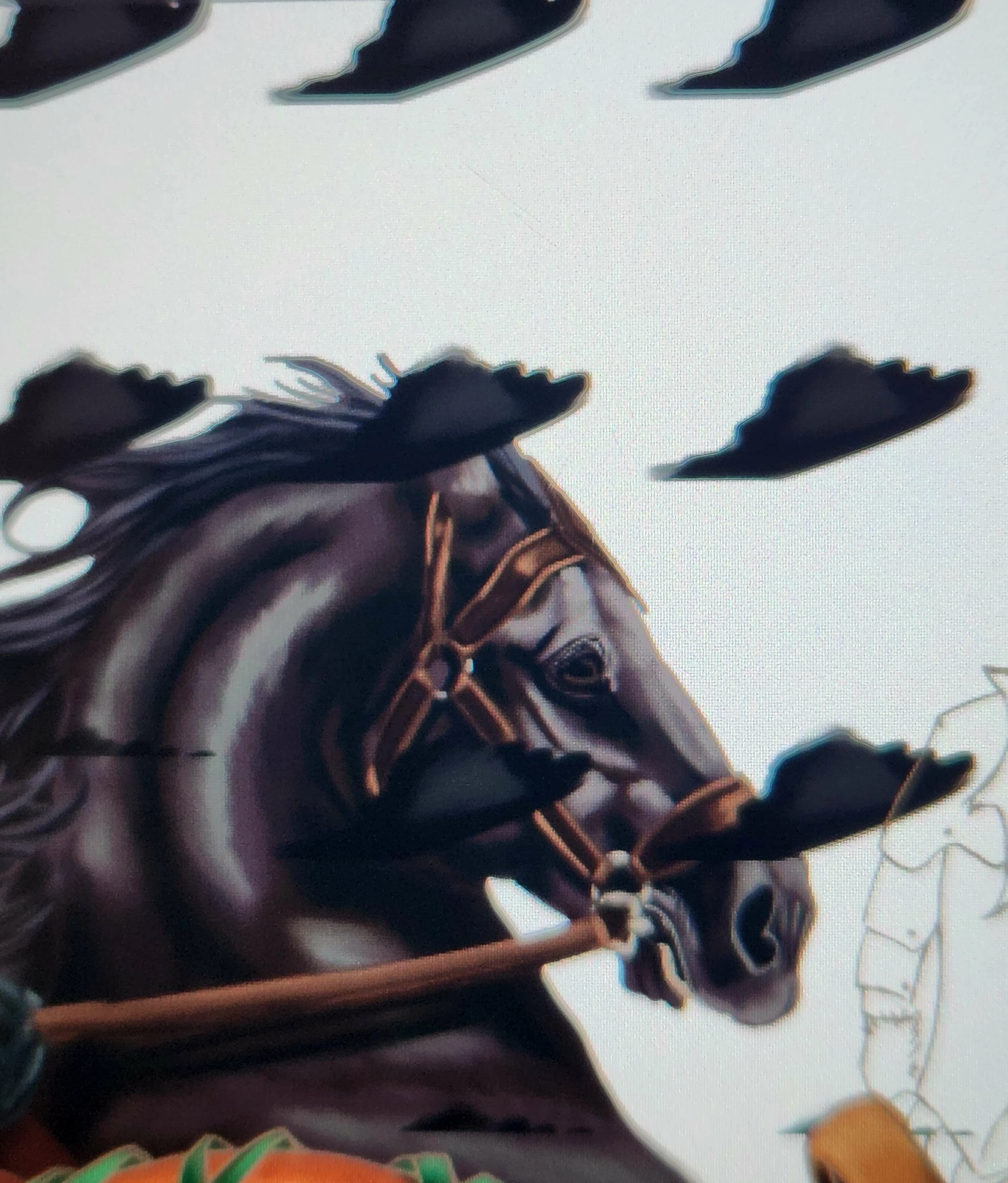
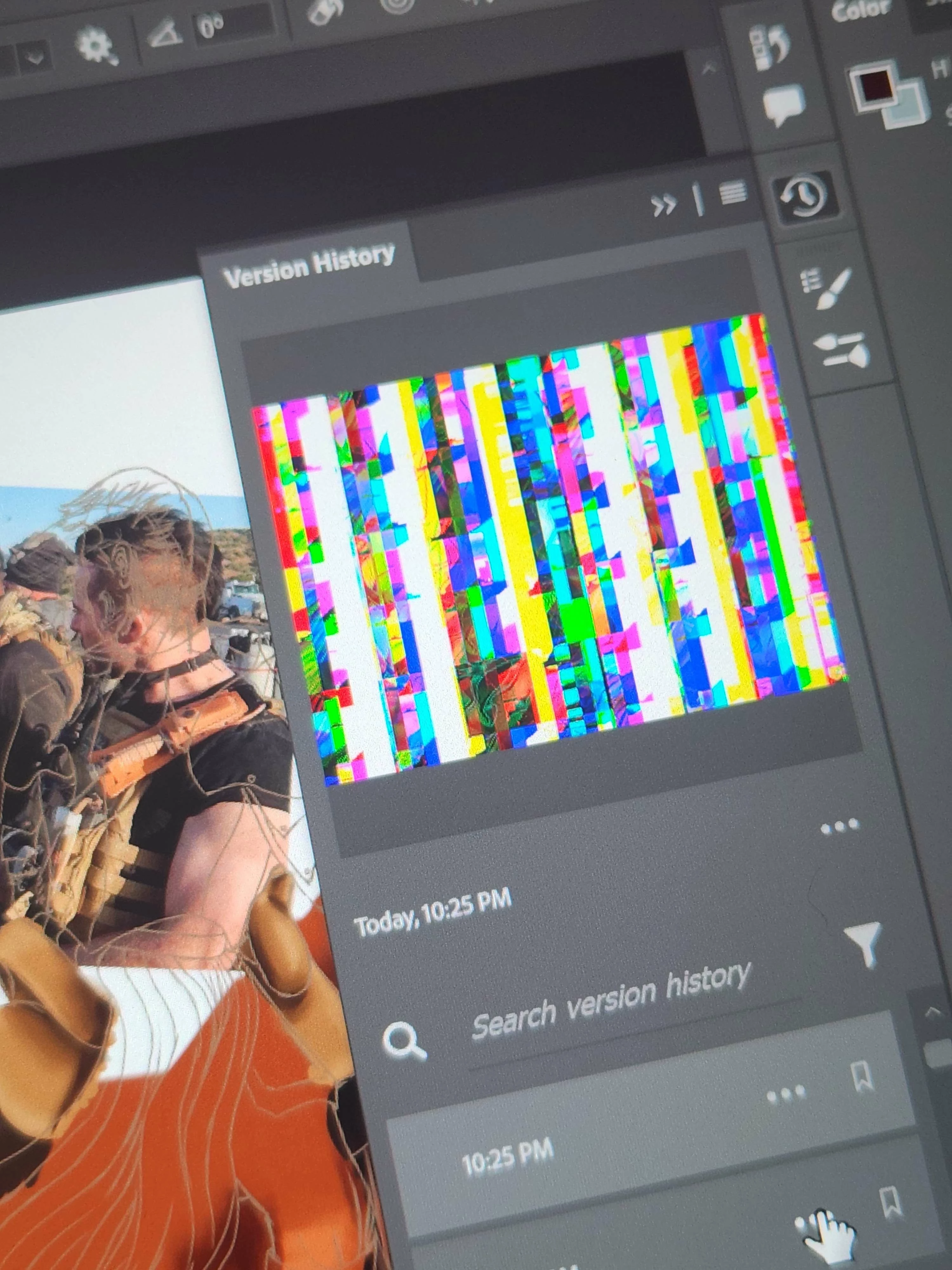
I was painting in Photoshop when I had this issue pop up. It pops up when I try to view layers, hide layers, use the paint brush tool, smudge tool, anything. Even auto saving sends my screen and canvas a mess.


I tried to resolve this issue by reverting to an earlier version of the work and it seems the entire file has some form of corruption. I will link images of both the black and white smudges bug over my canvas and the glitched/corrupted file image.
This topic has been closed for replies.

1 reply

Kevin Stohlmeyer
Community Expert
Community Expert
October 5, 2023

That looks like a gpu issue. Check your drivers for updates. Then go to Photoshop Preferences/Technology Preview and check “Disable Native Canvas”. Restart PS.

If that does not resolve, go to Photoshop Help Menu/System Info and copy/paste details in a reply. Post only once as the system takes time to process the large amount of data.