mérimènen5779542
Participant
November 8, 2017
Answered

Smudging Jitter tool ?

  • November 8, 2017
  • 1 reply
  • 794 views

Hello,

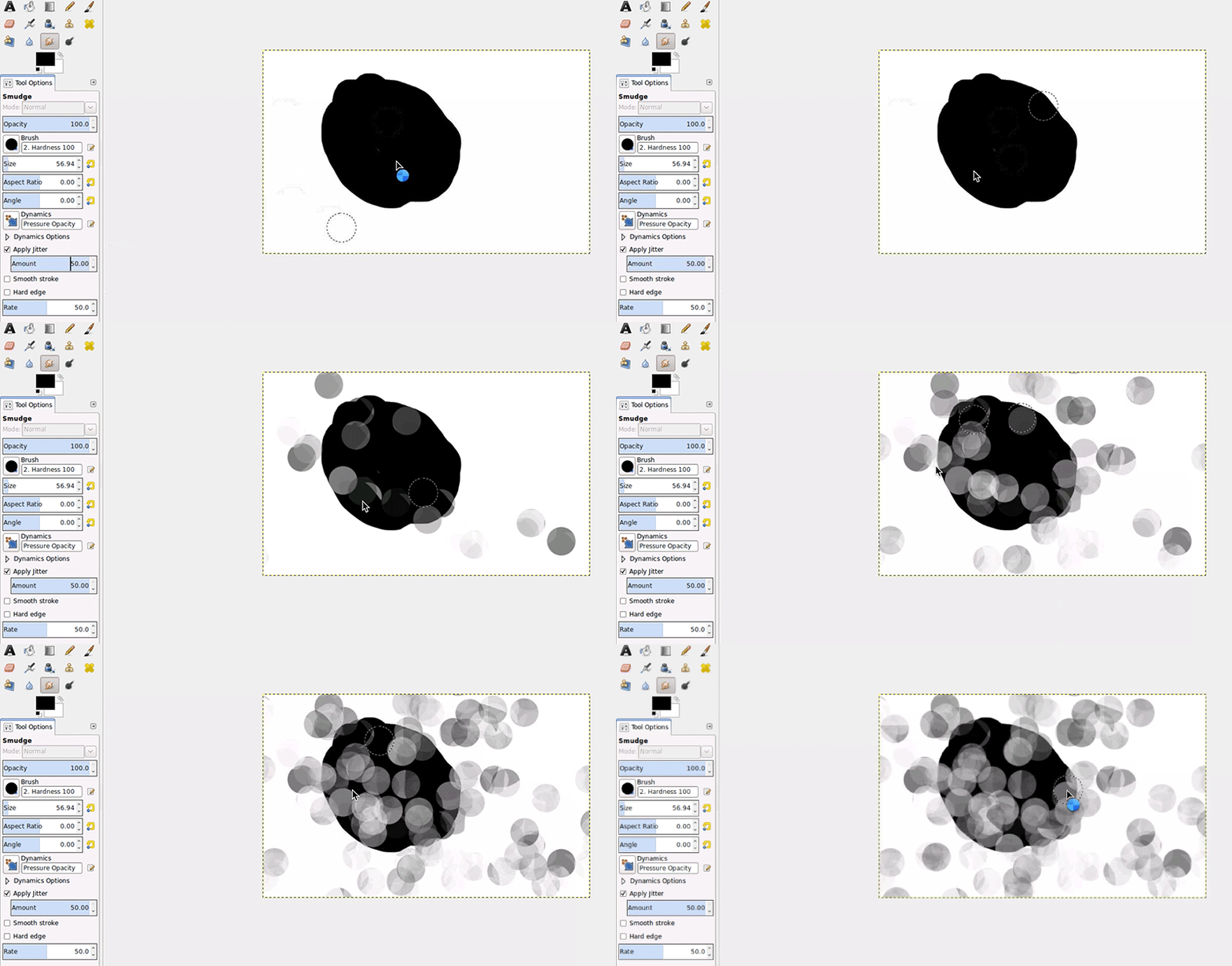
When I was working on gimp, I really liked this effect made thanks to the "Apply Jitter" option (gif).
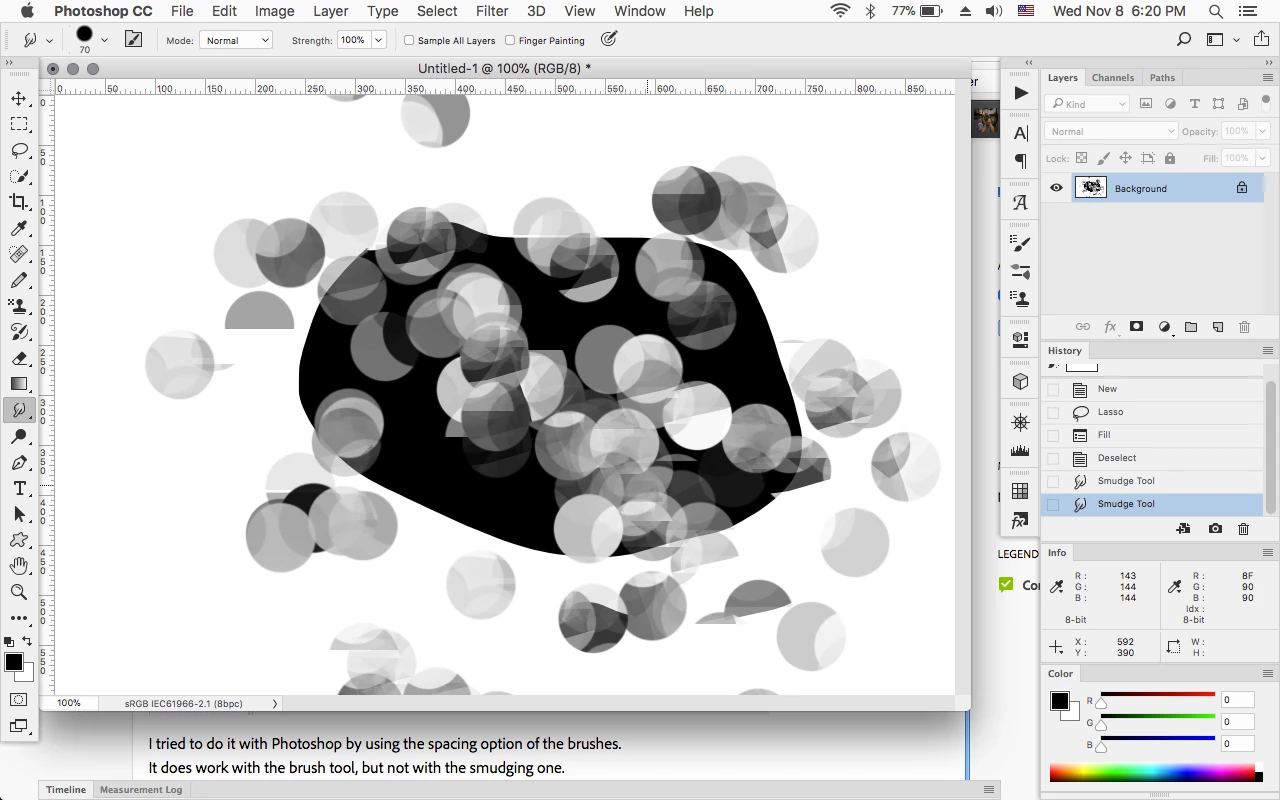
I tried to do it with Photoshop by using the spacing option of the brushes.

It does work with the brush tool, but not with the smudging one.

Does anyone know how to do this effect with Photoshop?

Thank you
This topic has been closed for replies.
Correct answer Jeff Arola

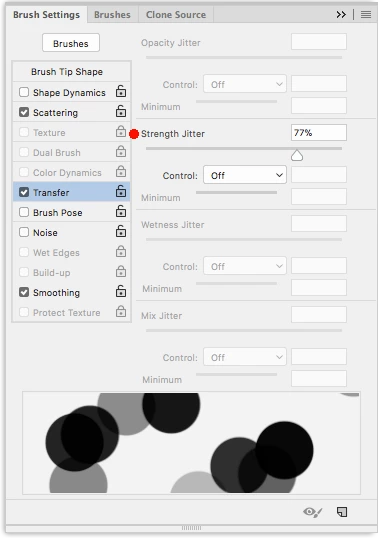
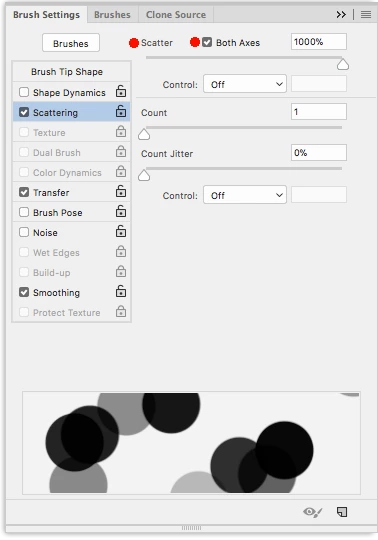
In photoshop if you use a combination of Scattering and Transfer>Strength Jitter you can get the same effect.

1 reply

Jeff Arola
Community Expert
Jeff ArolaCommunity ExpertCorrect answer
Community Expert
November 8, 2017

In photoshop if you use a combination of Scattering and Transfer>Strength Jitter you can get the same effect.

mérimènen5779542
Participant
November 8, 2017

Thank you a lot! I tried and it worked

Do you know how to make less "dots" ? In your screenshot, there were not as much dots as what I got

Jeff Arola
Community Expert
Community Expert
November 9, 2017

You just have to move the cursor a lot less then in Gimp and repeated strokes instead of one continuous.

Or if you have a pressure tablet you could set the Scattering to Pen Pressure.