
nics86412109
Participant
November 26, 2019
Question

Solving a Mystery - Organizing Swatches Into Folders

  • November 26, 2019
  • 1 reply
  • 438 views

Thank you in advance to anyone who can solve this mystery for me!

How do you set the default so swatches/groups consistently show in the Swatch Panel organized into folders like this.
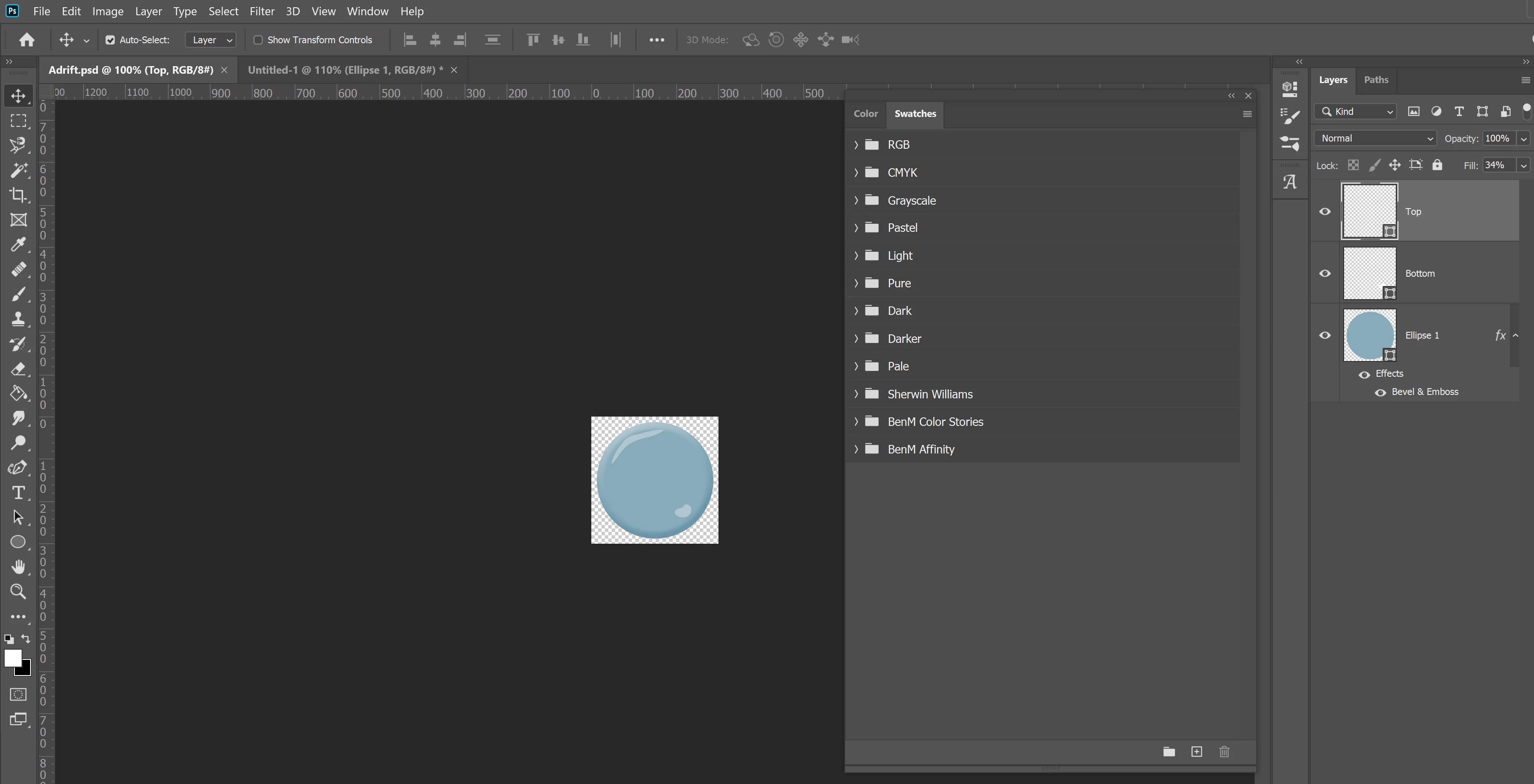
 

Instead of just a mashup of swatches all bunched together like this.
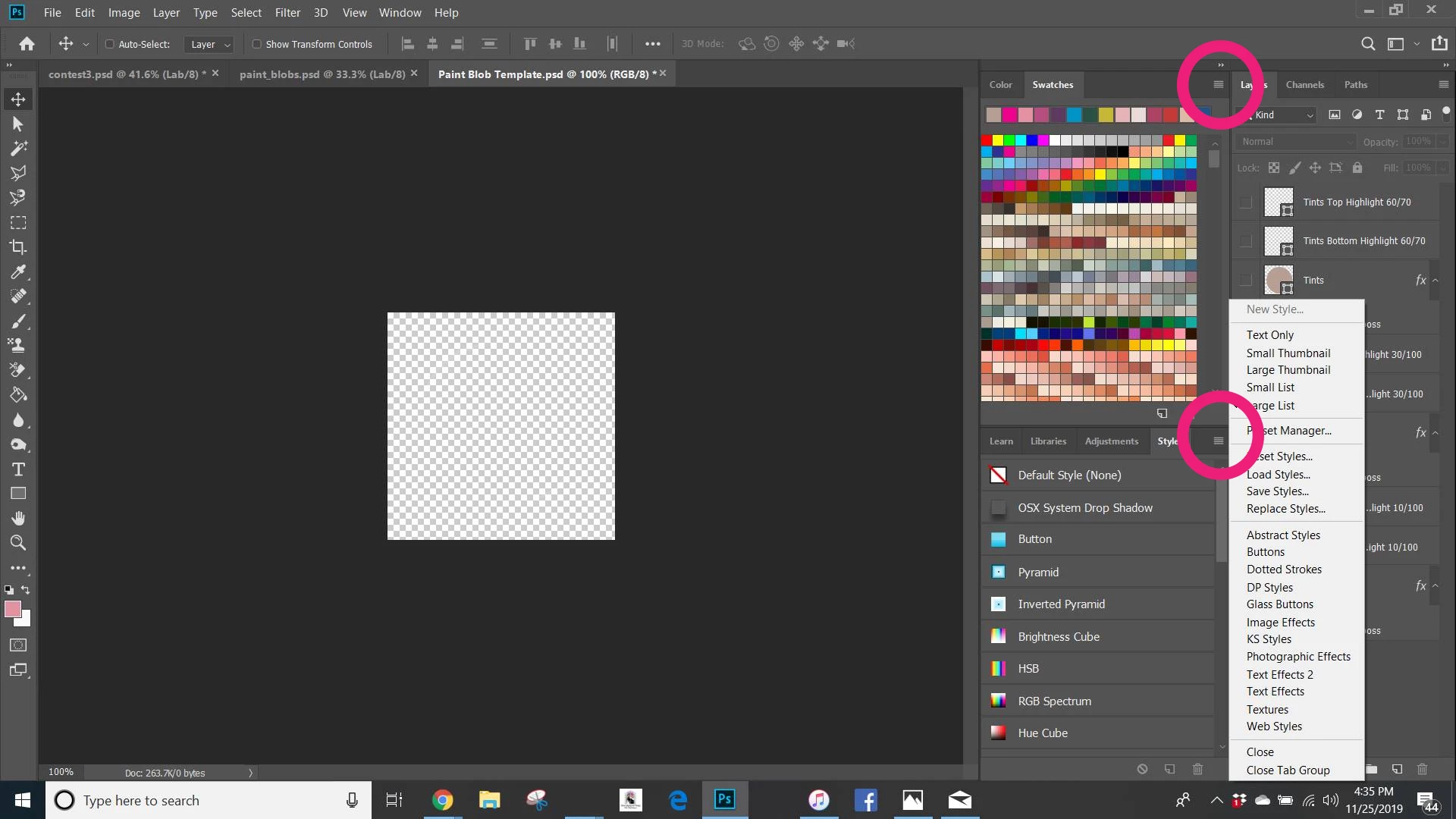
This topic has been closed for replies.

1 reply

Jeff Arola
Community Expert
Community Expert
November 26, 2019

What version of photoshop do you have?

(Help>System Info from within photoshop and look at the top line)


The Folders were implemented in the newest photoshop 2020 (photoshop version 21.0)


nics86412109
Participant
November 26, 2019

Adobe Photoshop Version: 21.0.1


So, this could be why they are now defaulting to these awesome folders and why someone with an older version is going to see the Mashup of swatches?

Jeff Arola
Community Expert
Community Expert
November 26, 2019

Yes that is correct. Photoshop versions older than photoshop 2020 only have the Folders for Brushes (photoshop cc 2019) and not any other presets like Swatches, Patterns, Layer Styles or Shapes.