
Participant
February 18, 2023
Question

Splitting a sentence into individual graphic layers

  • February 18, 2023
  • 5 replies
  • 3651 views

I'm making the assets for a lyric video but I would like to split up the sentences that have already been written into individual words to allow me to go from this -
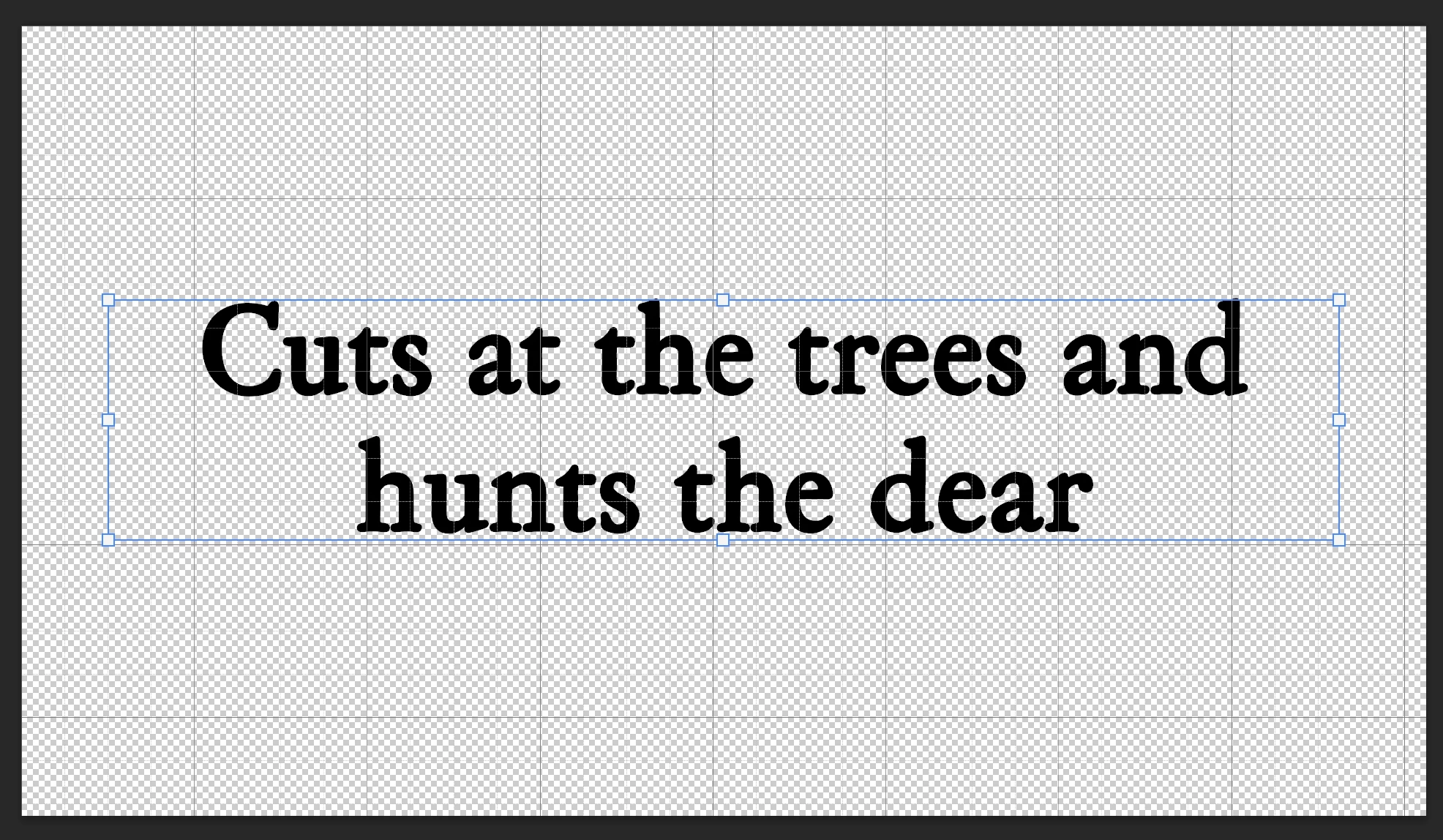


To something like this (quickly) -
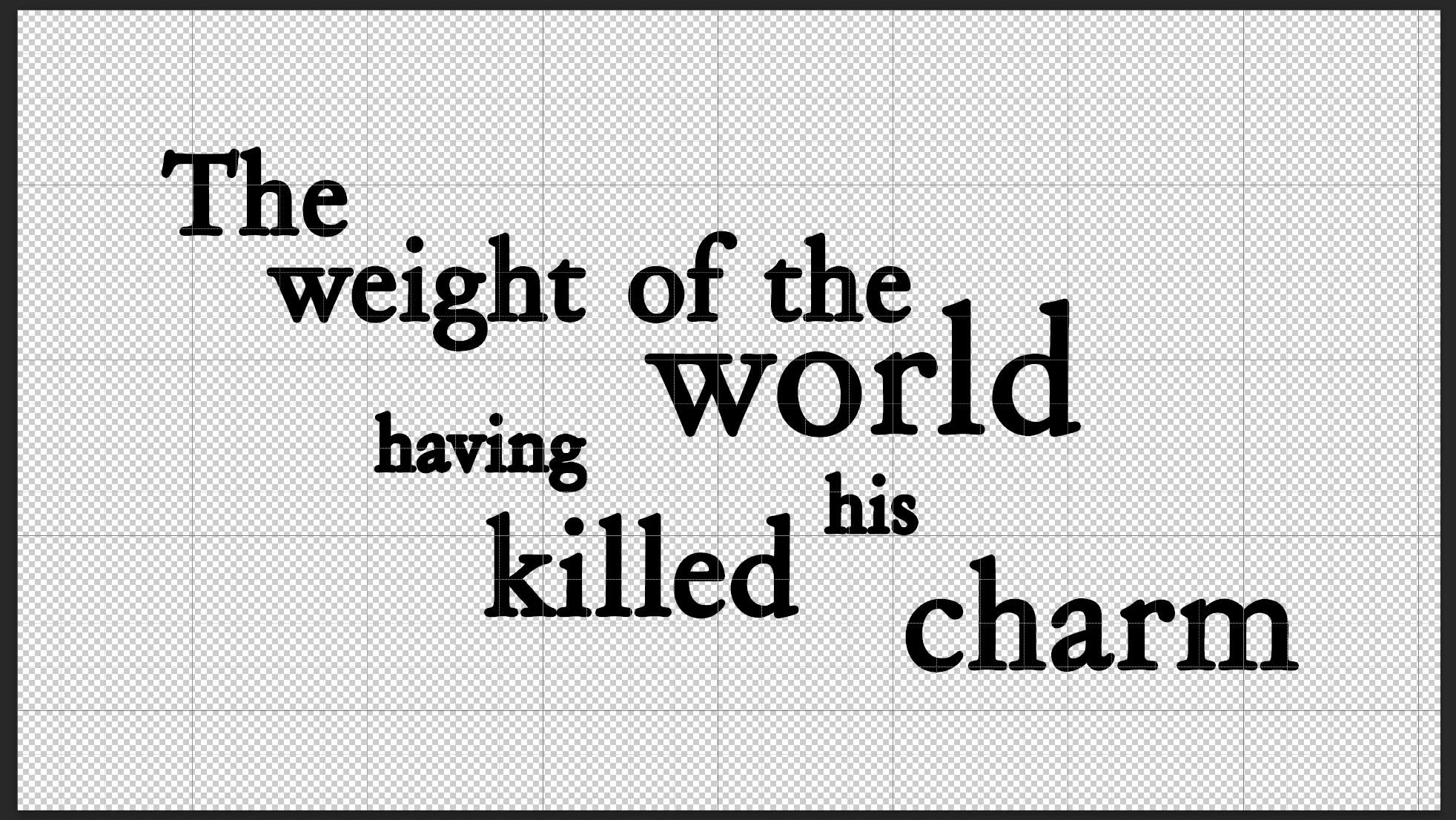
 

Any idea how to split up a sentence into individual text layers?


Thanks.

This topic has been closed for replies.

5 replies

Stephen Marsh
Community Expert
Community Expert
February 21, 2023

Perhaps something like this:


https://stackoverflow.com/questions/63593922/photoshop-script-to-split-text-layer-into-words


psd = app.activeDocument;
layer = psd.activeLayer;
var text = layer.textItem.contents;
var textArray = text.split(" ");
var lngth = textArray.length+1;
for (var w=1; w<lngth;w++){
    wordlayer = layer.duplicate();
    wordlayer.name = textArray[w-1];
    wordlayer.textItem.contents = textArray[w-1];
    psd.activeLayer = wordlayer;

}
Nancy OShea
Community Expert
Community Expert
February 18, 2023

You mean short of placing each word on it's own separate layer? 

I don't have an automagic way to do that in Photoshop, sorry.


Nancy O'Shea— Product User & Community Expert
Peru Bob
Community Expert
Community Expert
February 18, 2023

There may be a way to randomize text in After Effects.

If you have After Effects, you might ask here:

https://community.adobe.com/t5/after-effects/ct-p/ct-after-effects?page=1&sort=latest_replies&filter=all&lang=all&tabid=discussions

Peru Bob
Community Expert
Community Expert
February 18, 2023

I think you will just have to make selections and move them manually.

Peru Bob
Community Expert
Community Expert
February 18, 2023

Not quickly.

Is the grid part of the image?

Participant
February 18, 2023

No, the background will be transparent