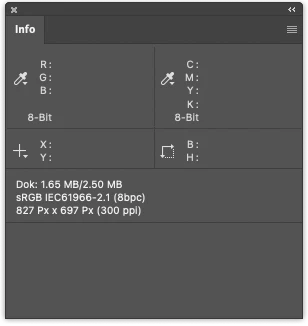
The size PS reports isn't all that accurate and if you want to know the actual 'size' the document takes up, the Finder is the way to do so.
Reducing resolution tag from 300 to anything doesn't do anything to alter the 'size'. Reducing the number of pixels (or producing more) of course will. This is just a tag that is used to calculate a possible size (X number of pixels divided by the tag).
Digital images don't have any size other than the space they take up on some storage media. This size varies by many attributes even if the document has the same number of pixels: bit depth, layers, file type and possible compression, color space. It's not worth even considering this size due to so many differences. Digital images therefore should be considered in pixel density. And for this discussion I'm going to limit this to one axis (let's say the long axix) and the image is 1000 pixels.
The resolution tag places no role in the 1000 pixel document in this respect: 1000 pixels at 100PPI and 1000 pixels at 100PPI are the same: 1000 pixels. In fact you can take a document that has 1000 pixles with a resolution tag of 100PPI, duplicate it and change the resolution to 1000PPI and the two are identical other than for metadata such as this resolution tag.



 AdChoices