
Strange 'Line' Bug with Windows Ink; No pressure without Windows Ink
I am using the most recent version of Photoshop 2020 (21.2.2) with an XP Pen Artist 15.6. I booted it up today to start drawing and as soon as I started drawing it started creating these very strange lines. It is pictured below, it speaks for its self.
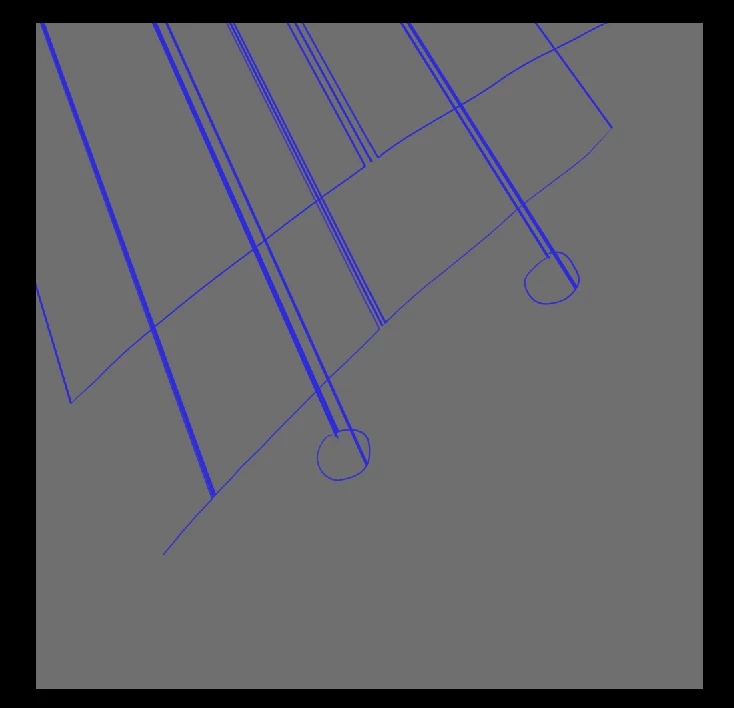
When I draw, it creates these lines. It's also very slow when attempting to draw. To try and combat this, I turned OFF Windows Ink. As shown below you can see that the problem does not lay with my tablet. The lines are NOT the fault of the tablet, as it can draw perfectly fine WITHOUT Windows Ink.
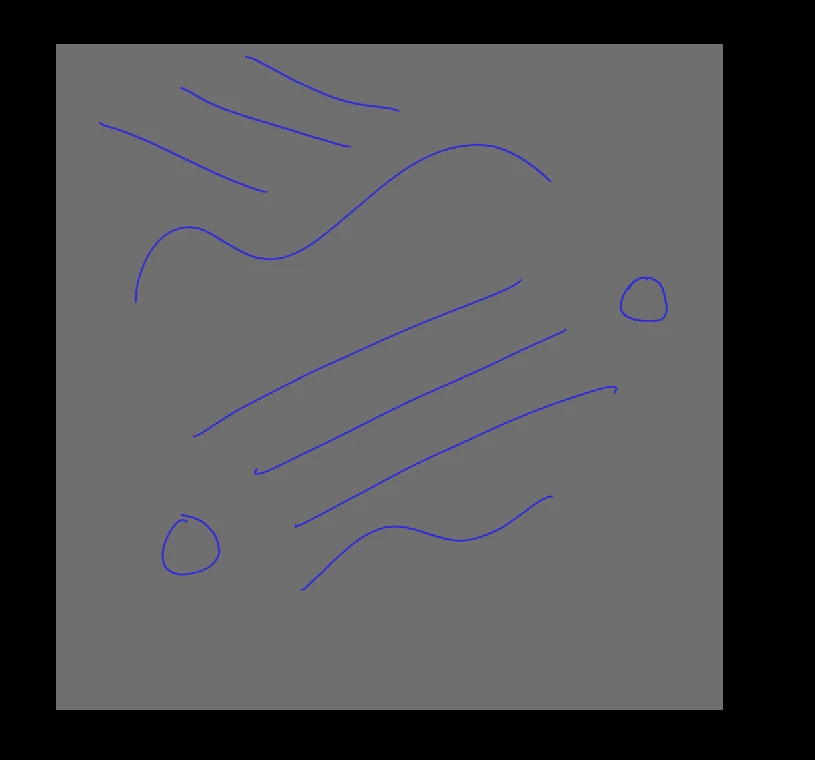 I would use this perfectly fine, but there is one problem. Windows Ink does not allow pen pressure. Yes, I have done the 'UseSystemStylus' tactic with PSUserConfig.txt. It still does not work. I fail to understand why either of these problems are occuring.
I have tested out my tablet in other programmes and proven that it works perfectly fine, once more, the problem is not with a malfunctioning tablet.
 AdChoices