Participating Frequently
August 10, 2017
Question

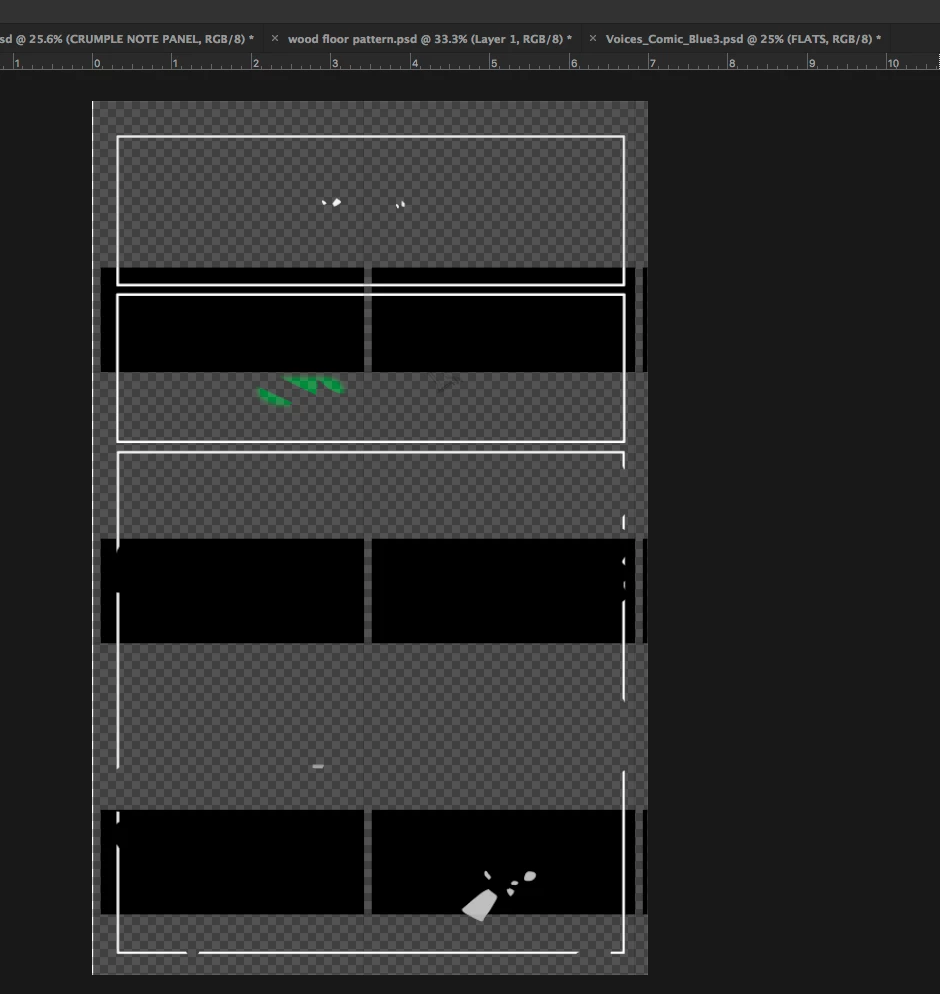
Strange rectangle pattern appeared on PSD's files ...

  • August 10, 2017
  • 3 replies
  • 1270 views

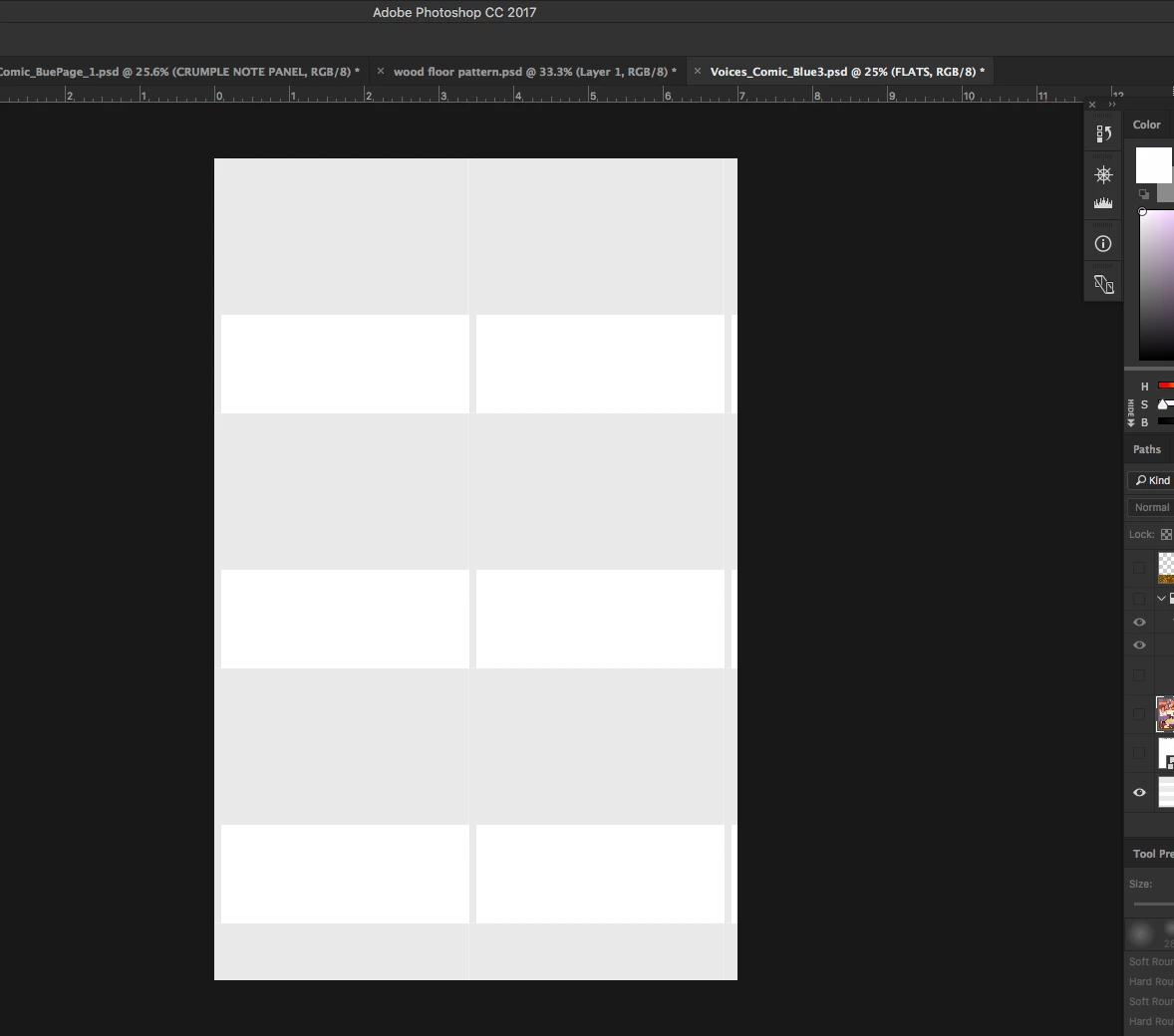
This strange pattern appeared on multiple layers of all the files I had open on Photoshop. Anyone know what this is and how to turn it off?
    This topic has been closed for replies.

    3 replies

    Trevor.Dennis
    Community Expert
    Community Expert
    August 11, 2017

    I see you are using a Mac.  If you also have a Wacom tablet, it might be the White Window issue.

    Menus, shortcuts, Lasso tool, or Photoshop stop working when using a Wacom tablet | Mac OS

    Participating Frequently
    August 10, 2017

    Chuck Uebele
    Community Expert
    Community Expert
    August 10, 2017

    It looks like your bottom layer with the rectangles is showing through the other layers. Are these the rectangles you're talking about? If so, some or all of the other layer may not be at 100% opacity, or 100% fill opacity, or the image on the layers themselves might not be totally opaque, do to copying them from another source.

    gener7
    Community Expert
    Community Expert
    August 10, 2017

    Was hoping that was it, but it didn't work.


    Let's see if a Preferences reset helps:

    Chuck Uebele
    Community Expert
    Community Expert
    August 10, 2017

    Hard to tell. You should post the screen shots showing the full screen, especially the layers panel.