
Participant
August 4, 2024
Answered

Stroke added to circular ellipse is bumpy / uneven

  • August 4, 2024
  • 1 reply
  • 690 views

Hi Everyone,


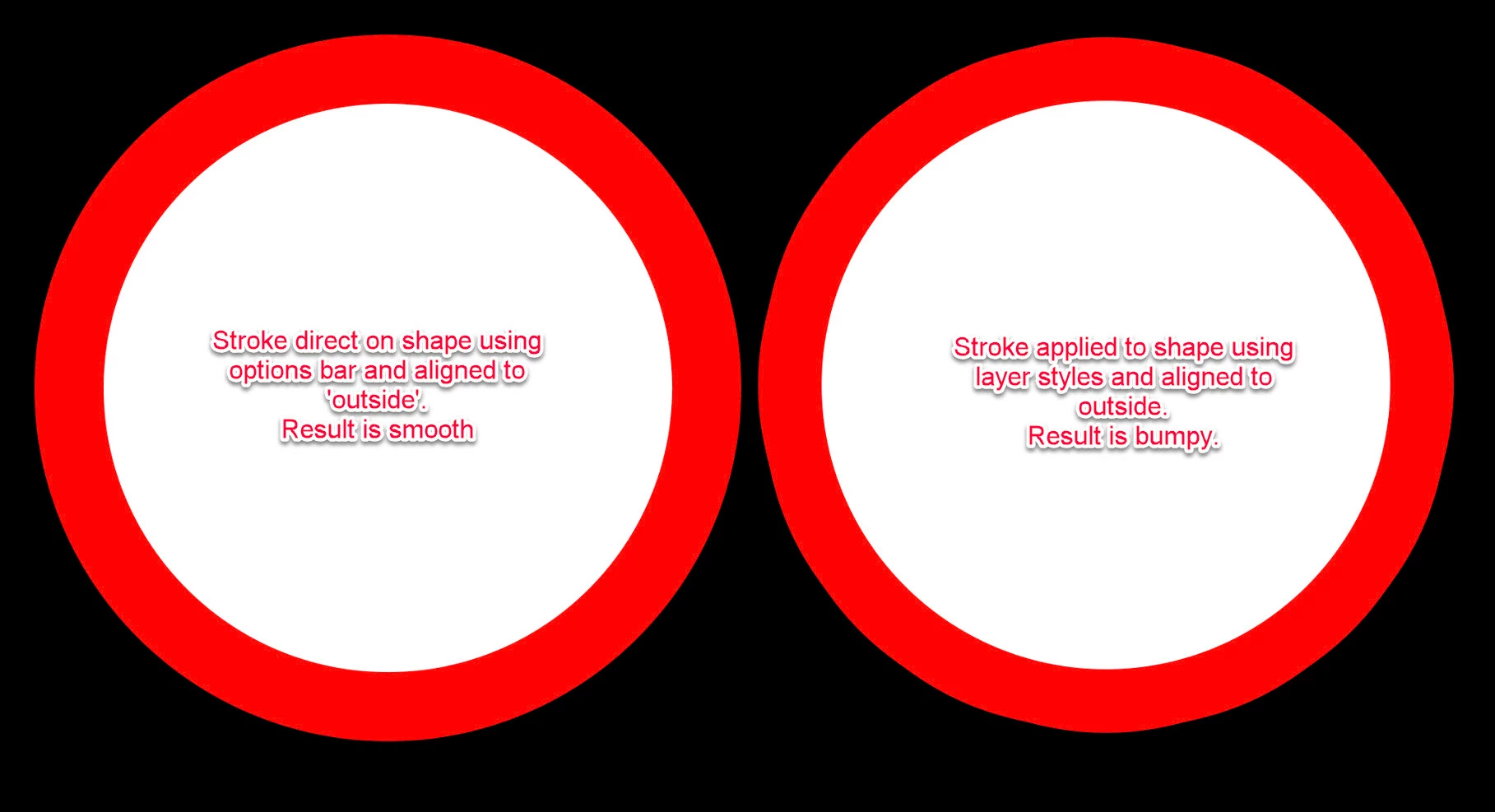
I created a circle using the ellipse tool. Then I added a stroke to it, but the stroke isn't perfectly round. It appears to be bumpy (see attached image).


Is there a setting somewhere that might be causing this? Or is it a bug? I've never experienced this before. 

I'm using Photoshop 2024 CC 25.11.0, and my OS is Sonoma 14.6.


Thanks in advance!
This topic has been closed for replies.
Correct answer davescm

Did you add your stroke in layer effects? If so it is an old problem that you have encountered.

An outside stroke from 'layer effects' shown on the right below does show that unevenness. A stroke applied directly to the shape (using the options bar and setting alignment to outside) will be smooth and does not show that issue.


Dave

1 reply

davescm
Community Expert
davescmCommunity ExpertCorrect answer
Community Expert
August 4, 2024

Did you add your stroke in layer effects? If so it is an old problem that you have encountered.

An outside stroke from 'layer effects' shown on the right below does show that unevenness. A stroke applied directly to the shape (using the options bar and setting alignment to outside) will be smooth and does not show that issue.


Dave

Participant
August 4, 2024

That fixed the problem! Thanks so much @davescm

davescm
Community Expert
Community Expert
August 4, 2024

You're welcome 🙂

Dave