Copy link to clipboard
Copied

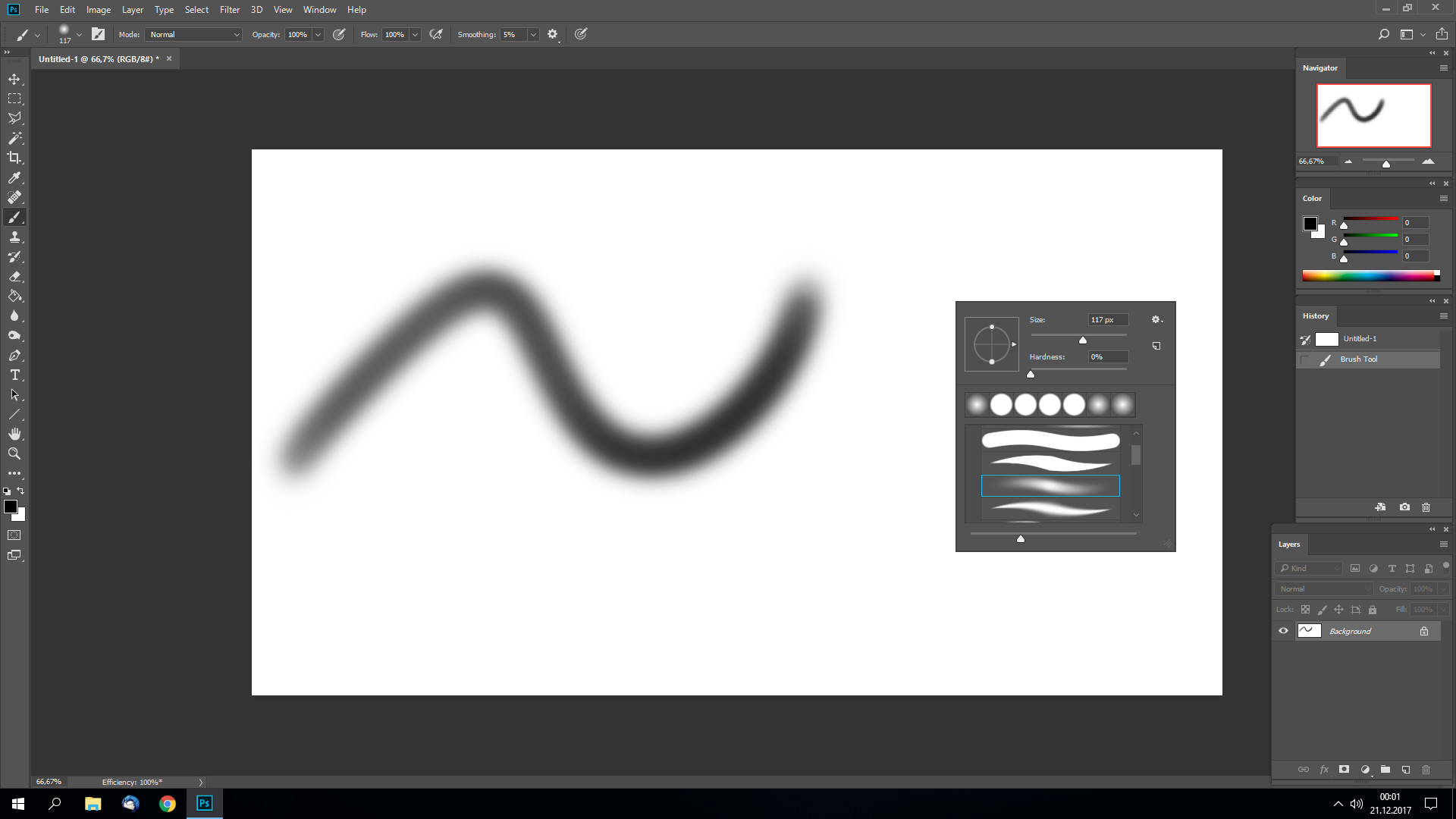
I don't have opacity turned on, yet my stoke acts as if it's turned on.
My specs:
Wacom Tablet Intuos CTL-490DW-N
Windows 10
GTX970
Intel Core i5 7600K
16 GB RAM
Copy link to clipboard
Copied
In Brush settings >Transfer - do you have flow set to pen pressure?

Dave
Copy link to clipboard
Copied
I have it set exactly like that, but the problem still remains.
Copy link to clipboard
Copied
That is the problem then.![]()
With it set like that, pen pressure is controlling the flow i.e. the speed at which paint is laid down - hence the lighter stroke when pen pressure is light.
You can see the difference between the two if you brush over and over the same area without lifting and starting a new stroke. Flow builds up, opacity does not.
Dave

Copy link to clipboard
Copied
Now I've set both opacity and flow to pen pressure and the problem still remains.
It wasn't broken like this an hour ago. Something's not right.
Copy link to clipboard
Copied
If you want solid strokes with no transparency set both flow and opacity to "Off"

and make sure the opacity over-ride is also off in the options bar

Dave
Get ready! An upgraded Adobe Community experience is coming in January.
Learn more