Hello Jeff, I understand what you are saying.And yes, when I view it at 100 I see no change but then I only see a tiny bit of the whole image.Impossible to have an idea of the style effect in it's totality
I always work on very large files for printing very big afterwards , so working at 100 procent view is not possible
Also, for posting on the web, I downsample the edits so much smaller the style effects should look okay too
The strange thing is I never had that issue before
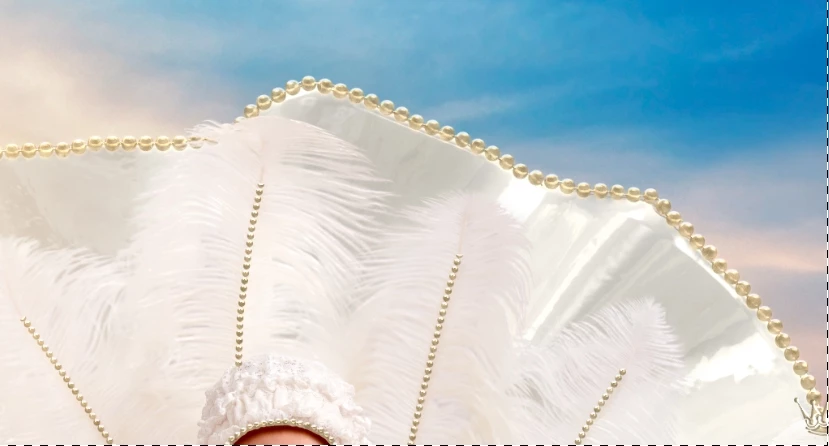
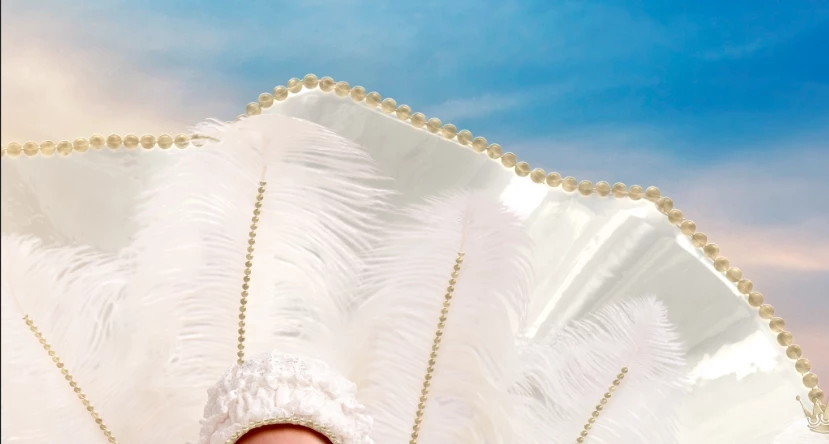
Always worked on large files in "fit on screen" mode , did my style effects and when I made a "merge al layers" on top , the merged layer looked exactly the same as the result beneath.Now when I click the top layer on an off, there is a very big difference
Hi
There is a reason for the change when viewing at levels less tthan 100%. When you view an image at less than 66.7% zoom, the blending is done using 8 bit previews not the full image pixels. This is historic and was probably done to speed up screen redraws with multi layered files. Most of the time the impact is not/hardly visible but occasionally (as in this case) differences are noticable. Hence the advice always to check at 100% zoom where you are seeing the actual image pixels blended on each layer.
Dave

 AdChoices