
Participant
May 20, 2022
Question

Suggested workflow to generate "lenticular" style image from two separate images
  • May 20, 2022
  • 2 replies
  • 1241 views

(Link removed by moderator)

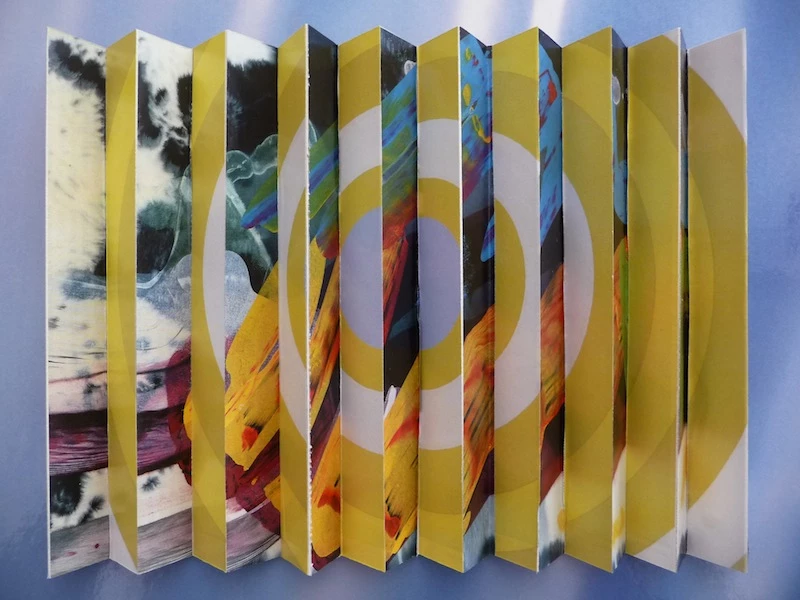
I want to merge a series of pairs of photos to generate some "perspective" photos. The resultant print will be folded zig-zag and wall-mounted in a corridor so that the image will be different when viewed from each side.

Does anyone have any suggestions for a Photoshop workflow to generate the composite image? 

I've used "lenticular" in the title but this isn't quite correct (as far as I understand) becuase this drops every odd strip of the first image and every even strip of the second image. I want to keep all the strips but interleave them.


Many thanks.

This topic has been closed for replies.

2 replies

davescm
Community Expert
Community Expert
May 20, 2022

1.Put the two images in smart objects. 2.Mask a strip of each and move each of them them into position. So you have the first two strips.

3. Duplicate both smart objects Ctrl+J, move the images then unlink the masks and move those so that you now have four strips.

4. Repeat step 3 across the Image.


Dave


Participant
May 22, 2022

Thanks very much, Dave. I asked the family expert (my son) to try out this technique for me but he wasn't too enthused and didn't think he could automate it.

I'm more familiar with Inkscape and found a tutorial on a simple technique. I don't have too many images to do so I'll live with the manual technique.

Inkscape - split an image on YouTube.