
[Suggestions from experts] What are the steps that I should follow to get a realistic compositing
Hello ,
Based on the experience of experts,
What are the steps that I should take to get a more realistic composition between product image and background image.
For example I have a picture of this perfume bottle:
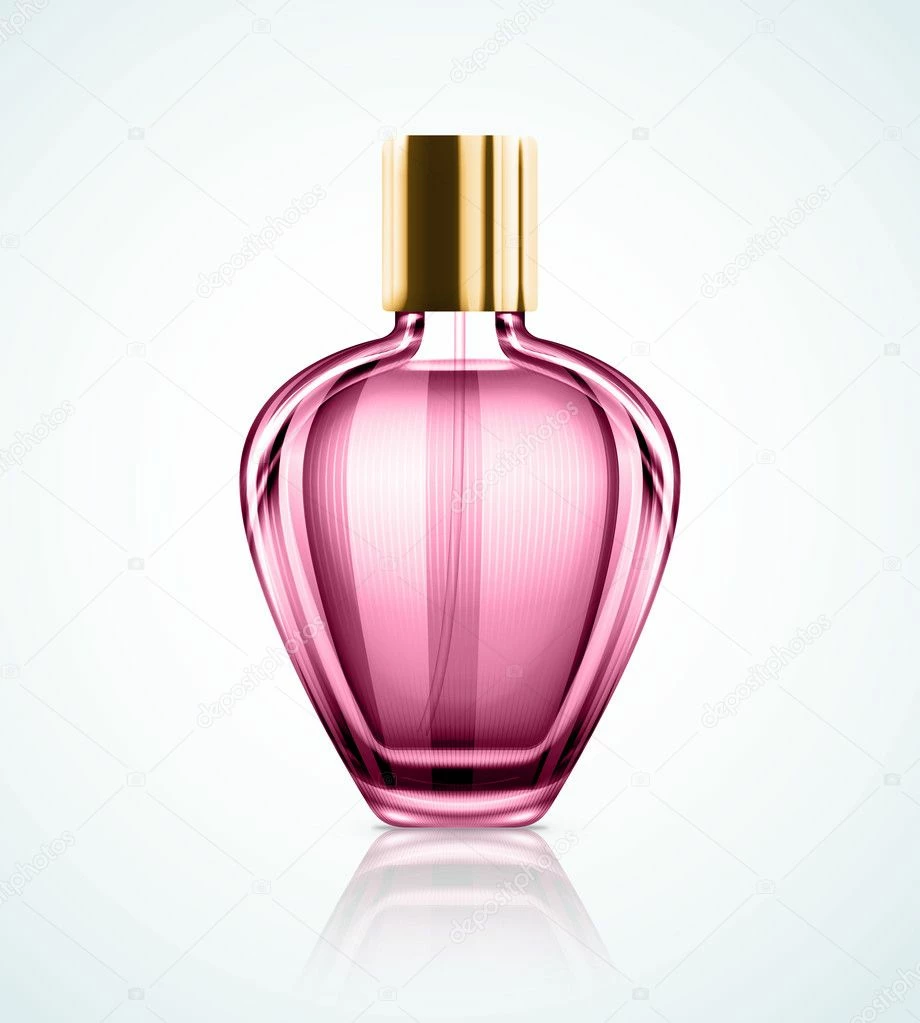
And this background image:
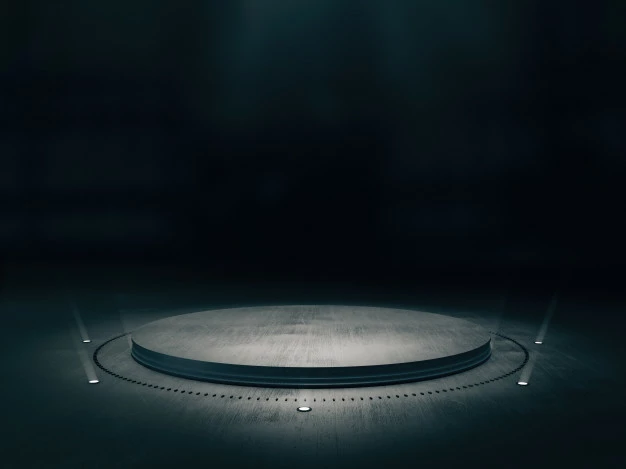
How can I make them more realistically, So that it is difficult for the viewer to know that this is the work of Photoshop.
I watched and applied some tutorials but didn't get the desired result As you can see below (I think there are techniques that make this compositing more realistic) :
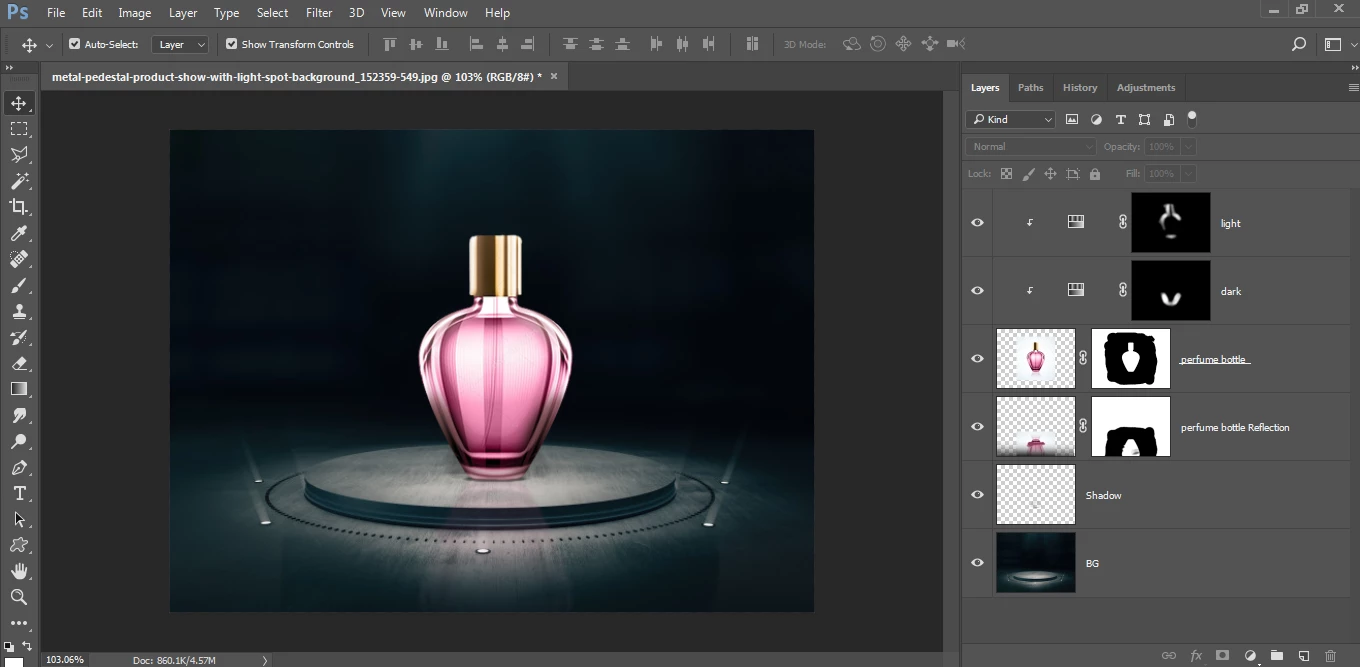
Usually This is what I tried to apply according to the tutorials I saw:
1- Matching the colors of the layers as much as possible using:
Adjustments > Hue/Saturation or Adjustments > Selective Color or Adjustments > Brightness/Contrast or Adjustments > Curves
2- Make a shadow or reflection to the layer (in my case the perfume bottle)
3- Color manipulation to get the desired image using:
Filter > Camera Raw Filter...
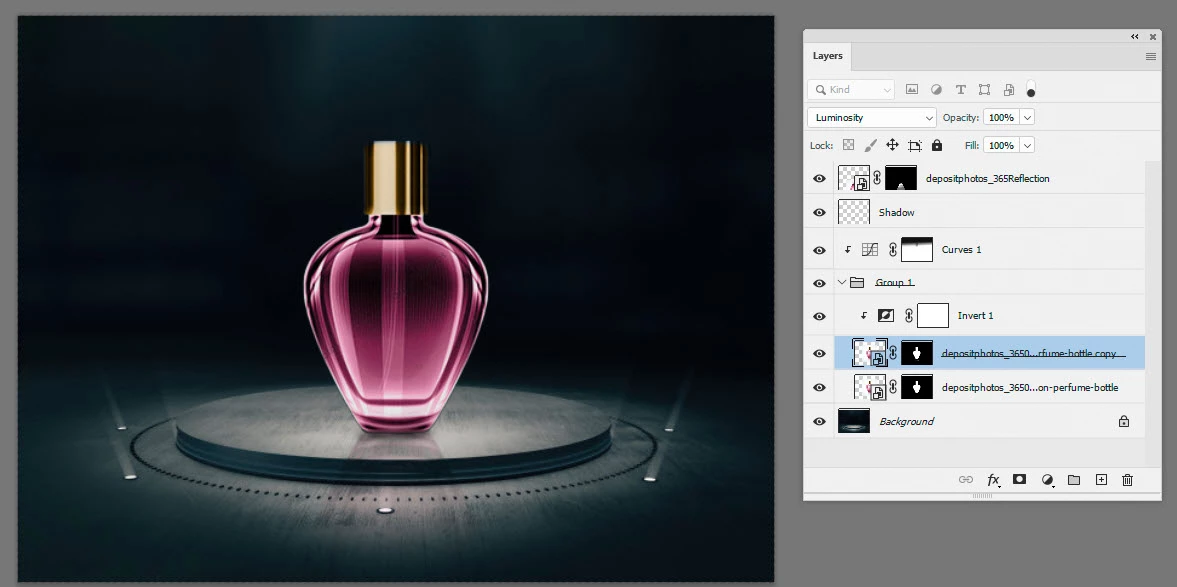
My question is, are there steps that I did not mention above to make the design more realistic, and is this approach above good for making a good compositing, or is there another approach or other techniques that can help me with this and you recommend and you can summarize it for me if you please..
Thank you guys, I would be grateful for any suggestion, ideas or help.
 AdChoices