gtsolid
Known Participant
March 29, 2019
Answered

Superimpose 2 images

  • March 29, 2019
  • 2 replies
  • 999 views

Hi everyone!

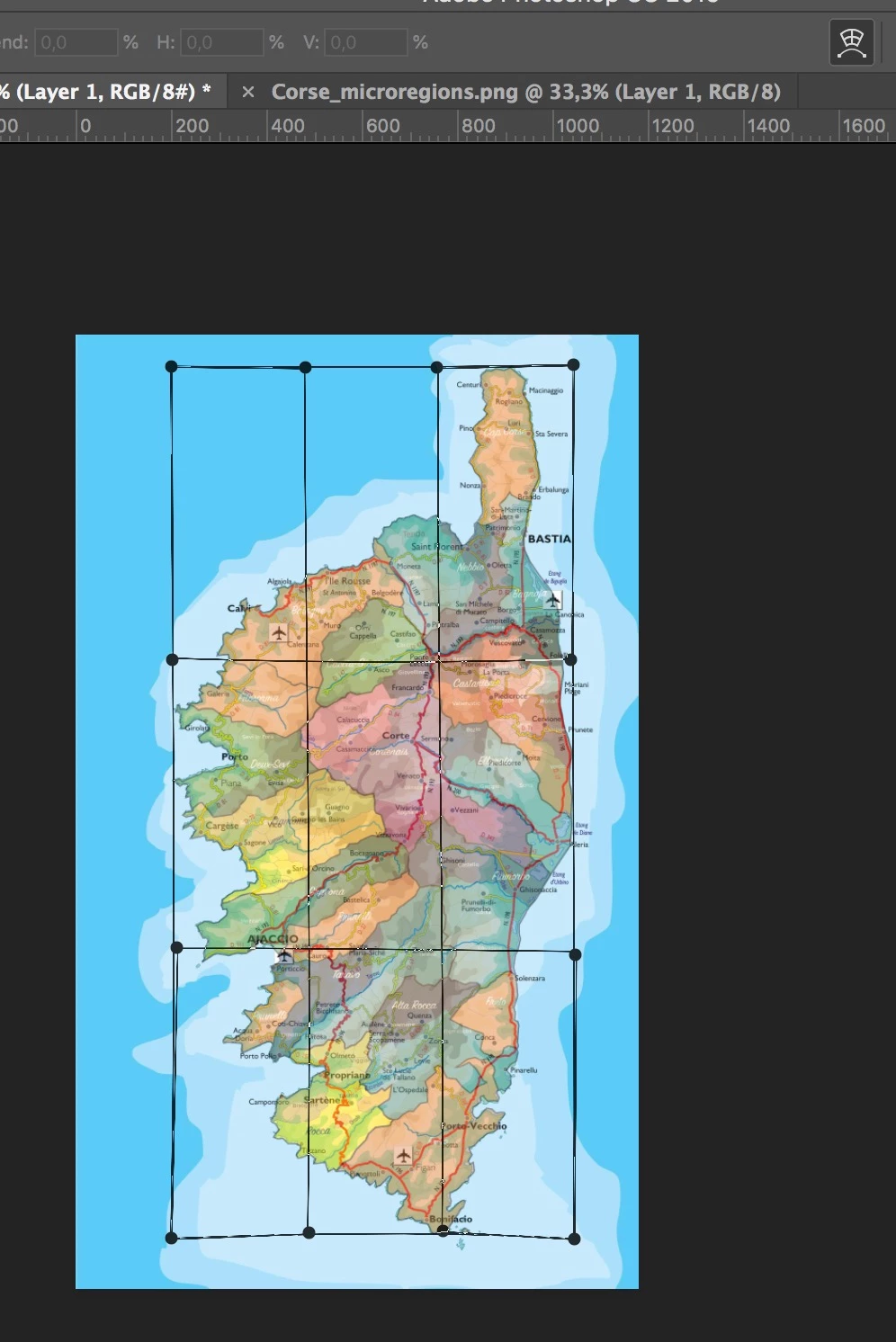
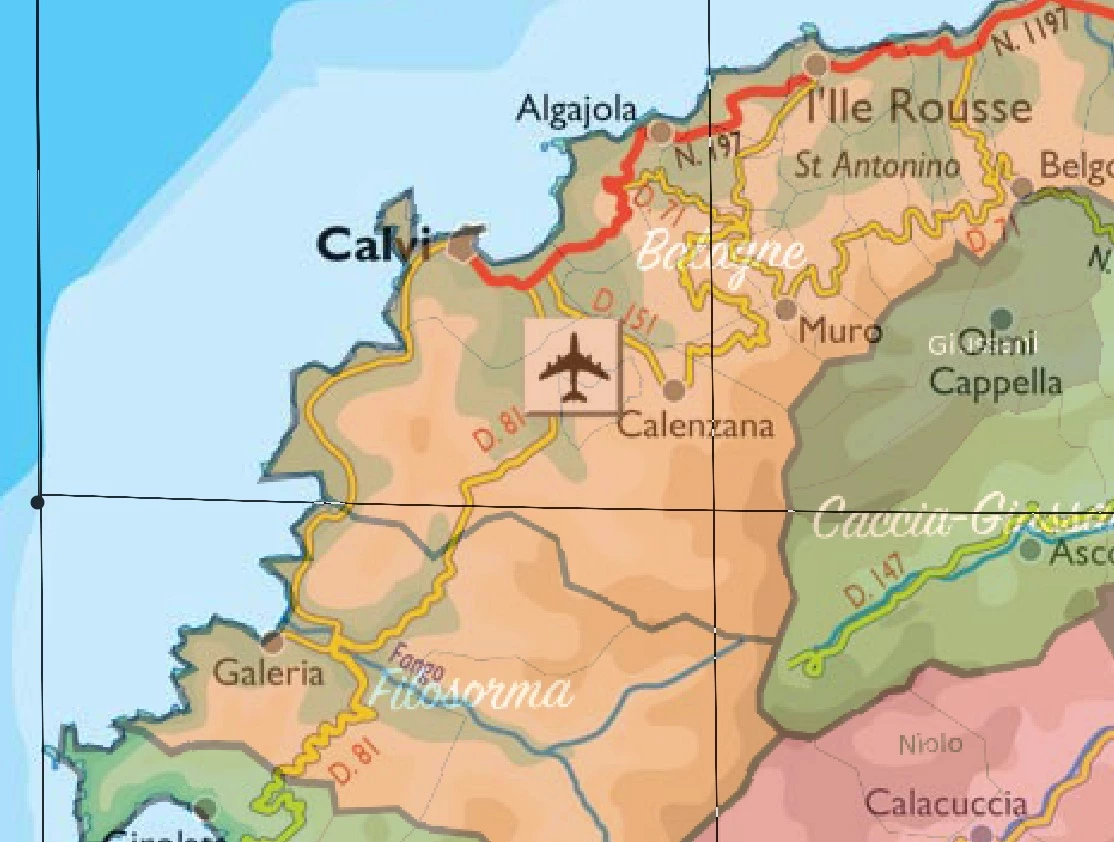
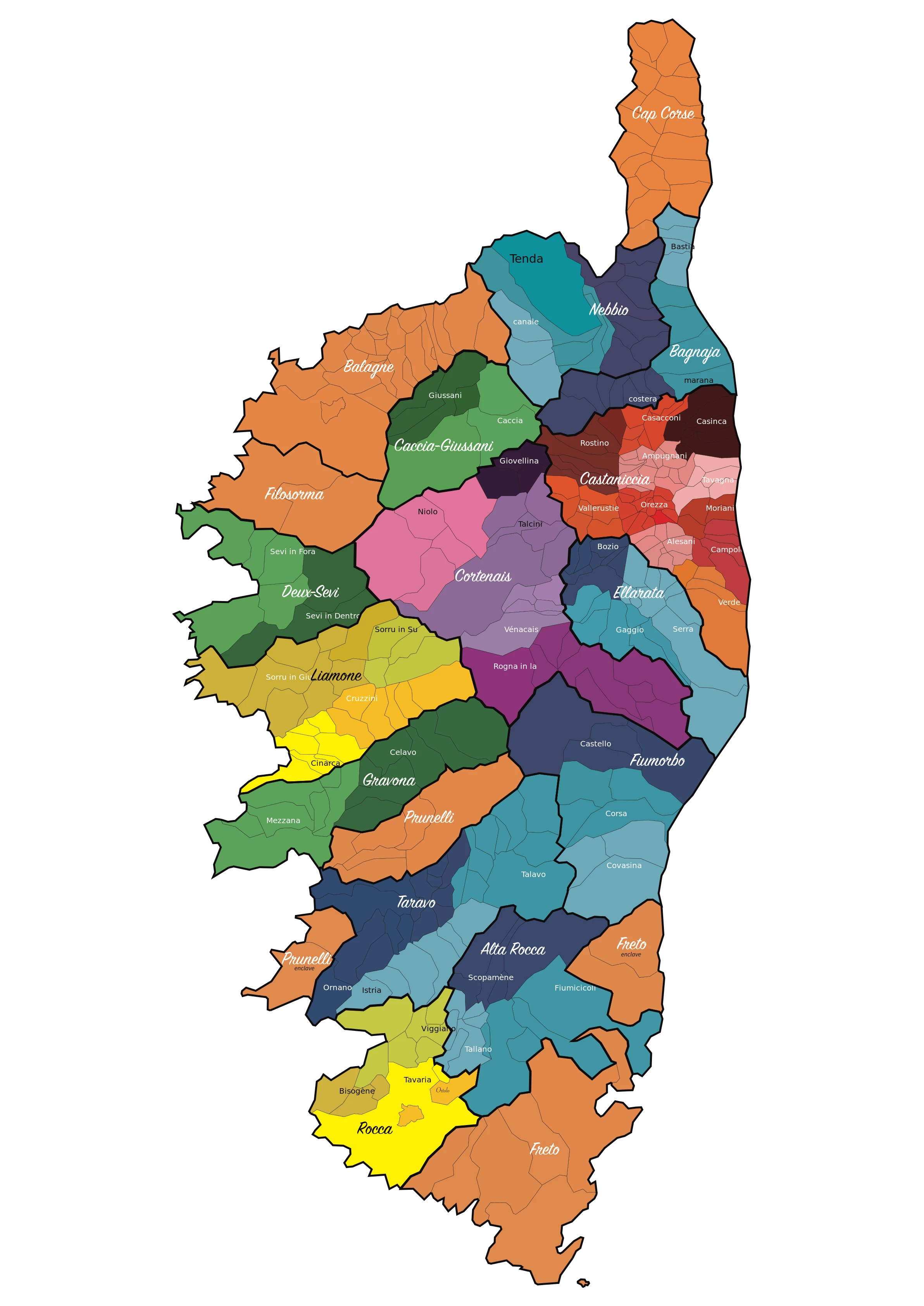
i'm trying to superimpose the 2 attached images, but i notice that there are small difference in the border and i cannot solve with a deformation on a single axis.

Is there a way to make them coincide?
    This topic has been closed for replies.
    Correct answer Grant H

    I would try free transform/warp

    2 replies

    Grant H
    Community Expert
    Grant HCommunity ExpertCorrect answer
    Community Expert
    March 29, 2019

    I would try free transform/warp

    c.pfaffenbichler
    Community Expert
    Community Expert
    March 29, 2019

    Filter > Liquify or Edit > Puppet Warp are options.

    Naturally they should be applied as Smart Filters.

    gtsolid
    gtsolidAuthor
    Known Participant
    March 29, 2019

    Why as a smart layer?

    c.pfaffenbichler
    Community Expert
    Community Expert
    March 29, 2019

    Not »as a Smart Layer«, but »as Smart Filter«.

    But the Warp should naturally also be applied to a Smart Object.

    As for why:

    Because doing it differently would be destructive and therefore imprudent.

    Working non--destructively (in this case with Smart Layers and Smart Filters) allows for reediting the applied transformations and Filters repeatedly without accumulating images degradation.