

Surface Pro 4 & Photoshop
Hi all,
I just purchased a Surface Pro 4 and am hoping to make this my new permanent work station. Just a few issues I've encountered before i sell my laptop.
The screen resolution on the Surace Pro 4 is huge, my laptop is a 1080p screen and so are my 2 screen at work. So when i sent some of the email templates and websites i'm working on at the moment home and loaded them into photoshop they were tiny on screen.
Email template are usually 400-600px wide depending on the campaign but viewing these on the surface is impossible to work at at 100% magnification.
I just wanted to get the views of other surface users do i just need to adjust my work flow and use the magnifying glass to zoom in while working or is there a setting somewhere that can fix this similar to how a browser displays the email at a more relative size?
(i've attached an image of a 400px hero banner for an email at 100% magnification)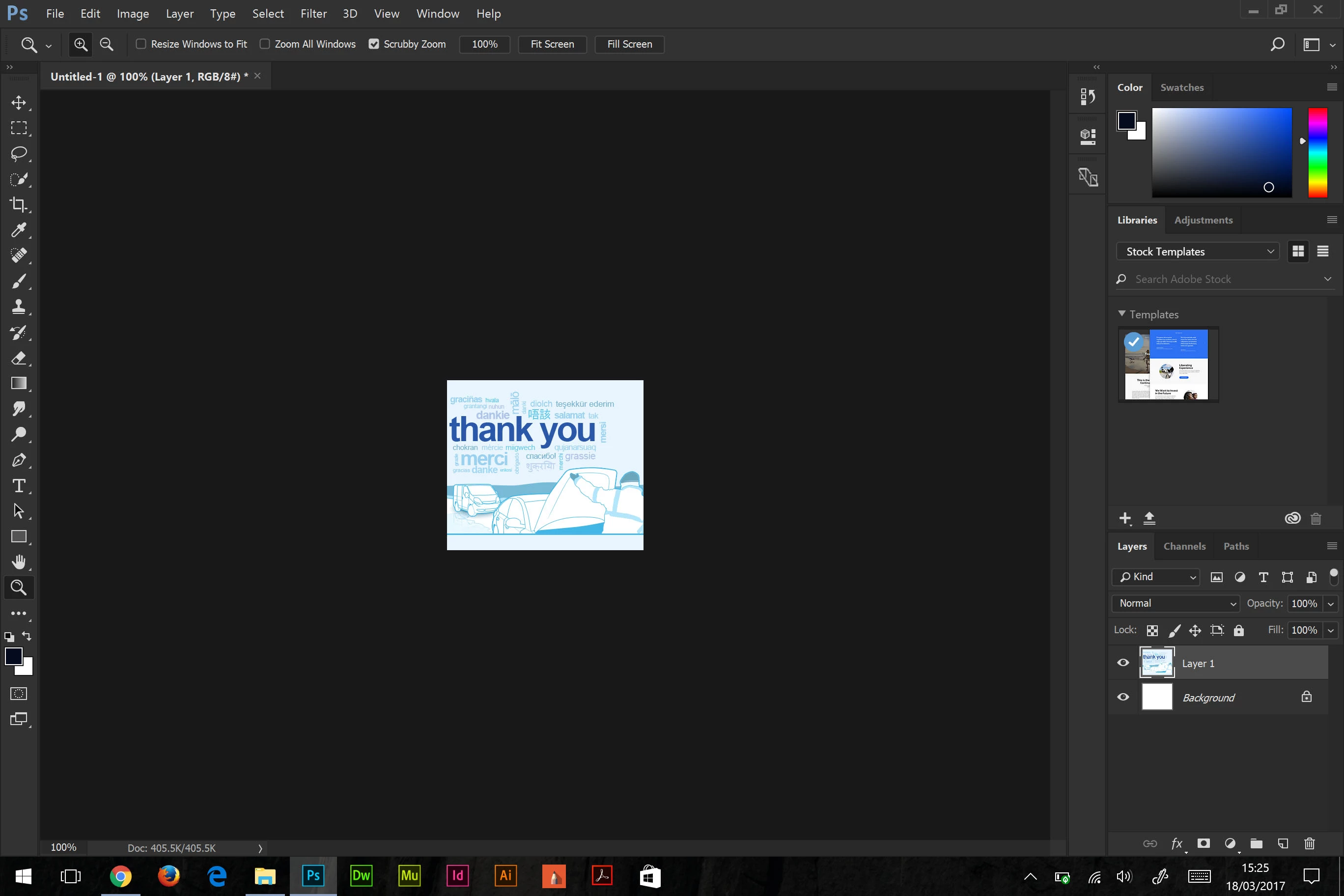
Look forward to hearing from you.
Cheers
Fraser
 AdChoices