
Participant
December 23, 2022
Answered

Surface Pro 9 pen pressure cs6 photoshop

  • December 23, 2022
  • 2 replies
  • 1008 views

I need some serious help regarding digital drawing in Photoshop on my Pro 9.

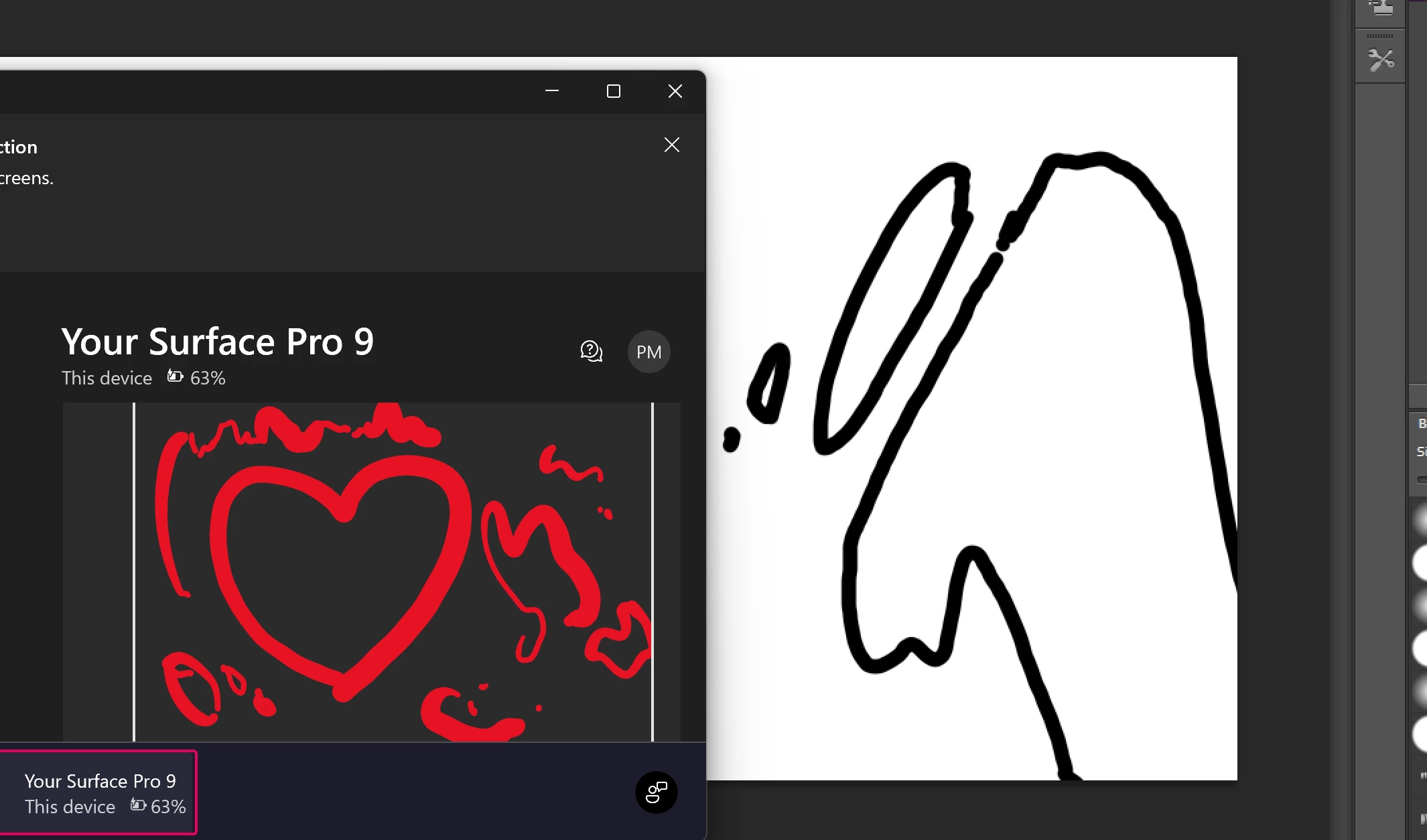
Pen pressure works with the original pen in the surface app, but no matter what I do, there is no tilt or pressure in cs6.

I exlusively bought the surface to work abroad in vietnman to work on digital art projects, but for hours I cant seem to figure out on how to get the pen pressure to work.

I tried:

Reinstalling.

Updating the WinTab driver.

Adding a UserSetting tex file (#Use WinTab UseSystemStylus 0)

Changing settings inside ps for transfer etc.

Changing the pressure in the surface app (in which the stylus works perfectly fine)


I am completely lost. Why isnt it working? Does somebody may know a fix?


This topic has been closed for replies.
Correct answer Raphael95

The issue finally got fixed. A Windows help desk person told me to download the wintab drivers from the details pannel, and not from the big orange download button. This solved my issue 🙂

2 replies

Mylenium
Legend
December 23, 2022

Good to know! 🙂


Mylenium

Mylenium
Legend
December 23, 2022

It's probably a compatibility issue with how your old version of PS expectsa different behavior from how the Wacom tablet behaviors are emulated, even more so since Surface tabs use a different methodology to work with pens. Perhaps there's emulation options in the system settings somewhere or simply enabling compatibility mode will fix it, but otehrwise I guess you're out of luck.


Mylenium

Raphael95AuthorCorrect answer
Participant
December 23, 2022

The issue finally got fixed. A Windows help desk person told me to download the wintab drivers from the details pannel, and not from the big orange download button. This solved my issue 🙂

Participant
December 29, 2022

I am experiencing the same issues, can you please tell me where you got the wintab drivers?