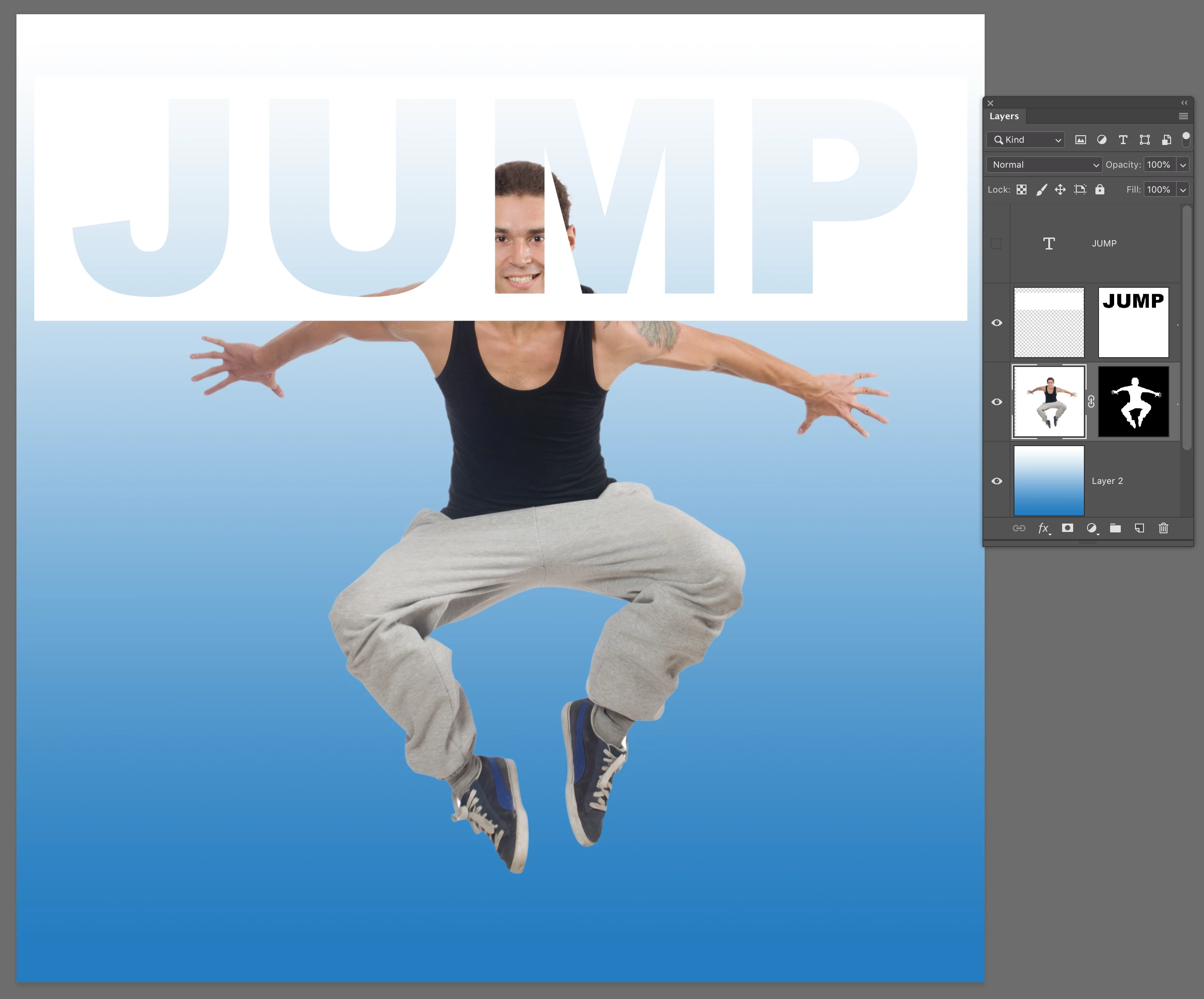
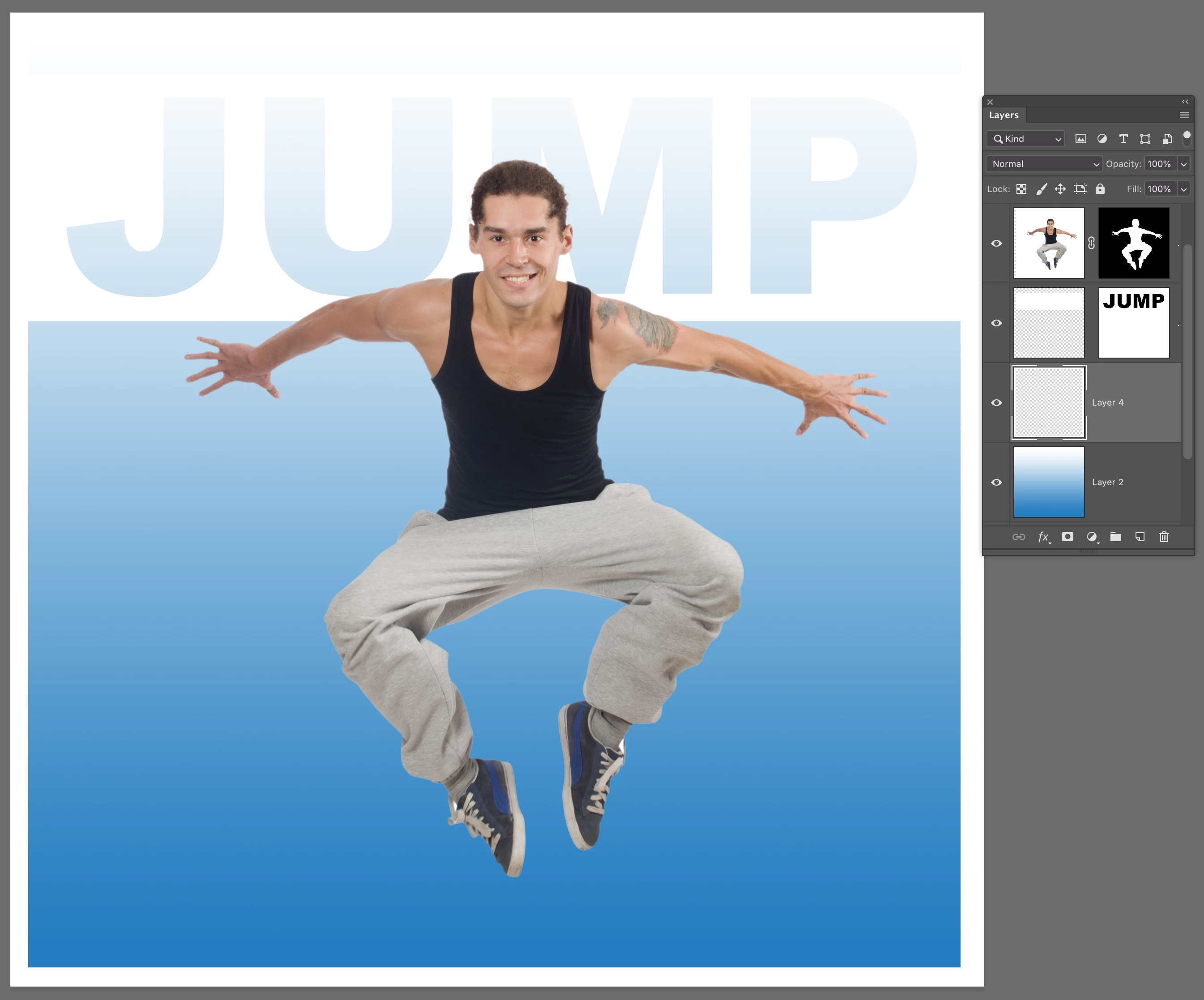
So based on your description you want sample number 1 below. But based on your example I think you want sample number 2 below.
The white rectangle has the text saying "DIRTBIKE" knocked out of the white rectangle. You want the guy riding the bike to be behind that white rectangle and showing through the letters that are used as a negative mask frame.
In Photoshop, move that white text frame rectangle to the top layer. It has the mask on it, and can be used as a window for all layers below it. But if you want something like you show in the example, the dirtbike rider is masked out over the original background, or over a gradient, and then stacked over the white framed text with the mask. See my second image for an example. You can see I have the dancer jumping masked out.


 AdChoices