

SamChipman
Participant
March 28, 2021
Question

Text fadding/clipping when exporting to PDF

  • March 28, 2021
  • 2 replies
  • 795 views

When exporting from Photoshop to PDF I'm having the text is not displaying properly. Almost fading and clipping at the edges, as shown in the images below.

Any advice as to why and how to fix this?
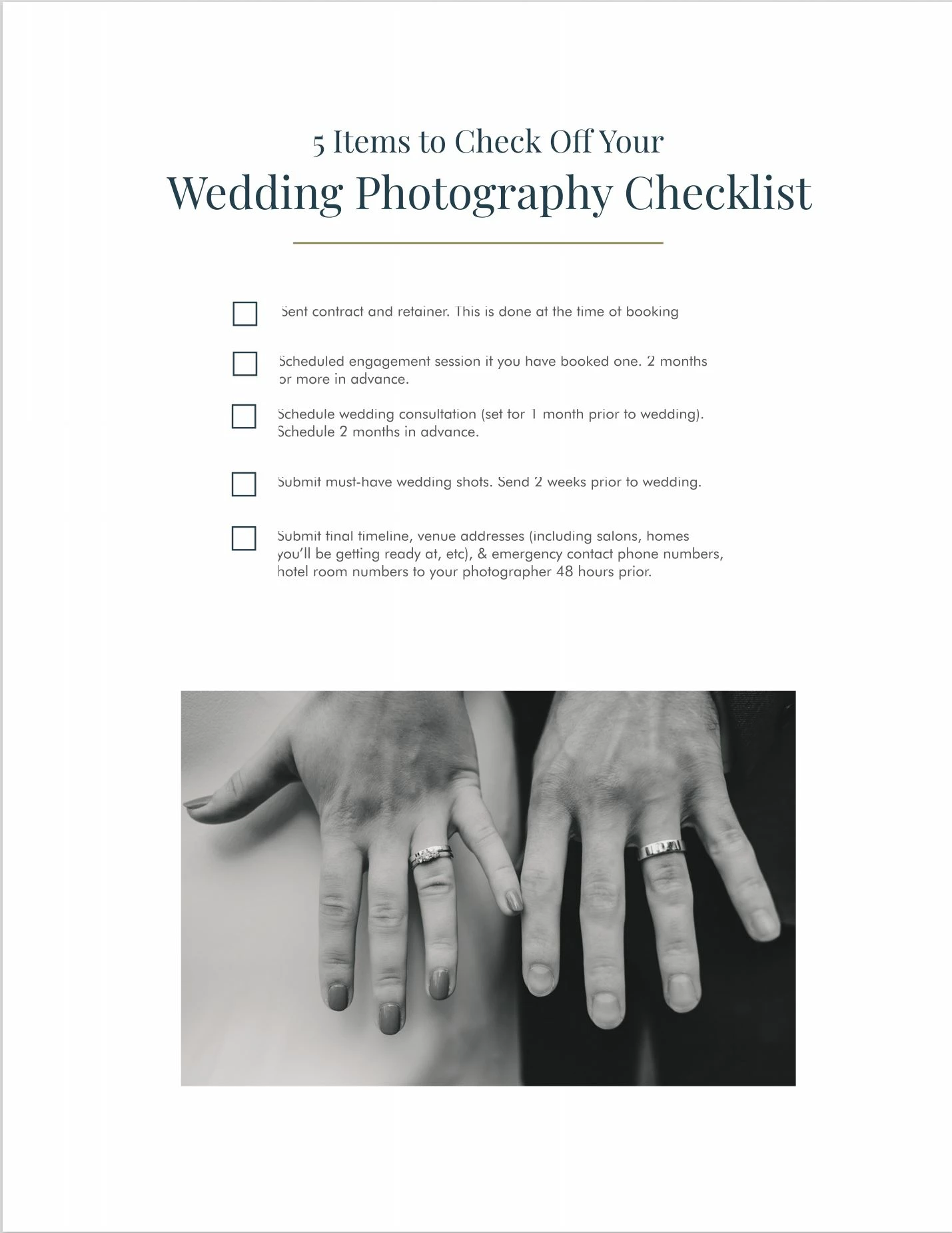
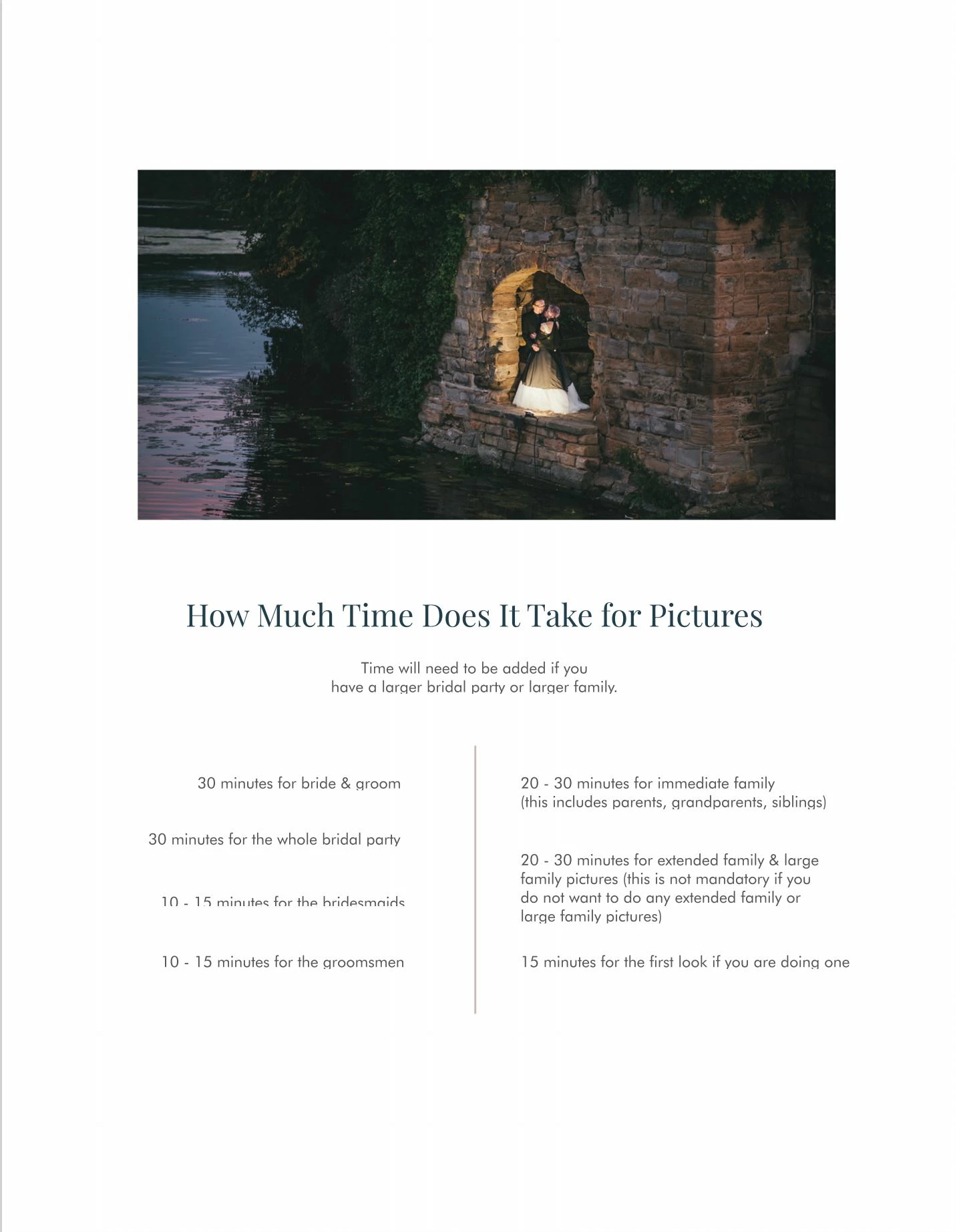
This topic has been closed for replies.

2 replies

@mj
Community Expert
Community Expert
March 28, 2021

Hi @SamChipman ,


This is something that has been knocking around for a while.


Try @c.pfaffenbichler's suggestions. If yu brickwall on those, then consider these.


  1. Export ton 24 bit PNG and convert it to PDF using Acrobat
  2. Do the image edits in Ps and the layout in Illustrator.


You may want to report this on https://feedback.photoshop.com/


Best of luck

mj


Mohammed Jogie | Morning Star Design | BA CUA |
Adobe ACA | ACE | ACI | ACP | CA | UGM |
MISTD | Ico-D | IxDA | PADI | C&G |


c.pfaffenbichler
Community Expert
Community Expert
March 28, 2021

Can you provide one of the psds (with just the Type Layers)? 


If nothing else works you could use Type > Convert to Shape to convert the Type Layer (or duplicates) to Shape Layers. 

SamChipman
Participant
March 28, 2021

Sure. Attached.
Text appears fine in Photoshop.

c.pfaffenbichler
Community Expert
Community Expert
March 28, 2021

I cannot reproduce the issue. 


Does applying an »Indent left margin« and an empty line at the top make a difference?