Participant
November 16, 2021
Answered

Text frame not moving text onto next line

  • November 16, 2021
  • 3 replies
  • 1376 views

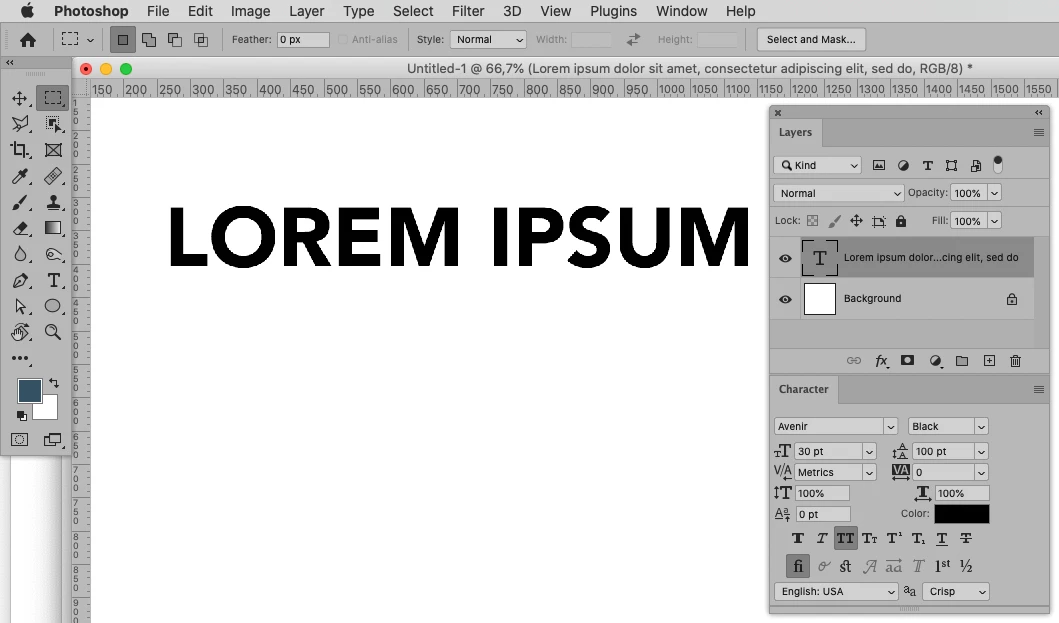
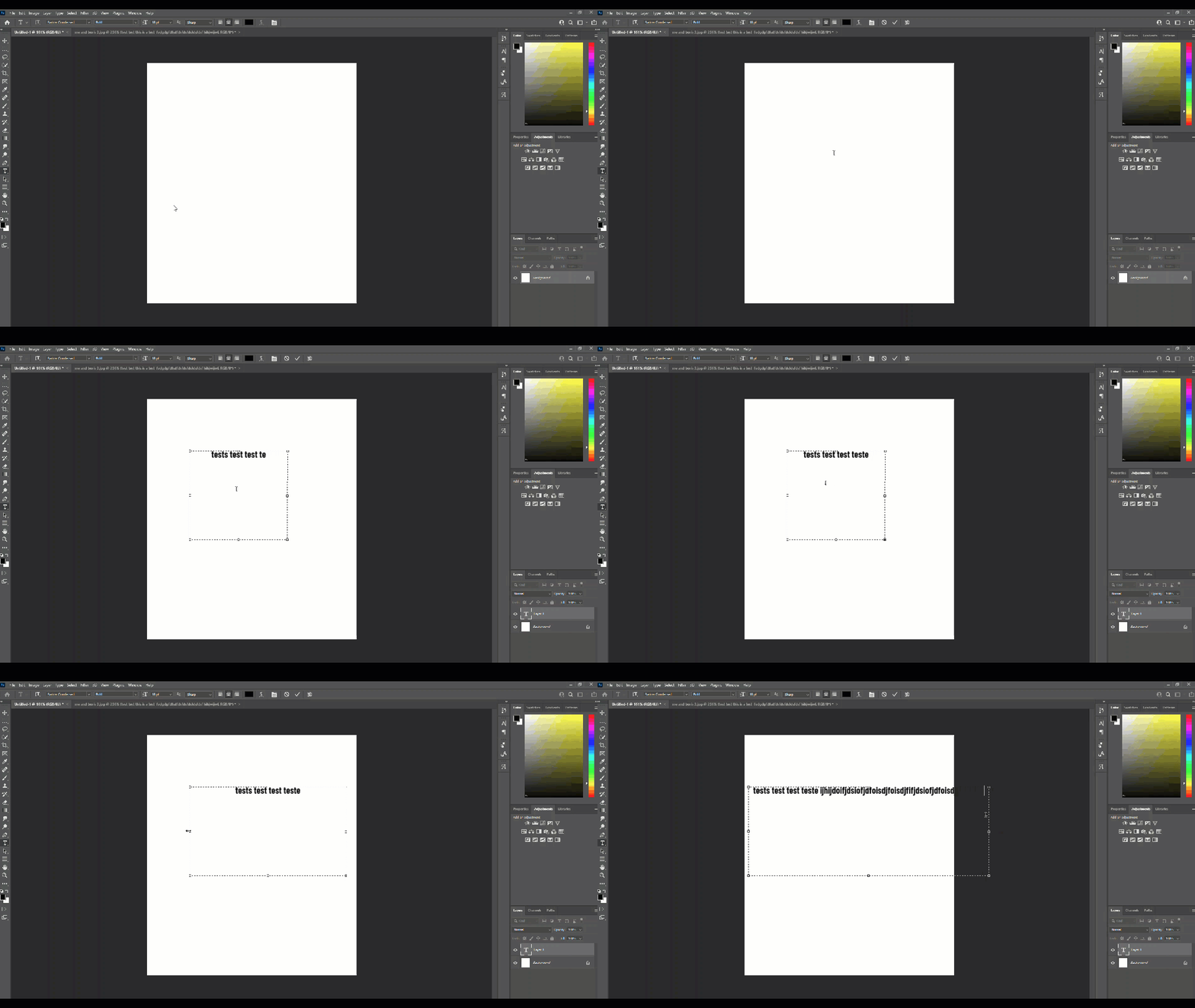
When I create a text frame, the text no longer goes down onto the next line when you hit the box boundary. 


I've tried a lot but nothing seems to solve it. Any help, much appreciated!


Many thanks.
 

Correct answer c.pfaffenbichler

3 replies

PECourtejoie
Community Expert
Community Expert
November 16, 2021

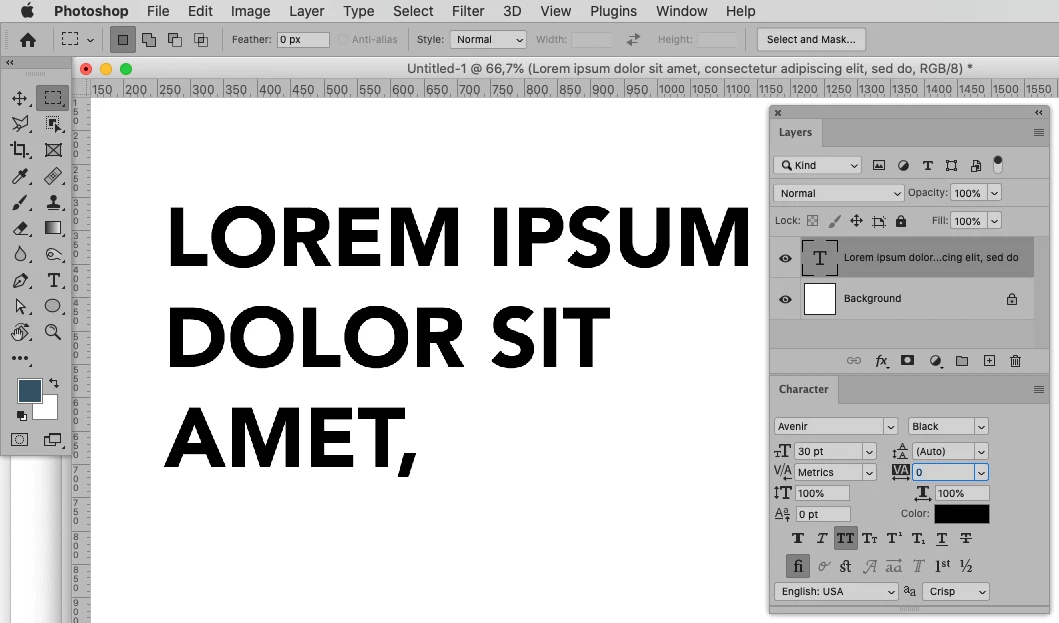
Hi, indeed, it would help if you could please show your character panel.

You can also reset the text tool (right-click on the T in the option bar),and the character panel (click on the hamburger menu on the far right of the title "character", select "reset character")

Participant
November 16, 2021

Thank you! Turns out I just needed to set the leading to 'auto' - not sure how it got set to anything else, but all is well now.  

c.pfaffenbichler
Community Expert
c.pfaffenbichlerCommunity ExpertCorrect answer
Community Expert
November 16, 2021

Participant
November 16, 2021

Thank you, setting leading to 'auto' worked! Thanks a lot for your help. 

c.pfaffenbichler
Community Expert
Community Expert
November 16, 2021

What is the leading? 

Please post meaningful screnshots that include the Character Panel.