
Exit
  • Global community
    • Language:
      • Deutsch
      • English
      • Español
      • Français
      • Português
  • 日本語コミュニティ
  • 한국 커뮤니티
0

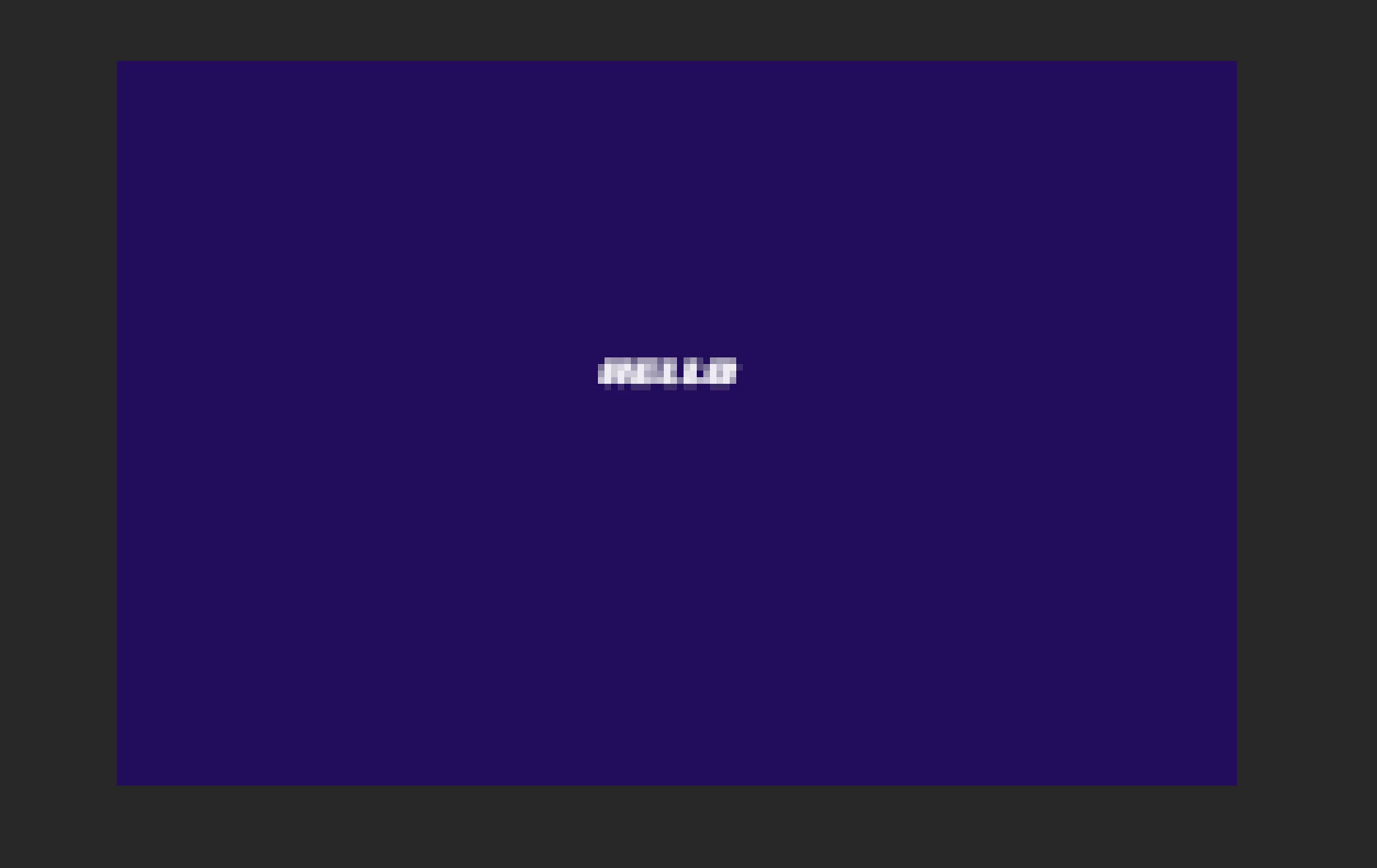
Text in photoshop and the words are pixelated

Community Beginner ,
Jun 25, 2020 Jun 25, 2020

Im not sure what to do. Im not sure how it got this way.  This is what it looks like Please help!! Also, everything I open in photoshop is enlarged. Even when I simply paint the background, it comes out pixelated.Screen Shot 2020-06-25 at 9.07.44 PM.png
410
Translate
Report
Community guidelines
Be kind and respectful, give credit to the original source of content, and search for duplicates before posting. Learn more
community guidelines
Adobe
Community Expert ,
Jun 25, 2020 Jun 25, 2020

Hi

  • What does it look like in 100% zoom?
  • Is there a "T" icon in the type layer (is it text, or has it been rasterized)?
  • What version of OS and PS?

If you are using the newest version of Photoshop, try unchecking "Legacy Compositing" in the Preferences > Performance to see if that fixes it

~ Jane.

Translate
Report
Community guidelines
Be kind and respectful, give credit to the original source of content, and search for duplicates before posting. Learn more
community guidelines
Community Beginner ,
Jun 25, 2020 Jun 25, 2020

It looks like this but worse. Yes there is a "T" next to the text. It hasn't been resaterized and the legacy compositing is unchecked. And its still not fixed.

Translate
Report
Community guidelines
Be kind and respectful, give credit to the original source of content, and search for duplicates before posting. Learn more
community guidelines
Community Expert ,
Jun 26, 2020 Jun 26, 2020

And you say this happens even when you paint? What version of Photoshop do you have and when did this start? Have you tried resetting preferences by going to Preferences > General > Reset Preferences on Quit? Be sure to back up any customization first, such as actions.


~ Jane

Translate
Report
Community guidelines
Be kind and respectful, give credit to the original source of content, and search for duplicates before posting. Learn more
community guidelines
Community Beginner ,
Jun 25, 2020 Jun 25, 2020

I am also using a Mac "Catalina" version 10.15.5

Translate
Report
Community guidelines
Be kind and respectful, give credit to the original source of content, and search for duplicates before posting. Learn more
community guidelines
Community Expert ,
Jun 25, 2020 Jun 25, 2020

Look like you posted a very small image with text in it at a very high magnification.  You need to use more pixels to render good  readable text. Your text is too small and lacks details.  You need to use more pixels for you text. Yes text is vector graphic. You still need to use a good size for the texts to be rendered with  pixels well.  Rendering text small  will not be readable it will be too small to read and will lack details.  Magnifying the image will not make the text readable. For the text lacks the details required for good text.

JJMack
Translate
Report
Community guidelines
Be kind and respectful, give credit to the original source of content, and search for duplicates before posting. Learn more
community guidelines
Community Expert ,
Jun 25, 2020 Jun 25, 2020

You need to show us the image size in pixels.

Cmd Opt i

It sounds like you have a tiny image size

Trevor_Dennis_0-1593146150920.png


Translate
Report
Community guidelines
Be kind and respectful, give credit to the original source of content, and search for duplicates before posting. Learn more
community guidelines
Community Beginner ,
Jun 26, 2020 Jun 26, 2020
LATEST

THat Worked!!!!

Thank you everyone for yor help


Translate
Report
Community guidelines
Be kind and respectful, give credit to the original source of content, and search for duplicates before posting. Learn more
community guidelines
Community Expert ,
Jun 26, 2020 Jun 26, 2020

Curious what is the size of the image and the resolution?

Also, if you are just doing something like this... then it might be wiser to create this image in Illustrator.  Also you can create the text in Illustrator then bring it over to Photoshop as a Smart Object.  This also could help.

Translate
Report
Community guidelines
Be kind and respectful, give credit to the original source of content, and search for duplicates before posting. Learn more
community guidelines