
Answered
Text in ToolTips are too big to fit inside the tip bubble
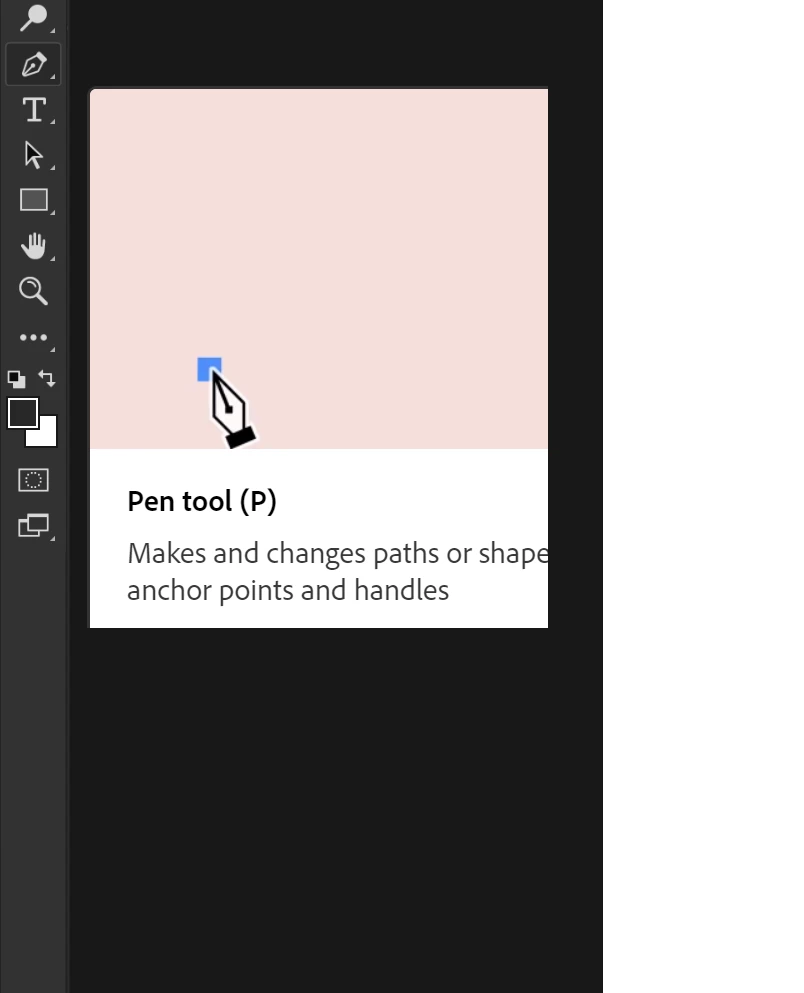
Hello I recently just got photoshop and some of the text for the tooltips are too large to fit inside of the box. Its rather very annoying and I can't find how to fix this. For example: the picture below of the Pen tool (P) missing some text from the box.
I also am currently working with a 3840x2160 resolution screen, although I don't know if the resolution has anything to do with the size difference.
any tips or how to fix or rescale the textsize would help very much.
Thanks in advance
 AdChoices