
Participating Frequently
August 3, 2019
Answered

Text Issue

  • August 3, 2019
  • 4 replies
  • 808 views

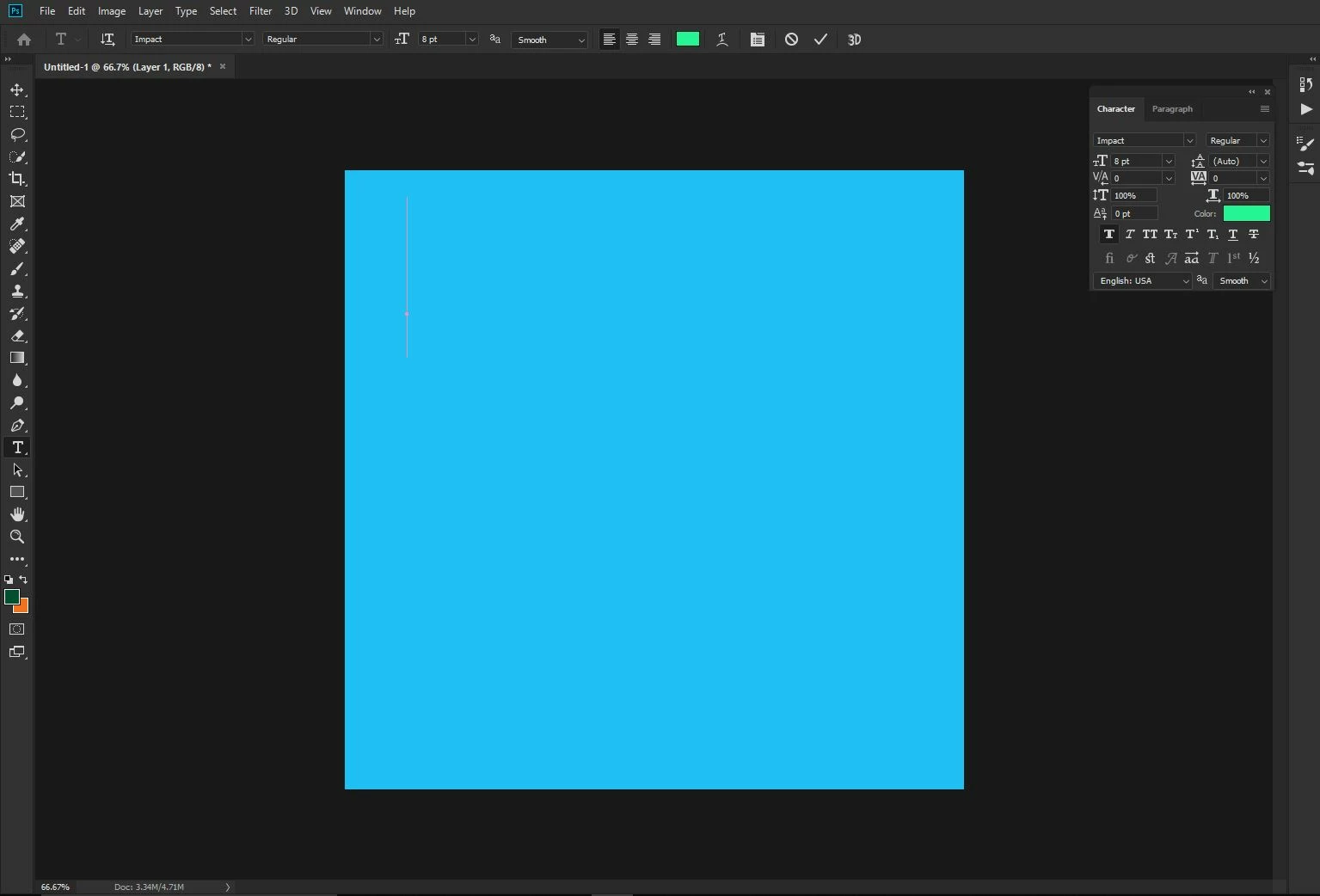
I have been trying to figure out this issue. I select the text tool to type but when i go to type on the canvas the area to type comes out really large. The font is set at 8pt but i can't seem to figure out how to get it to come out at a normal, not too large/small size. I have ready through some discussions but I haven't been able to resolve this. Can anyone provide some assistance? Any help is appreciated. My canvas size is 1080x1080.
This topic has been closed for replies.
Correct answer JJMack

In the text tool option bar try setting 8PX instead of 8pt.   Pt size may be relative to your documents resolution setting.

4 replies

Participant
April 22, 2020

Can you goys please help me with thwe text issue?


Participant
April 22, 2020

Hi guys I have a proble with my photoshop. The text doesn't work.


JJMack
Community Expert
JJMackCommunity ExpertCorrect answer
Community Expert
August 3, 2019

In the text tool option bar try setting 8PX instead of 8pt.   Pt size may be relative to your documents resolution setting.

JJMack
alcord_24Author
Participating Frequently
August 3, 2019

I tried this and it actually helped. I've had the issue for a while no matter what type of canvas size. The text layout area on the canvas would always come out very large. I appreciate the help!

Simmer1
Community Expert
Community Expert
August 3, 2019

Hi,

You mentioned that your canvas size is 1080x1080 what is your files resolution?

alcord_24Author
Participating Frequently
August 3, 2019

Since it is for an Instagram post, the max resolution recommend is 2048px

Simmer1
Community Expert
Community Expert
August 3, 2019

OK, I would assume you resolution is 72 as if is for a web post.

You can find out your file resolution by going Image> Size.

To be honest that being the case you would need to adjust your font size according to your requirements.

I hope this helps,

Sim