Participant
April 18, 2017
Question

Text pixelation

  • April 18, 2017
  • 1 reply
  • 1053 views

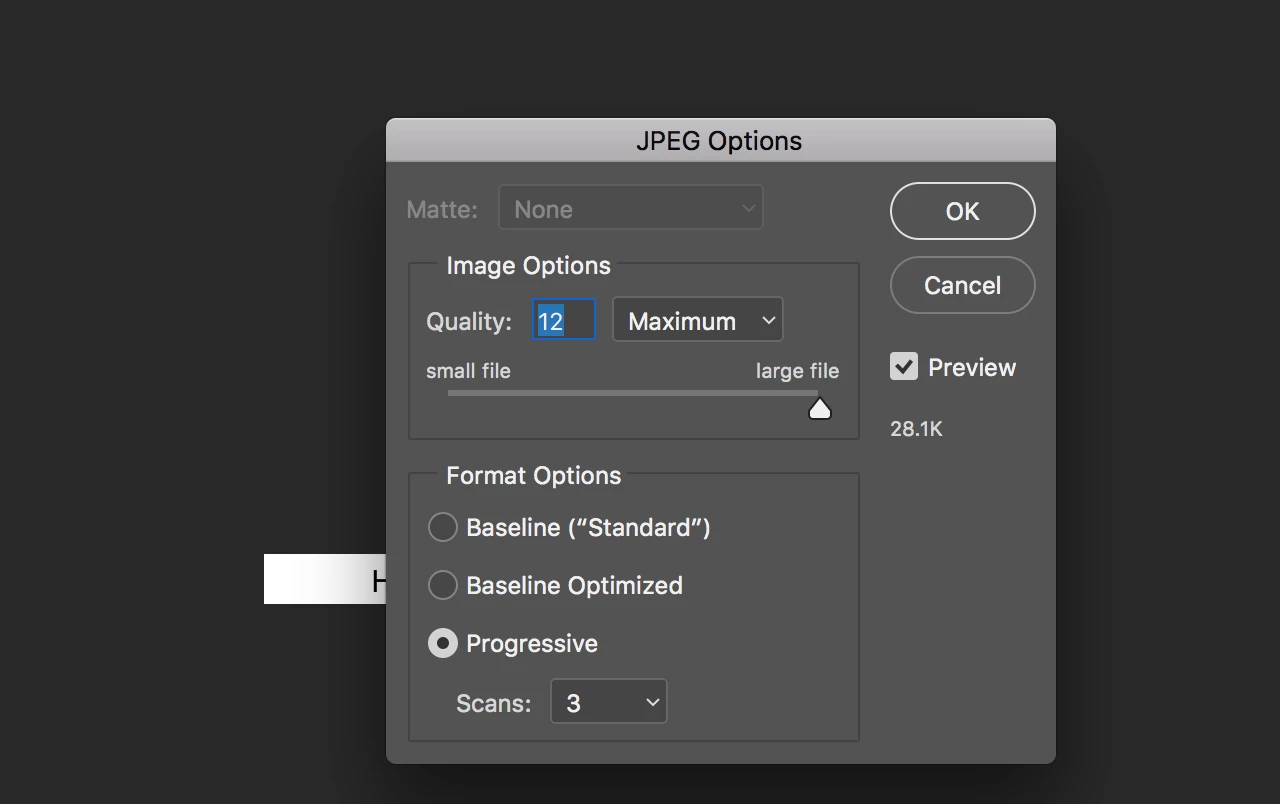
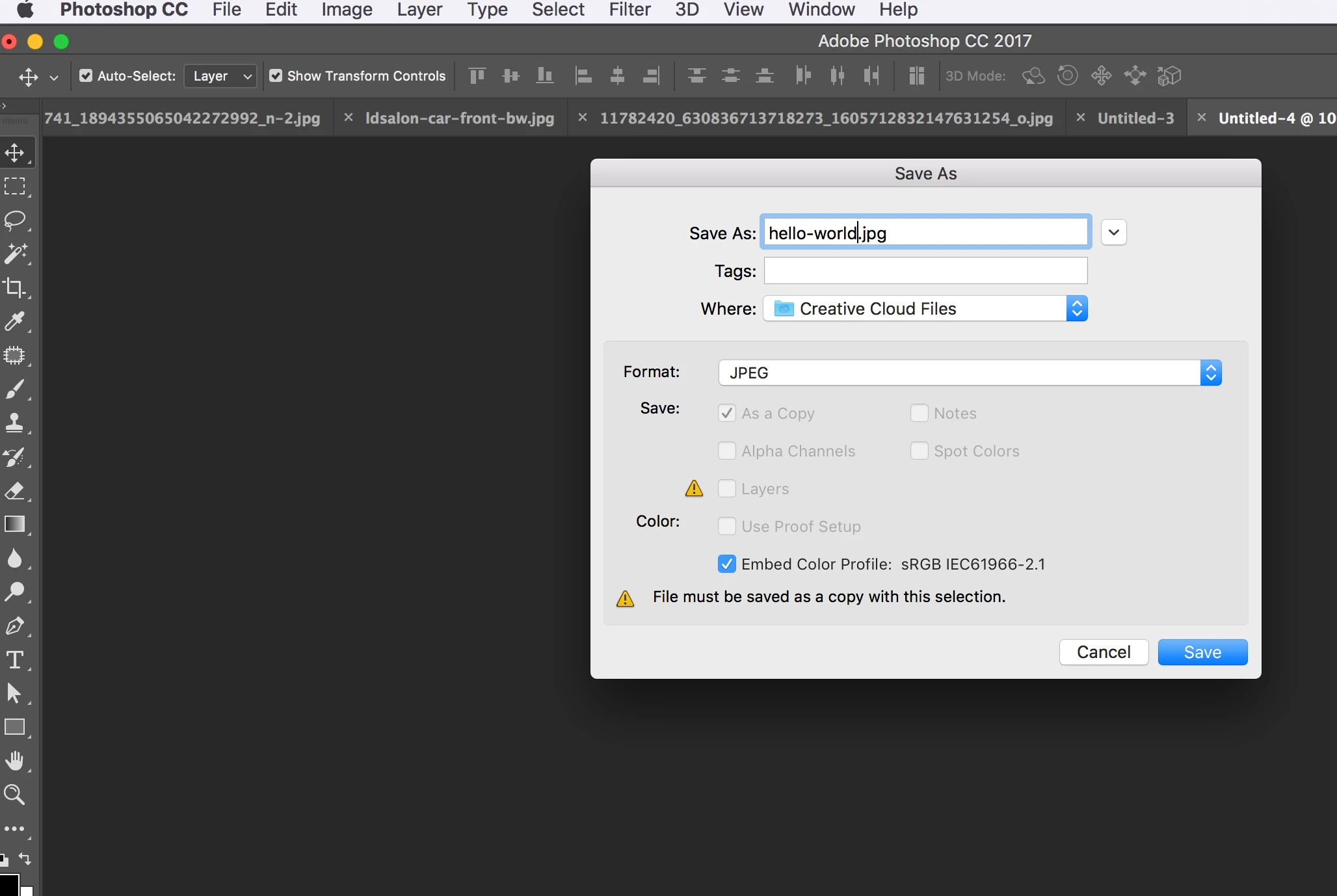
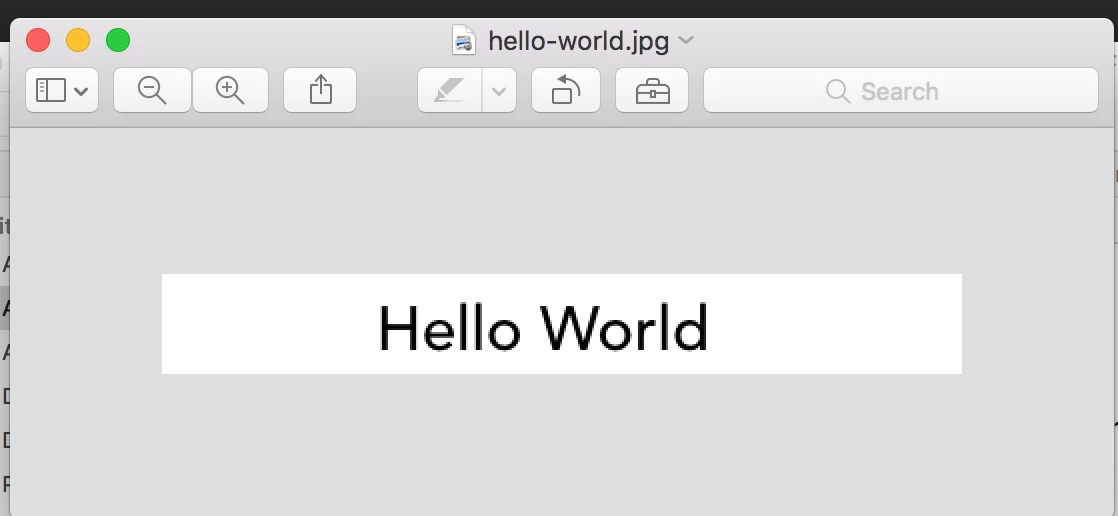
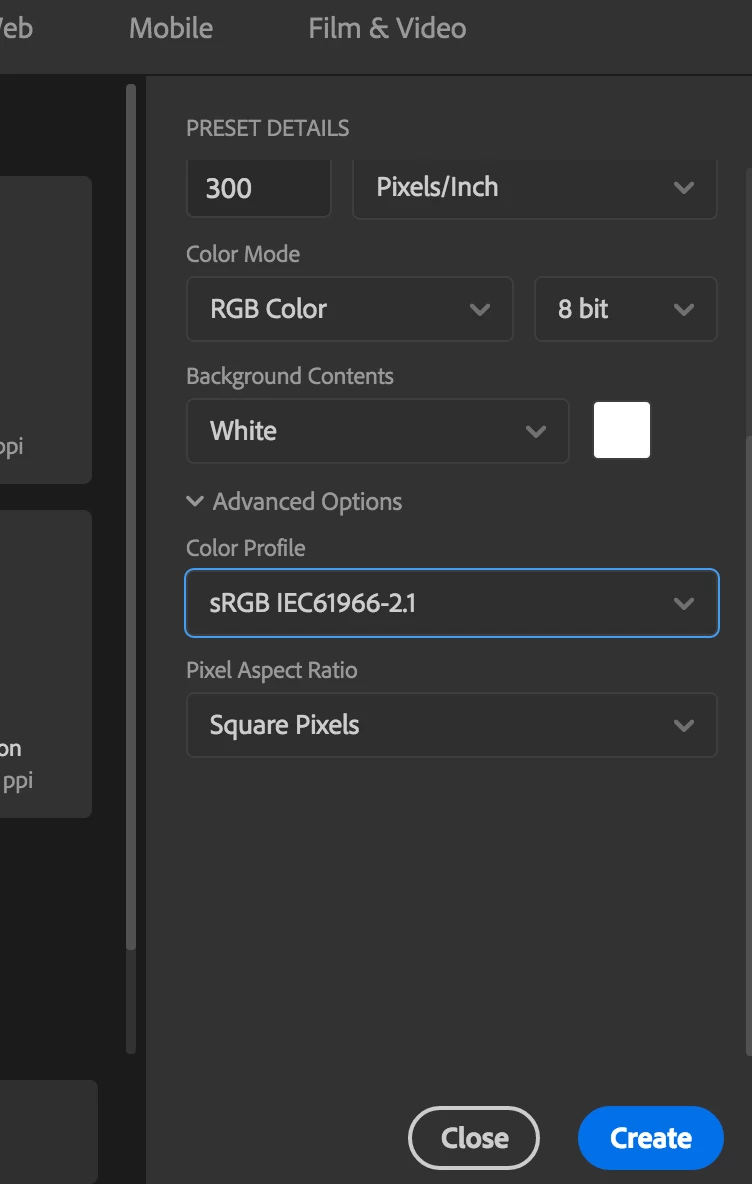
I am using photoshop to create a very simple text image. Recently after the latest photoshop update, every time I type text and save it is pixelated in all formats except pdf's. The same thing is happening in Illustrator as well. Something is not right, I have done this so many times with no problems. Here are screen shots of my process.
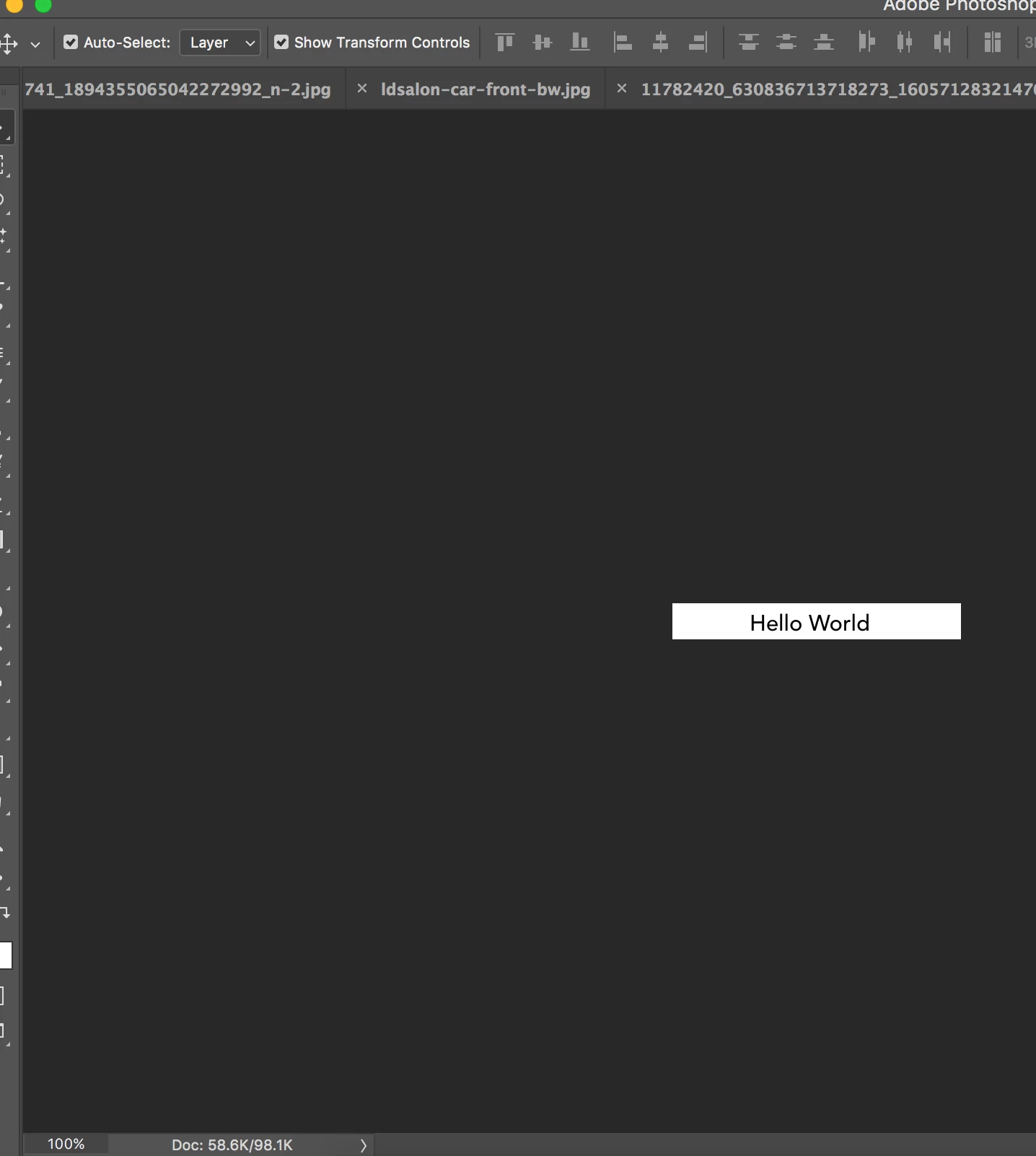
This one was not to bad because I didn't optimize in any way, but still pixelated.

Thank you in advance for helping me out with this.

Autum

    This topic has been closed for replies.

    1 reply

    davescm
    Community Expert
    Community Expert
    April 18, 2017

    Look at the smoothing optionsin the text tool, you do not show them in your screenshot but it looks like they may be set to none:

    Dave

    Participant
    April 18, 2017

    I have tried every setting in that category and it just changes the degree of pixelation. I have also tried changing the pixel aspect ratios in the view settings with no luck. I read something online about turning off anti-alias in the photoshop preferences, but can't find a box to turn it off. I figured it has to be something simple that I am missing it usually is anyway.

    Nancy OShea
    Community Expert
    Community Expert
    April 19, 2017

    28K is very small file.  What is the height and width of your image?

    Also JPEG is not the best file type for clear type.  PDF or PSD will give you much cleaner text.

    Ideally, start with a big canvas.  You can downsize later if needed.

    File > Export As > JPG...

    Actual image with 24 pt font size, saved as JPG.

    Nancy

    Nancy O'Shea— Product User & Community Expert