Question
Text tool issue
When using the text tool, it always start writing from right to left rather than left to right. how can i inverce it to correct typing by default? I always need to mannualy adujust each time. 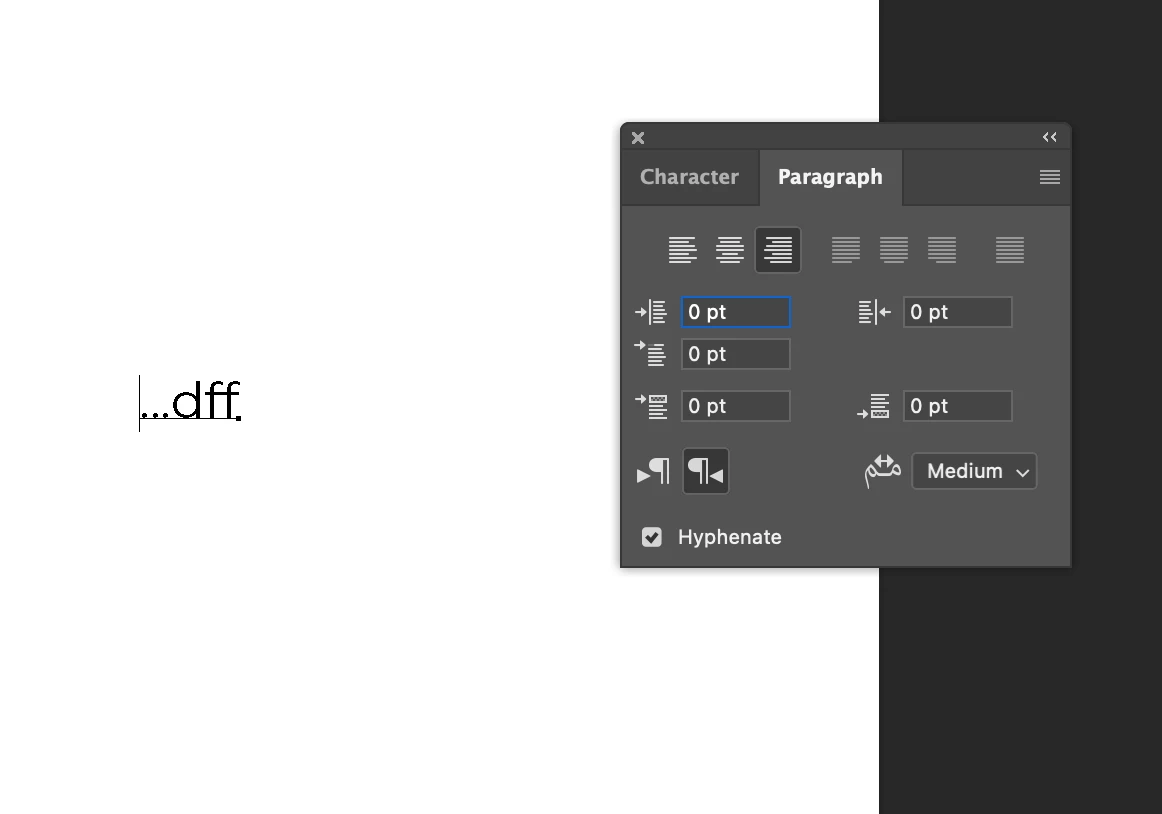

When using the text tool, it always start writing from right to left rather than left to right. how can i inverce it to correct typing by default? I always need to mannualy adujust each time.
Already have an account? Login
Enter your E-mail address. We'll send you an e-mail with instructions to reset your password.
 AdChoices