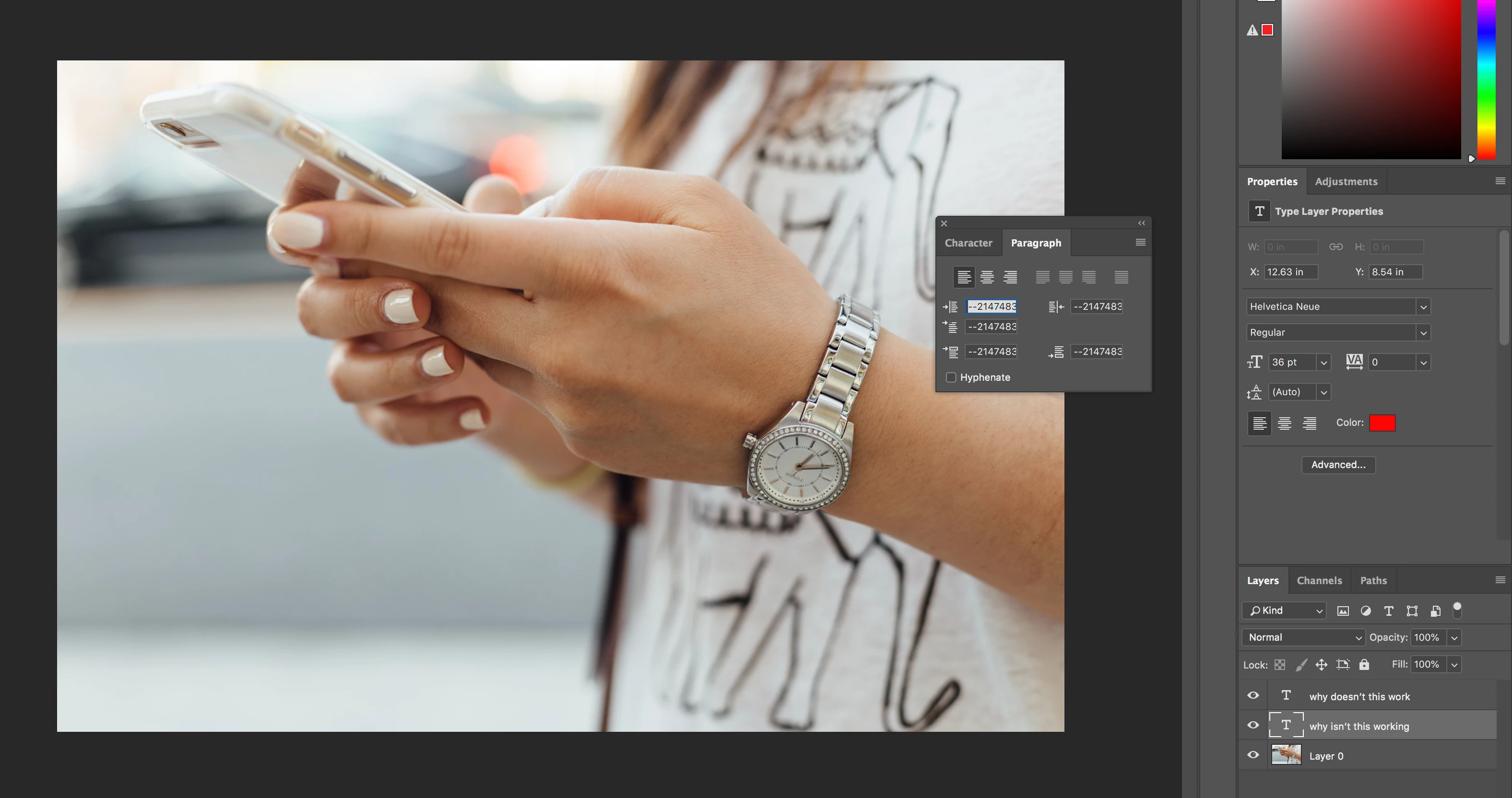
I did as you said but the indents and spacing were already set to 0pt for all the options.
Hmmm... so weird. I'm more annoyed that I would have to set everything to 0pts everytime i open the text tool.
roaringdog wrote I did as you said but the indents and spacing were already set to 0pt for all the options. Hmmm... so weird. I'm more annoyed that I would have to set everything to 0pts everytime i open the text tool. |
Have you fixed this yet? If not then time to get serious. Something is broken, and as far as I know, no one else has reported this problem, so I don't think it is a built in bug.
First thing to do is reset Preferences. from the Preferences > General tab.
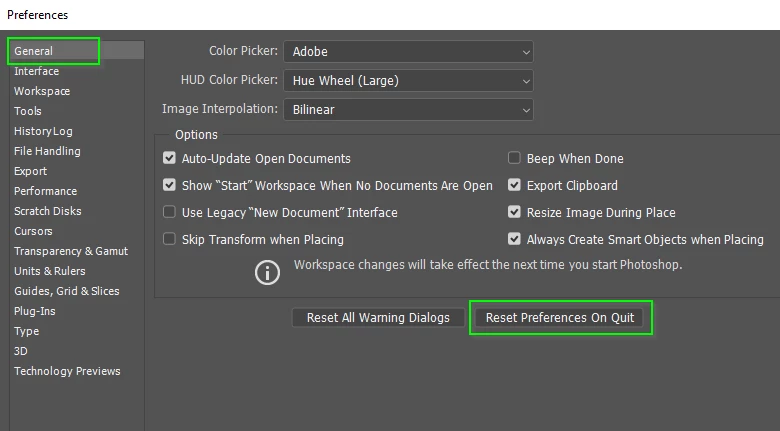
My guess is this will fix it, but if it doesn't then I suspect it is going to be a complete reinstal, and run the Cleaning Tool between uninstalling and reinstalling. But like I said, I think a Preferences reset willl do the job.
Use the Creative Cloud Cleaner Tool to solve installation problems
Good luck.

 AdChoices