Answered
texts in pdf file exported from photoshop not loading properly
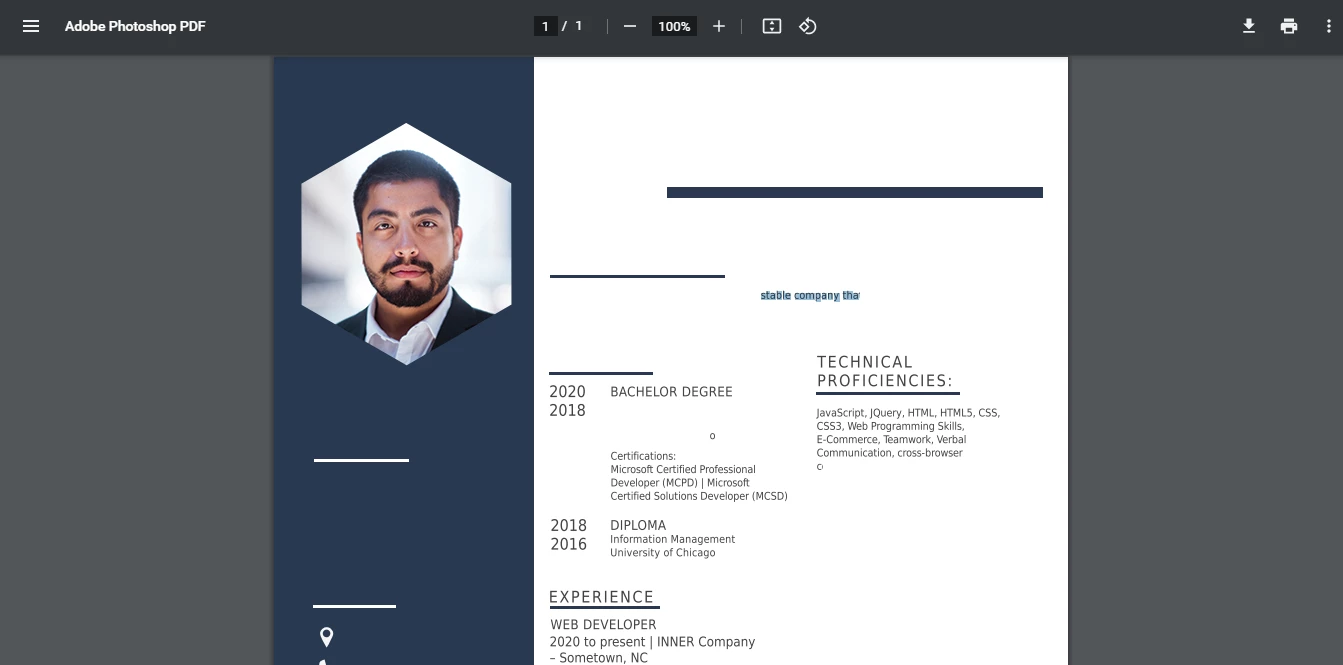
when saving file as Photoshop pdf, and than I open it, some of the texts are not visible untill I scroll down or click on the text area.

when saving file as Photoshop pdf, and than I open it, some of the texts are not visible untill I scroll down or click on the text area.
I'm sorry for delayed response, can you please try this one I exported now? this one needs about 2 seconds to load, and after loading sometimes it doesnot show text untill I scroll down or click on it, I just dont understand how other people export pdf resumes from photoshop that work as normal, in this pdf I just use Arial font nothing special
as you said I used Standard X-4 resolution is just 794x1123 I dont even try to export it as 4k as I've seem on other resume templates
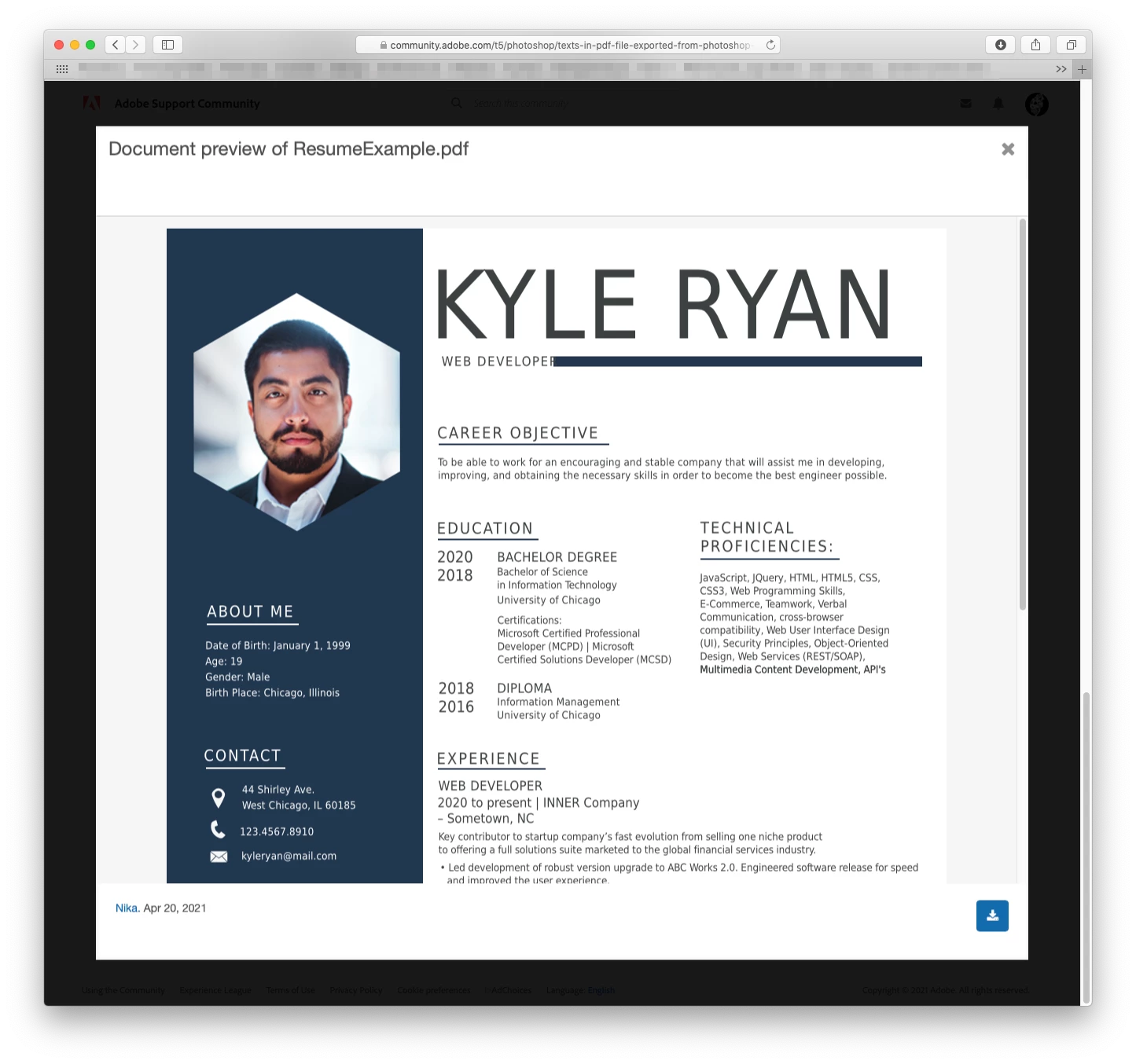
I use Safari and the pdf seems to provide a correct preview there.
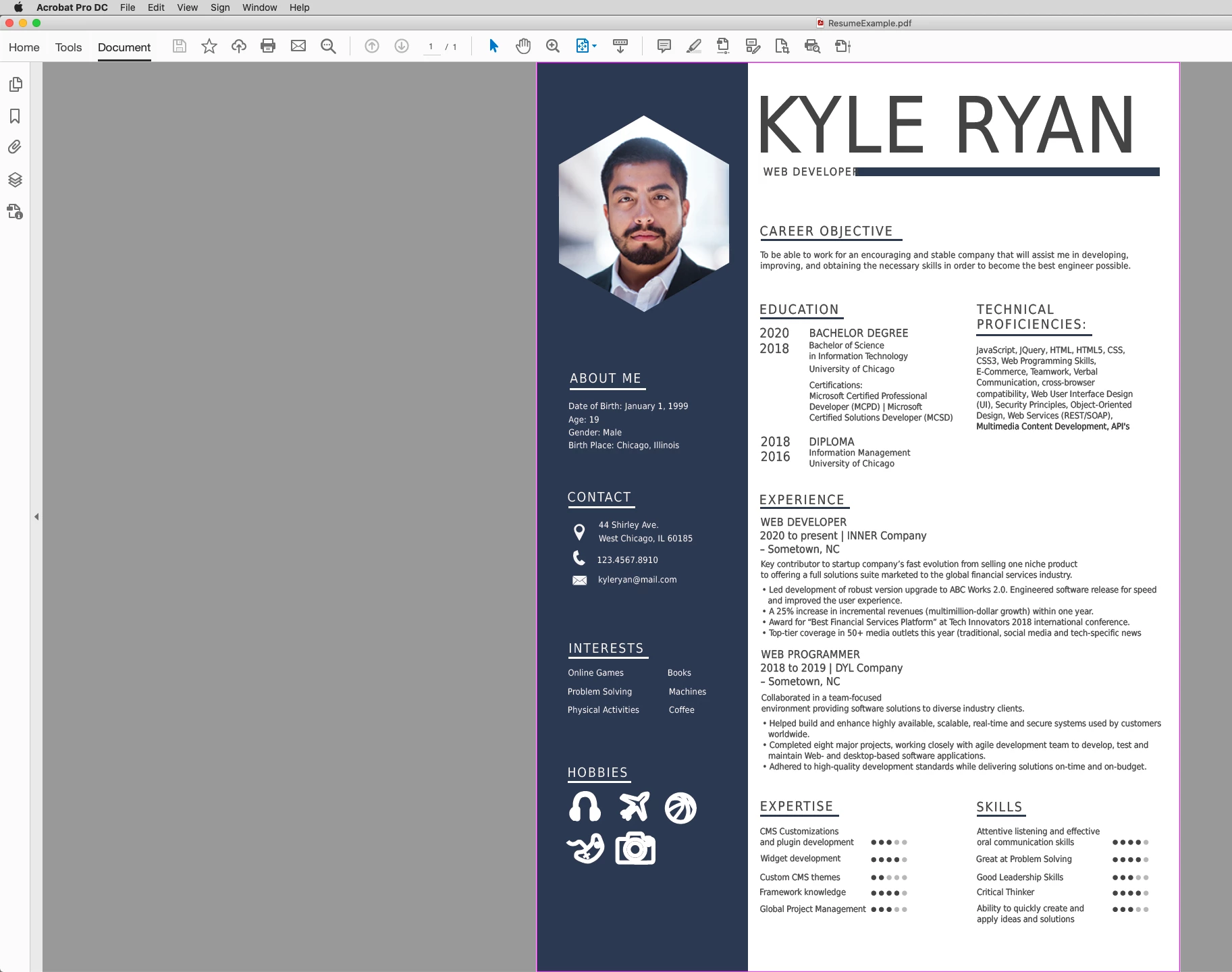
In Acrobat it also seems to open as expected.
Do you have a full cloud license for all applications?
If so these kind of documents might be better created with Indesign or Illustrator.
Already have an account? Login
Enter your E-mail address. We'll send you an e-mail with instructions to reset your password.
 AdChoices