
Thai glyphs error only happening in text layers from one specific PSD
Adobe Photoshop Version: 25.1.0 20231016.r.120 ca99df2 arm64
Operating System: Mac OS 12.5.1
Issue:
When pasting or changing the text by means of other inputs (for example dataset), inside text layers of this specific PSD supplied by another team in our companies, some glyphs in the Thai language result corrupted, with some elements of them completely shifting positions. Below an example on one character, but the issue appears on many different glyphs, with different styles, within this rather text heavy PSD.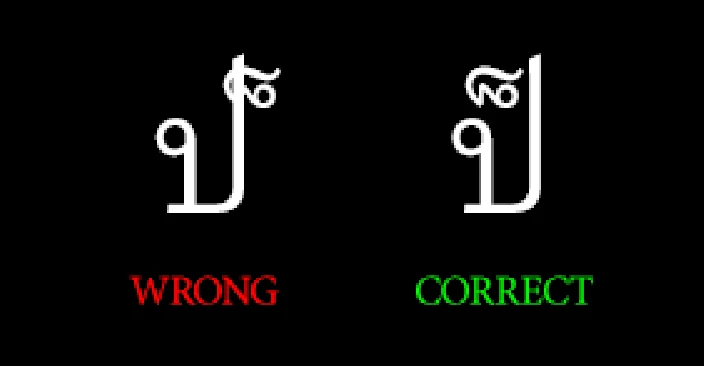
I have first trouble shot the source of the text itself, an excel worksheet.
Copying the text in a new text layer inside the original "bugged" psd, or indeed in a totally new document, results in the correct glyph.
This makes me rule out the text souce as the source of the problem.
Then I have investigated the source layers.
Duplicating the source text layers within the original psd and copying inside of them, results in the bugged text.
Duplicating the source text layers in a new document and copying the thai text inside of them, results in the bugged text.
This made me think some sort of weird bug has been created inside these text layers.
I have then tried to clear the issue by manipulating character/paragraph styles, and succesfully cleared the error, in the following way.
Here's the incriminated text layer. As you can see we got it supplied with no styles defined.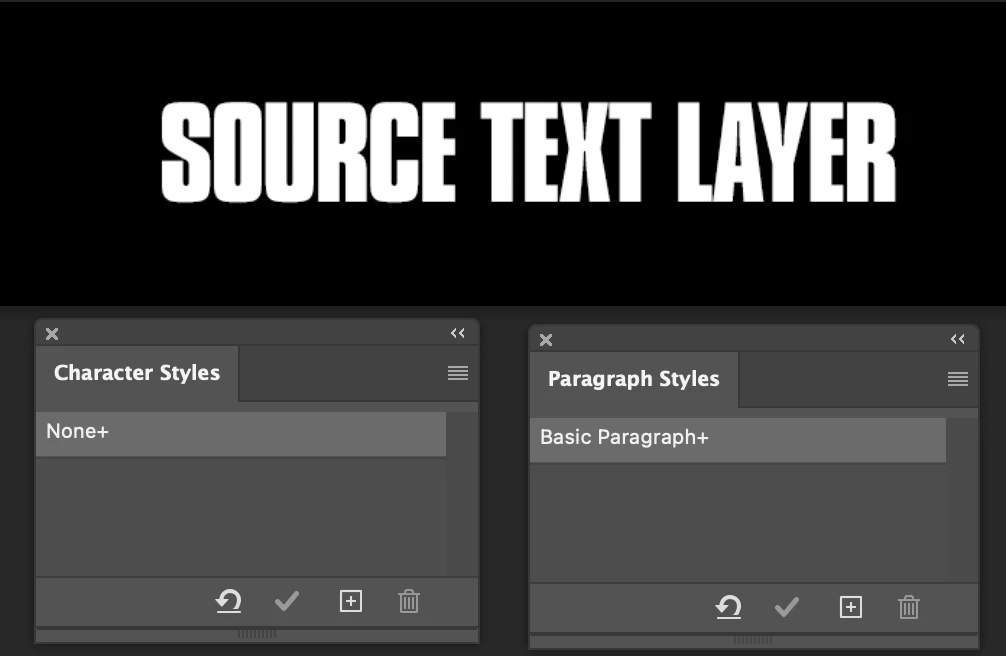
Thai text is copied from the excel sheet and pasted in the text layer, resulting in the expected corrupted glyph.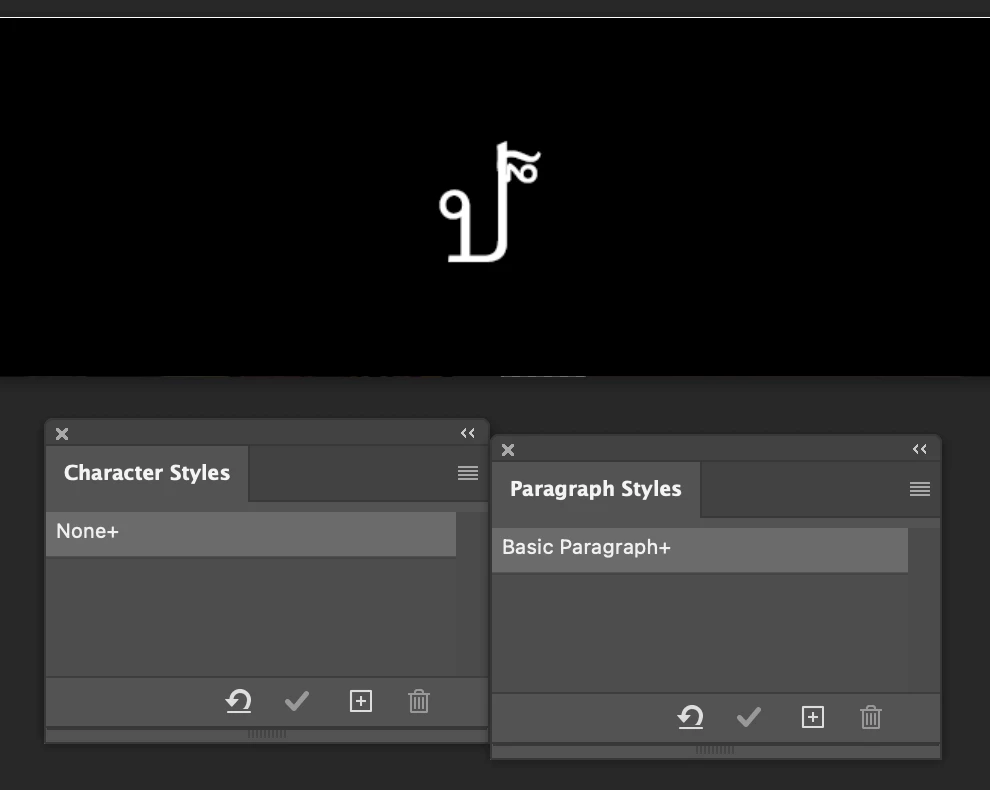
For this example used the system font that Photoshop automatically substituted, and I defined that as the character style for Thai text in my document, clearing the override, the issue is still there.
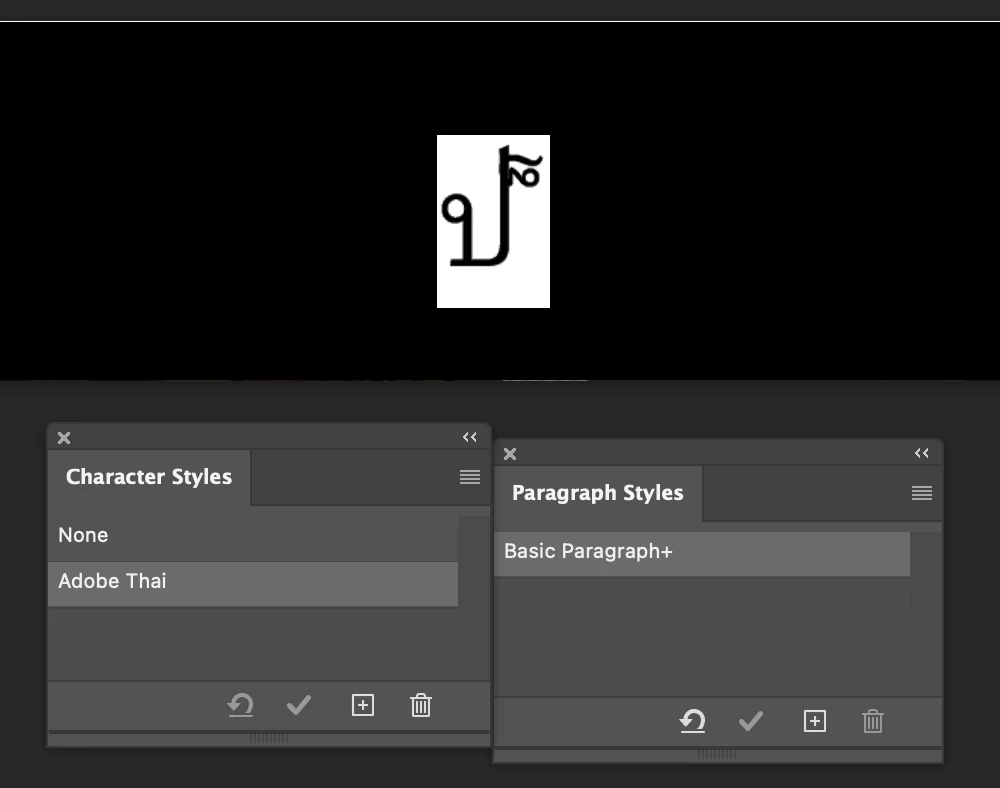
I create a new Paragraph style with the text highlighted, and as you can see there's no more overrides in either paragraph styles, but the issue is still present.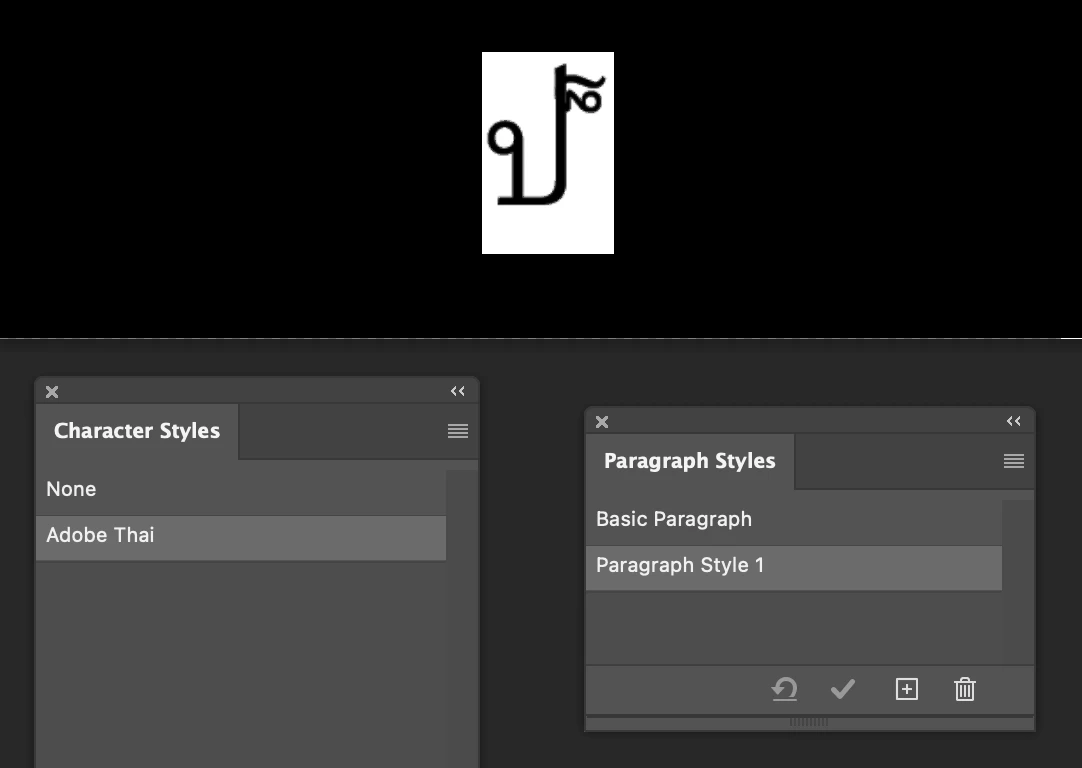
When I then click back on the Basic Paragraph style, the glyph finally displays correctly.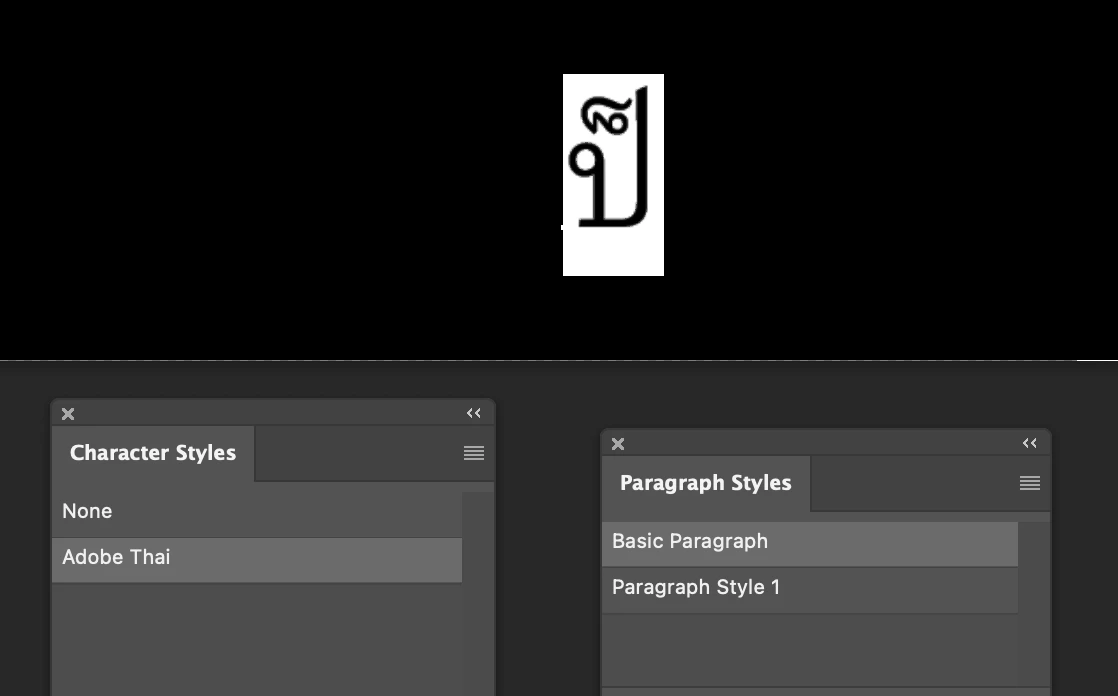
The previously created paragraph still still carries the error, which can be reproduced by assigning the affected style to the text.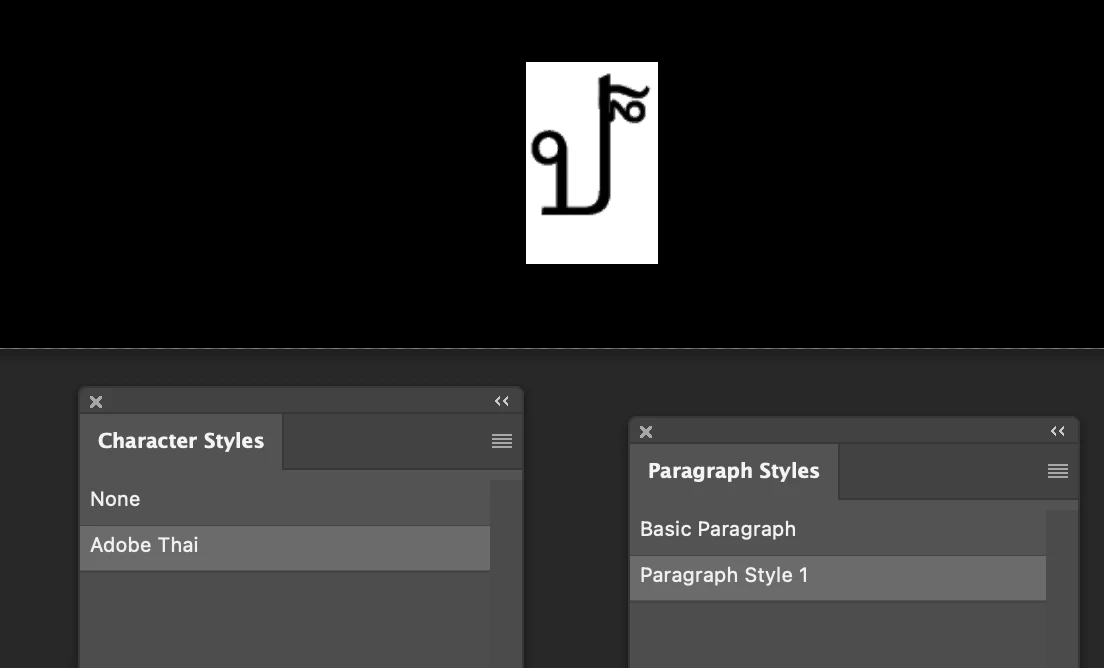
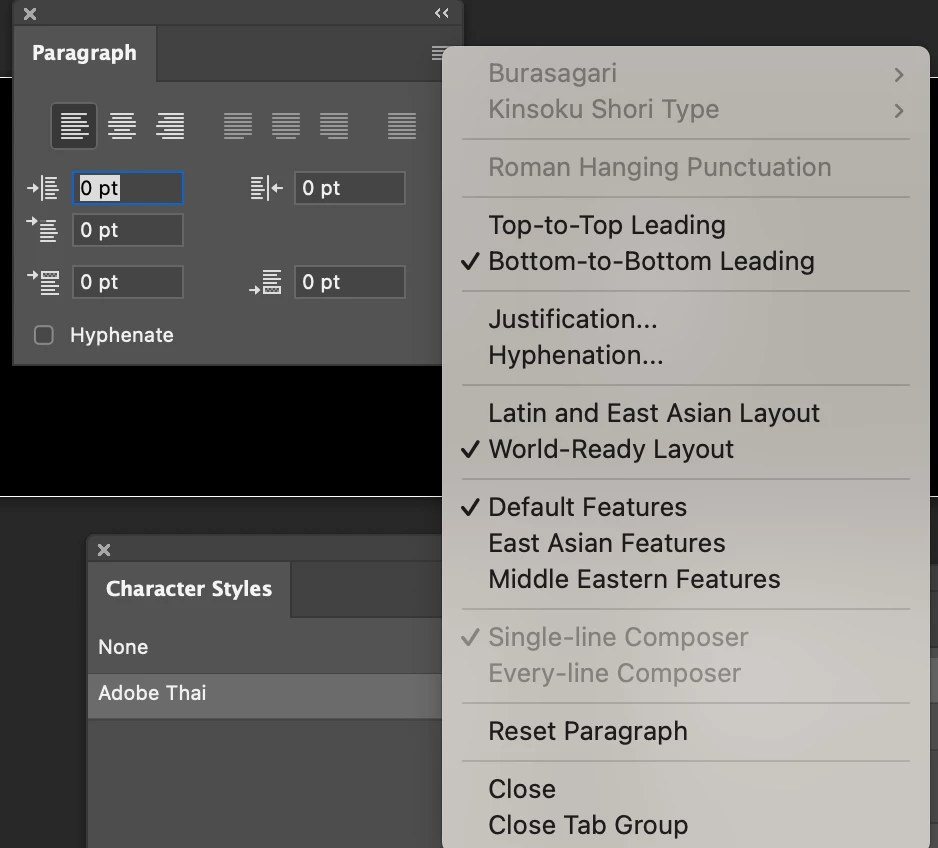
What baffles me is that the two paragraph styles carry absolutely identical settings.
What on the earth is causing this?
This could be a big problem for us as we need to regularly localize very text heavy PSDs.
Any help appreciated.
Cheers
 AdChoices