Participating Frequently
December 15, 2021
Answered

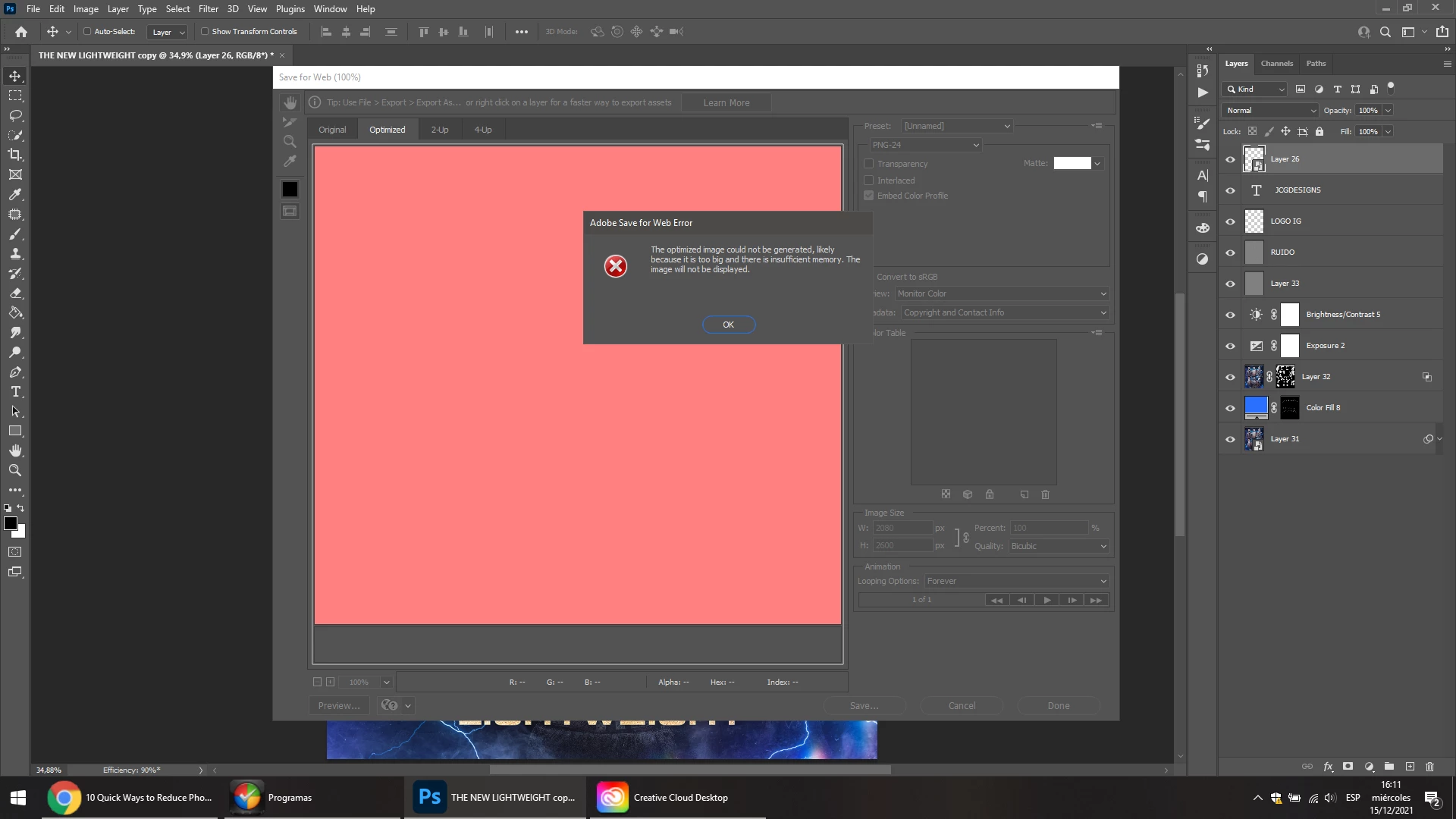
the optimized image could not be generated likely because it is too big and there | I can't save for

  • December 15, 2021
  • 2 replies
  • 3664 views

I am sick of this mistake. I pay the subscription and I have no solution.
I have 16GB of RAM and 930GB SSD. I have a video card and the error continues.

PLEASE HELP
 

This topic has been closed for replies.
Correct answer Ranjisha Sengupta

Hello there,

Sorry about the trouble experienced.


What's the size of these images?  Have you tried with really small ones, so as to rule out memory as an issue?  How much space do you have free on your scratch drive? 

Try updating Photoshop to 23.1 and check if it helps, If not check this article to resolve most of the scratch disk related issues: https://community.adobe.com/t5/photoshop-ecosystem-discussions/what-is-scratch-disk-how-to-prevent-scratch-disk-errors-in-photoshop/td-p/12519445

Let us know if that helps.

Thanks,

Ranjisha

2 replies

Ranjisha Sengupta
Ranjisha SenguptaCorrect answer
Legend
December 15, 2021

Hello there,

Sorry about the trouble experienced.


What's the size of these images?  Have you tried with really small ones, so as to rule out memory as an issue?  How much space do you have free on your scratch drive? 

Try updating Photoshop to 23.1 and check if it helps, If not check this article to resolve most of the scratch disk related issues: https://community.adobe.com/t5/photoshop-ecosystem-discussions/what-is-scratch-disk-how-to-prevent-scratch-disk-errors-in-photoshop/td-p/12519445

Let us know if that helps.

Thanks,

Ranjisha

Participating Frequently
December 17, 2021

I have my photoshop updated to that version and the problem continues.

Legend
December 17, 2021

Yes. But if I want to export a gif? how do i do it?


File > Save a Copy will save static and animated GIF files.

Derek Cross
Community Expert
Community Expert
December 15, 2021

How much spare hard disk capacity do you have?

What are the pixel dimensions of the image?

Have you tried saving it in PSB format?

Do you really need such a large image – artwork for things like posters, that are viewed from a distance, can have a much lower resolution than those that are viewed close up?

Participating Frequently
December 17, 2021

The problem is that it could not save for the web.
I always work with high resolution images and never had a problem except now. I cannot downgrade the quality or reduce the pixels.
The solution I found was to distil the C disk into "scratch disks" within photoshop preferences.