December 22, 2019
Question

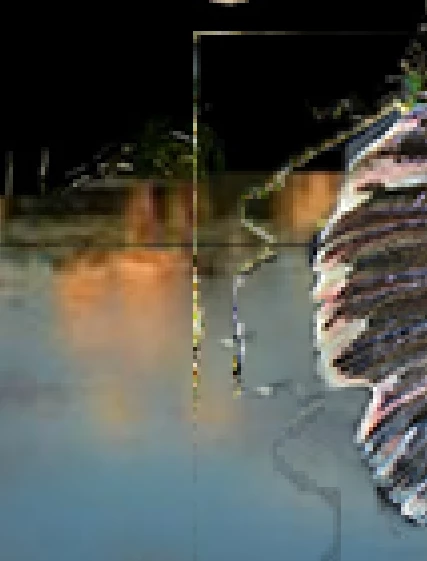
The selection tool is leaving marks (lines), how to get rid of this?

  • December 22, 2019
  • 3 replies
  • 4673 views

Thiese lines (see picture below) appeard while using the selection tool to cut of the edes of the picture(s). How can I get rid of thiese lines?

 

This topic has been closed for replies.

3 replies

Leslie Moak Murray
Community Expert
Community Expert
December 22, 2019

Can you tell us which selection tool you used? The lasso tool? And when you say you cut off the edges of the picture, do you mean you cropped it but without using the crop tool? The lines look like something that can happen when you make a selection with the pen tool.

Mohammad.Harb
Community Expert
Community Expert
December 22, 2019

Which Tool are you using ? deos the  "anti-alias" check box in the option bar turned on ? 

Mylenium
Legend
December 22, 2019

You likely used some feathering there. Unless you care to repair the artifacts by hand using the clone and healing brushes, simply start over employing better procedures like actually duplicating the layers before working and pasting your cutouts on top of a full layer, not cutting arbitrary holes. you are simply using a bad workflow it seems.


Mylenium